




Pasterke
Members
-
Joined
-
Last visited
-
-
-
-
-
-
-
-
-
You can send me an email :)
-
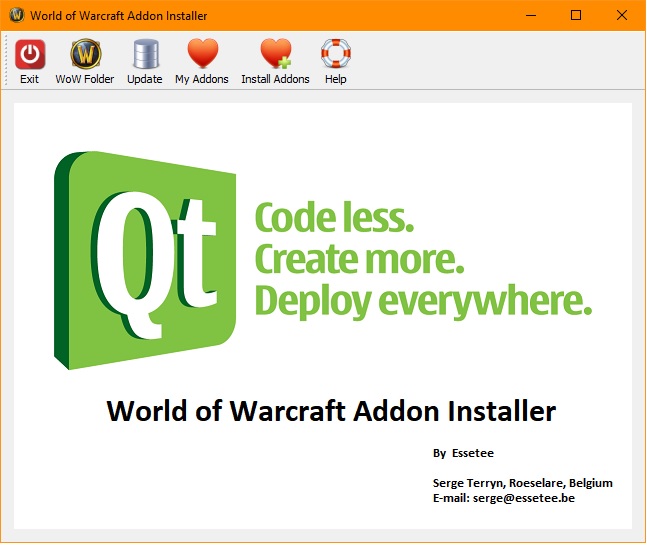
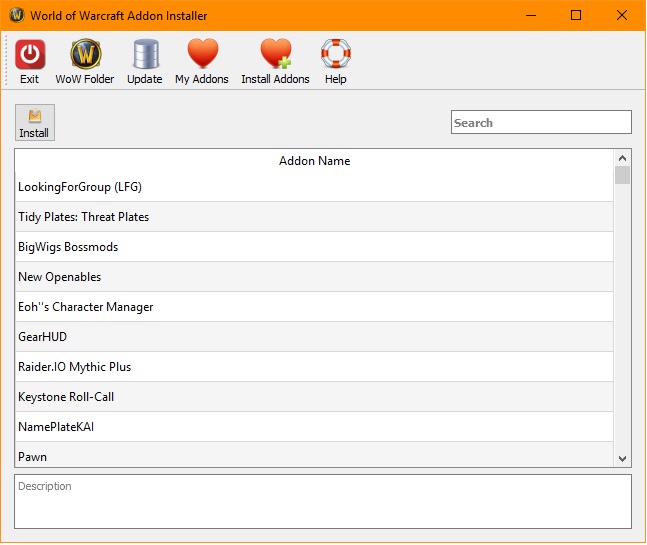
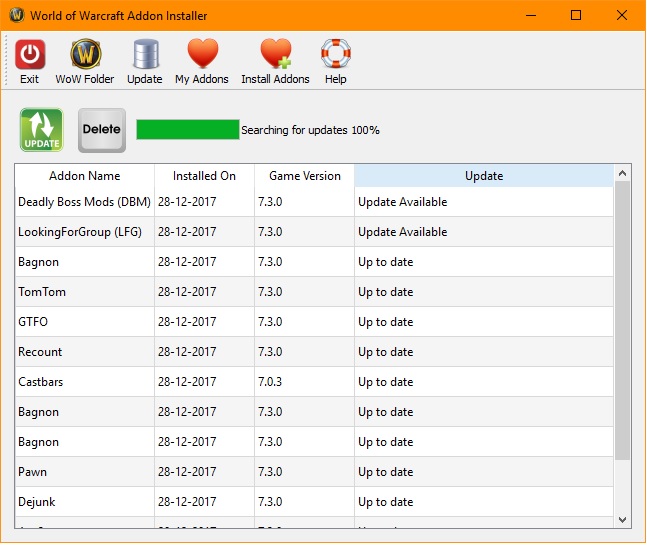
If you like me, and you don't like the Curse Twitch client, I have made an replacement for it. You can get it from : https://github.com/polenplein/WoW-AddonInstaller It's totaly free and published under the GNU-GPL3 license. Source code also there if you want to compile yourself. To compile the source code you need QT >= 5.9 and QtCreator installed. (it's also complete free to download if you choose the community release.)
-
I check for the buff 155777, that's moonkin form at end level. havebuff("Moonkin Form") doesn't work, it returns always true. install the addon idTip. After install, if you mouse over the buff you will see the id. Just replace in the code the id.
-
just change combat only to false;
-
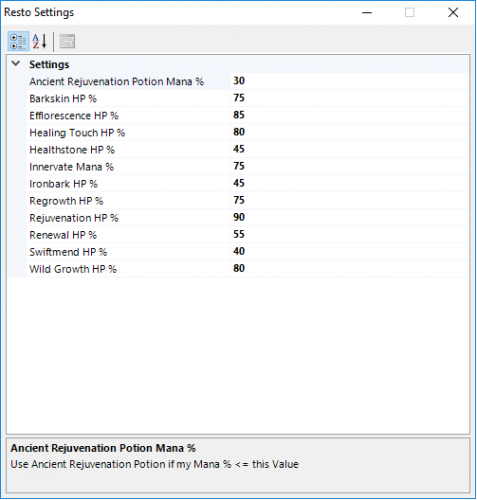 put the dll file in your fightclass folder. Choose the dll as your fightroutine.
- 31 comments
- 1 review
-
-
Hello, Druid Moonkin Routine. Test it out, feedback appreciated. Talent choices included in de zip file.
-
-
Hi guys, I have my banned account back and for the moment I don't have any computer with windows installed. I play on my iMac or under Linux. wRobot works only under windows. I made an account with a battle-chest and botted a while on that account. I had a new working restoration routine that worked very fine until lvl 90. After an HD crash I didn't replace the windows HD because I realy don't need it, I only used windows to play WoW. And playing WoW in a virtual guest don't work well. Maybe I will install windows again, but that's not an priority for the moment. I can play WoW manualy and thats enough. Further I wait for the next ban wave, don't want to loose my new account. If wrobot is'n affected, maybe I will play again with it. I only botted on that battle chest account and only did dungeons, no materials farming and afk botting. See if this one survive an ban wave. So, don't ask me to update fight routines for the moment. Just waiting for now. I only play the druid class and I had working routines for every spec. Hope to survive the ban wave (think it's coming soon) and maybe I will back again then. My main program language is C++ and I have alot of work as freelancer, that's why I dont need Windows.
-
target.isvalid makes this problems. If the target is not in line of sight, then target.isvalid = false. Also if there's no path to the target, but that's meshes problems.
-
not the wrong section. Right clicking an target still trigger auto attack, even now. I just say that's a bad behavior for range classes. If you only have melee as starting skills, you need to set the range correct. say you have range skill at level 4 then you put : public float Range { get { return ObjectManager.Me.Level < 4 ? 5 : 35; } } That way for the first 3 levels the range will be 5, from level 4 on the range will be 35.
-
Just put the range at the right distance. I recommend 35 instead of 40, and this for moving targets. You don't need to activate auto shot, it's auto triggerd when you start combat. Never right click an target to attack, that's the worst thing you can do. Just use cobra shot or concussive shot to enter combat. Right clicking an target is a bad behavior for a range class.
-
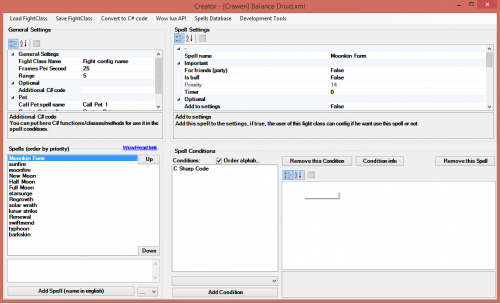 casting moonfire and sunfire once per target is the worst thing you can do. You need to keep moonfire and sunfite on the primary target. If more targets come around, you should apply sunfire on your main target, so it spreads out to the surrounded targets. Basicaly, you should check if all the tagets in a range of 8 yards from your primary target have your sunfire debuff. If not, cast it again on your main target. On less than 4 targets you should only cast Solar Wrath and only use starfire on proc. Once more than 3 targets, use starfire en use solar wrath on proc. Cast regrowth and check if you have the buff before to cast it again. You should not wait to cast Barskin at 20 %, cast it at 65 %, it's a protection skill, not a life saver. In any case, you should cast it before you need regrowth or you cast it when, you have the regrowth buff.
 -
the 6 comes with dotnet 4.6.1. You can't use the 6 syntax in wrobot. I tried with no luck. (you don't compile the code, wrobot is compiling it.)
-
General Settings -> Advanced Settings -> Mount -> check or uncheck Ingore combat if on ground mount.
-
Product Settings click on Enter Advanced Settings.
