




fera
Members
-
Joined
-
Last visited
-
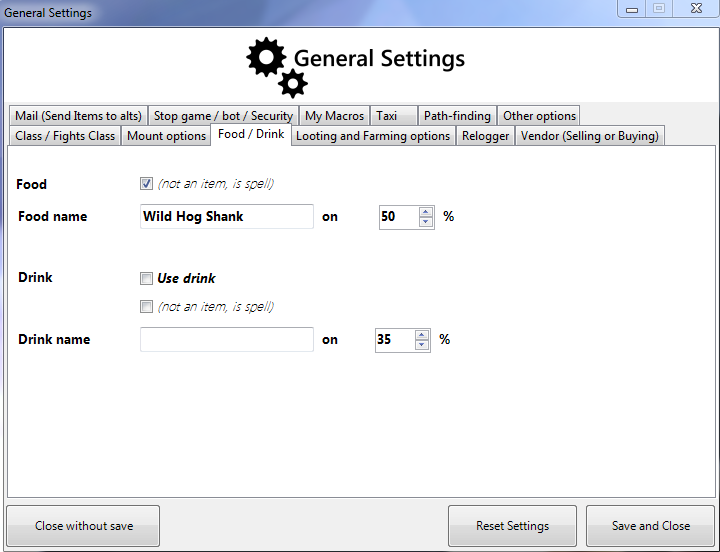
Nevermind, Uncheck the (not an item, is a spell) and worked
-
I set the name of the food, in the log it says he is eating, but actualy its not
-
I think it solved the issue :) for now
-
Im still testing if the bot is worth, and for what i have seen, it is... but there are some issues... Im testing the bot with trial, but a couple days ago it was fluid, now it seems like he is walking then the screen freezes (sometimes a loading screen appears) and then he keeps going. But this happens every 15-20 sec. its very annoying. this wasnt like this last bot patch. Also i still need some a hunter routine since i cant make one like every other class :S Auto-shoot is a problem in vanilla
-
When I create the Fight Class, i select the auto-shot, and he doenst do anything. tryed exactly the same on a wotlk realm and it worked. I guess its because in vanilla auto-shot and auto-attack arent the same as wotlk.
-
he spams auto-shoot. dont really attack anything