beden
Members
-
Joined
-
Last visited
-
 zip and rar say´s damage or unknow file and it it 0kb after dl
 -
this file or link is broken tried to dl serval times
-
Hi i am trying to lvl sham and warrior in party doing quest. The Shammy doesent heal, and when hi out of mana he starts a fight any Way why dosent he wait to full mana is this a setting? when i in battleground has set party to heal the priset only heal me??
-
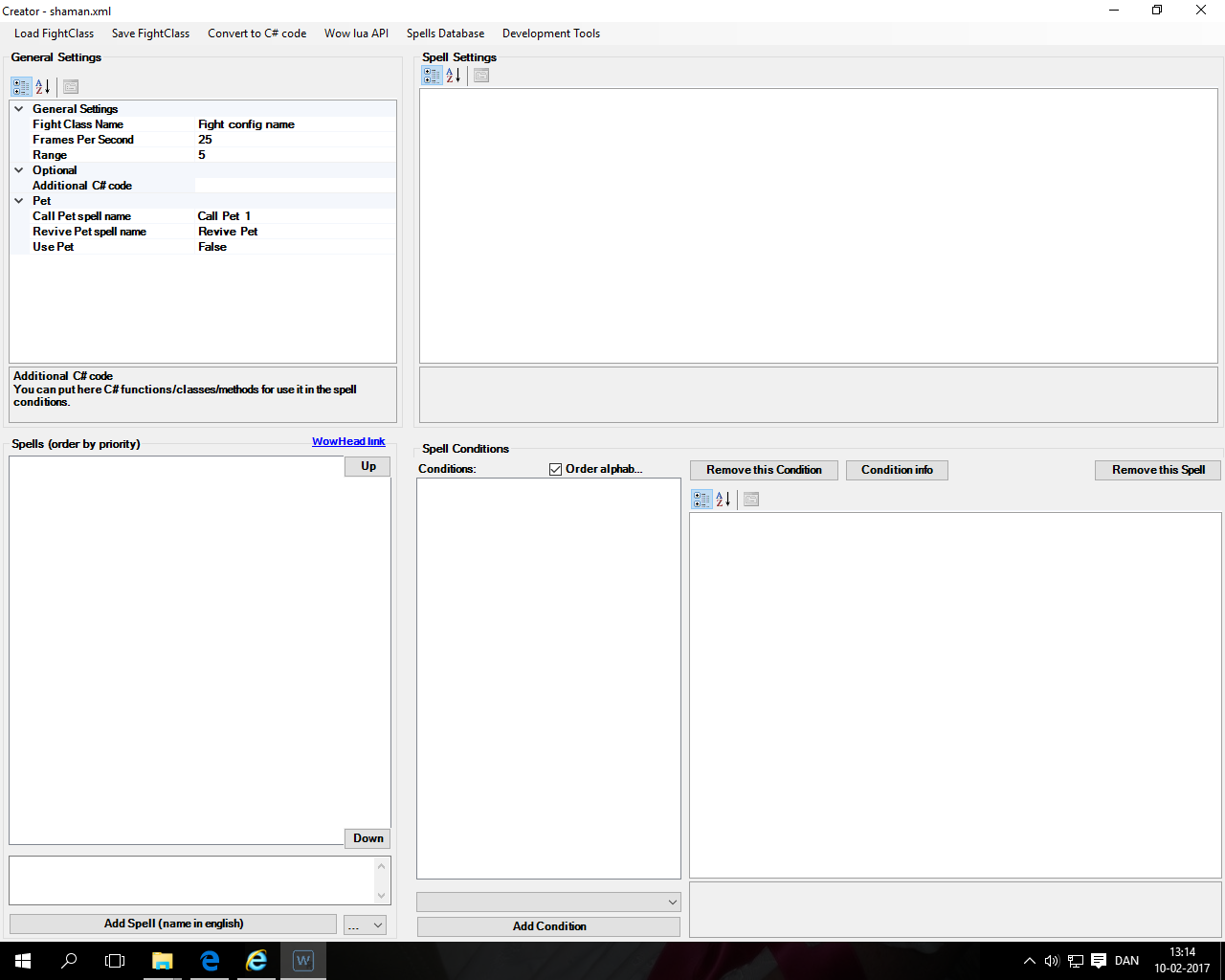
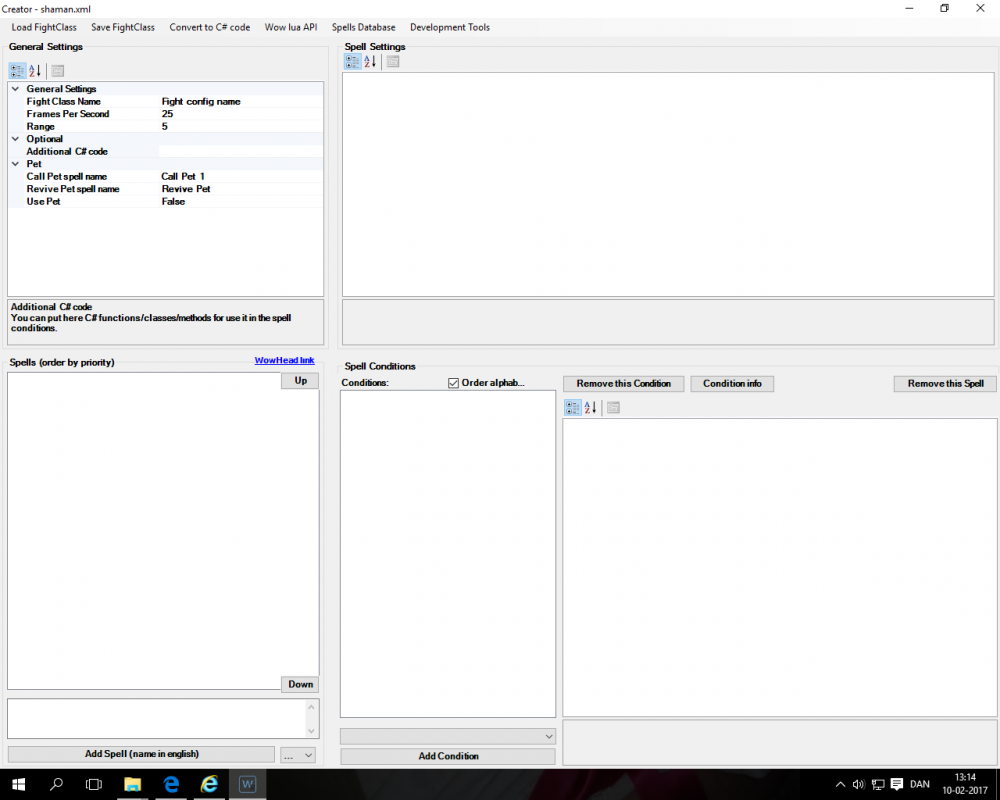
Hi droidz i have attach some log file and add a picture what i show when i open the file whit fight class editor. and the shaman.xml file aswell hope this make sens to you because i dossen´t make any to me :-( i have another fighing class aswell dose the same. but i have bought some from Arcangelo some of them work fine regards beden 9 feb 2017 08H32 - xKGrv.log.html 9 feb 2017 15H54 - WyUOKT.log.html 9 feb 2017 17H38 - gwRmGhi.log.html 10 feb 2017 09H12 - cDsL.log.html shaman.xml
-
Hi droidz thx but i have seen this before, but this NOT the issue. When i have the ADD the spells and start after a periode of time, it go back 2 empty. regards beden
-
-
-
Hi all i have tryed to download so different fighting profile and when i open Them i can see the XML gode. But when i open Them whit the profile creater it is emty. Itryed to maks my own simple profile 3 different cast and i work but after a bit of time i whent back to just attack. And Them the profile was emty again, what to do or what am i doing wrong?? regards