Skip to content
View in the app

A better way to browse. Learn more.

WRobot

A full-screen app on your home screen with push notifications, badges and more.

To install this app on iOS and iPadOS
  1. Tap the Share icon in Safari
  2. Scroll the menu and tap Add to Home Screen.
  3. Tap Add in the top-right corner.
To install this app on Android
  1. Tap the 3-dot menu (⋮) in the top-right corner of the browser.
  2. Tap Add to Home screen or Install app.
  3. Confirm by tapping Install.

Dizo777

Members
  • Joined

  • Last visited

Everything posted by Dizo777

  1. Dizo777 replied to Dizo777's topic in Gatherer assistance
    It actually stuck at ground trying to go under, but why?
  2. Dizo777 posted a topic in Gatherer assistance
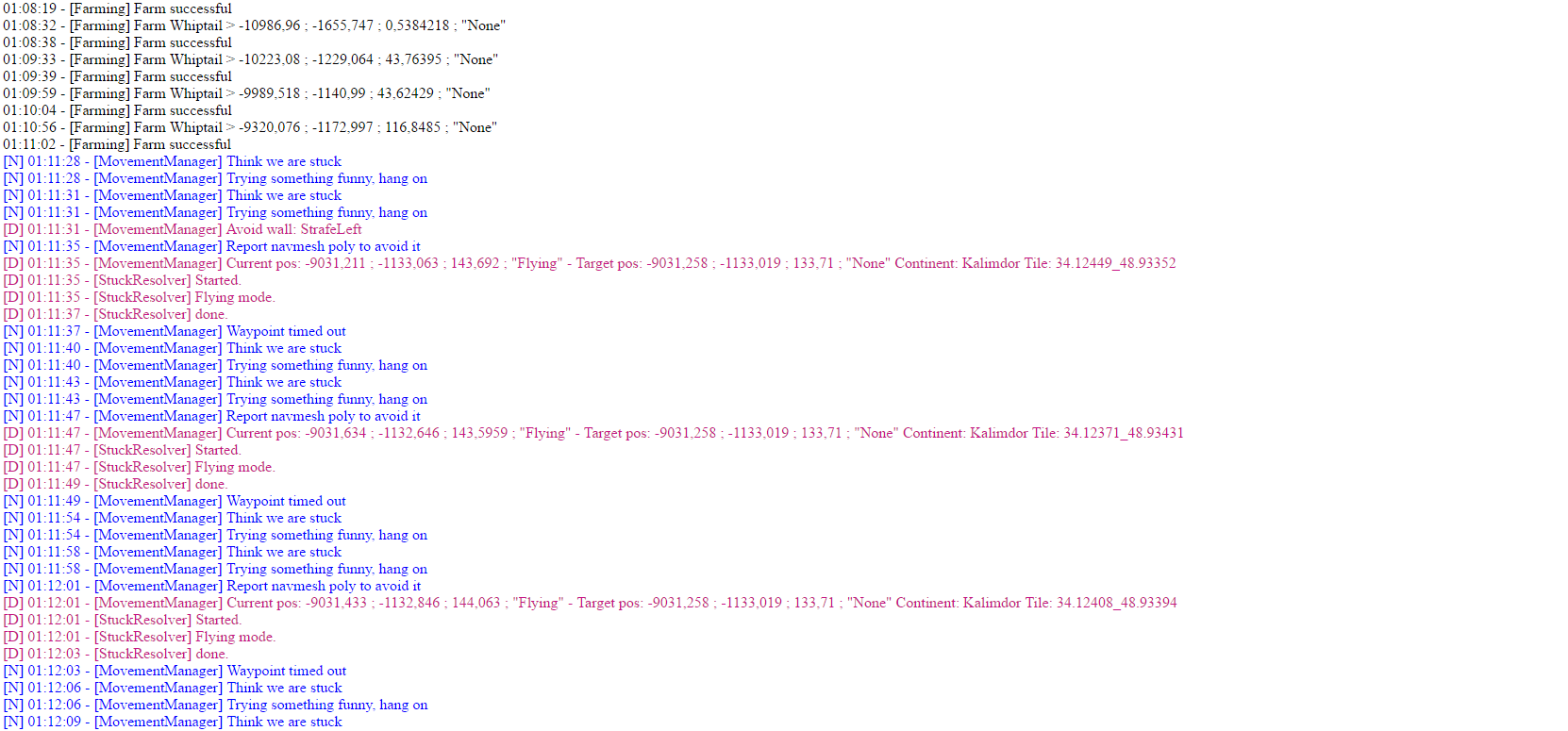
    My bot just tryed to go underground in open area with no trees or anything that could block him. It not the first time i get this kind of stuck. It happens on other profiles too but rarely. Any tips how it can be fixed?
  3. Readded it, now it work. Big thanks
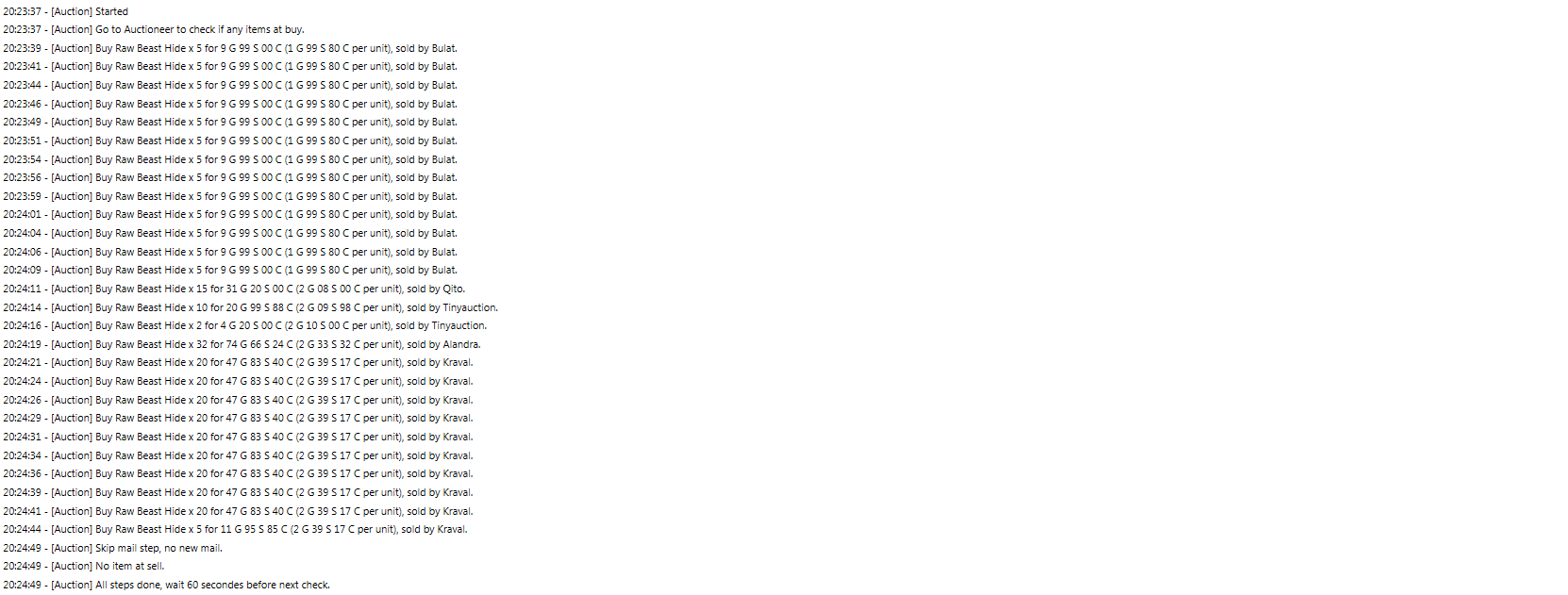
  4. Disabled all addons, still skipping mail
  5. May be i do something wrong, but bot not taking items from mailbox

Account

Navigation

Search

Search

Configure browser push notifications

Chrome (Android)
  1. Tap the lock icon next to the address bar.
  2. Tap Permissions → Notifications.
  3. Adjust your preference.
Chrome (Desktop)
  1. Click the padlock icon in the address bar.
  2. Select Site settings.
  3. Find Notifications and adjust your preference.