burncoo
Members
-
Joined
-
Last visited
Everything posted by burncoo
-
** Proxifier seems to be the culprit (at least in my case). Using ProxyCap or WideCap works without the WoW client crashing. ?♀️
-
Yep, see post above (3 diff socks5 proxies). morphiac, ever get yours going?
-
Tried (linux box, tunnel putty - passes check ok in proxifier, and able to browse/use other programs thru proxy), but still receiving error on wow game start. /shrug
-
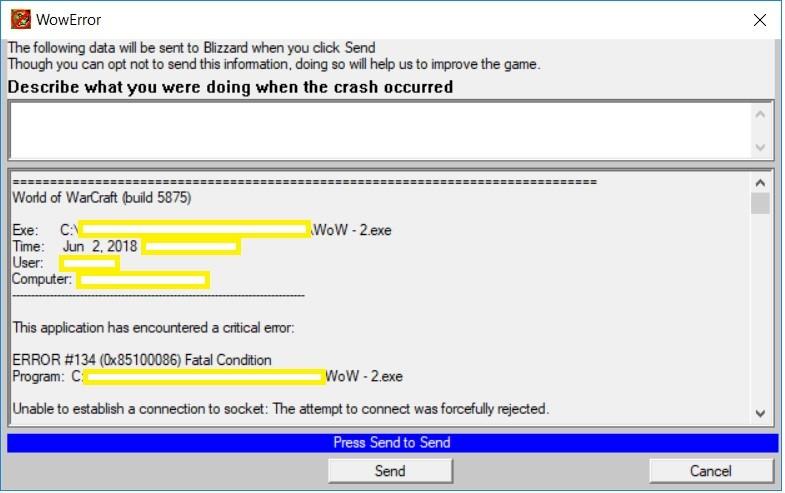
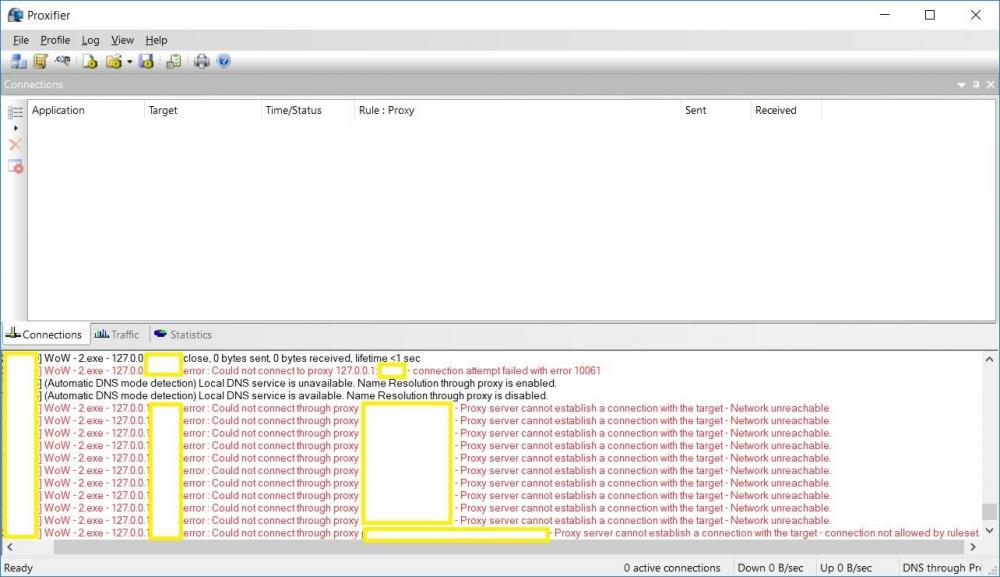
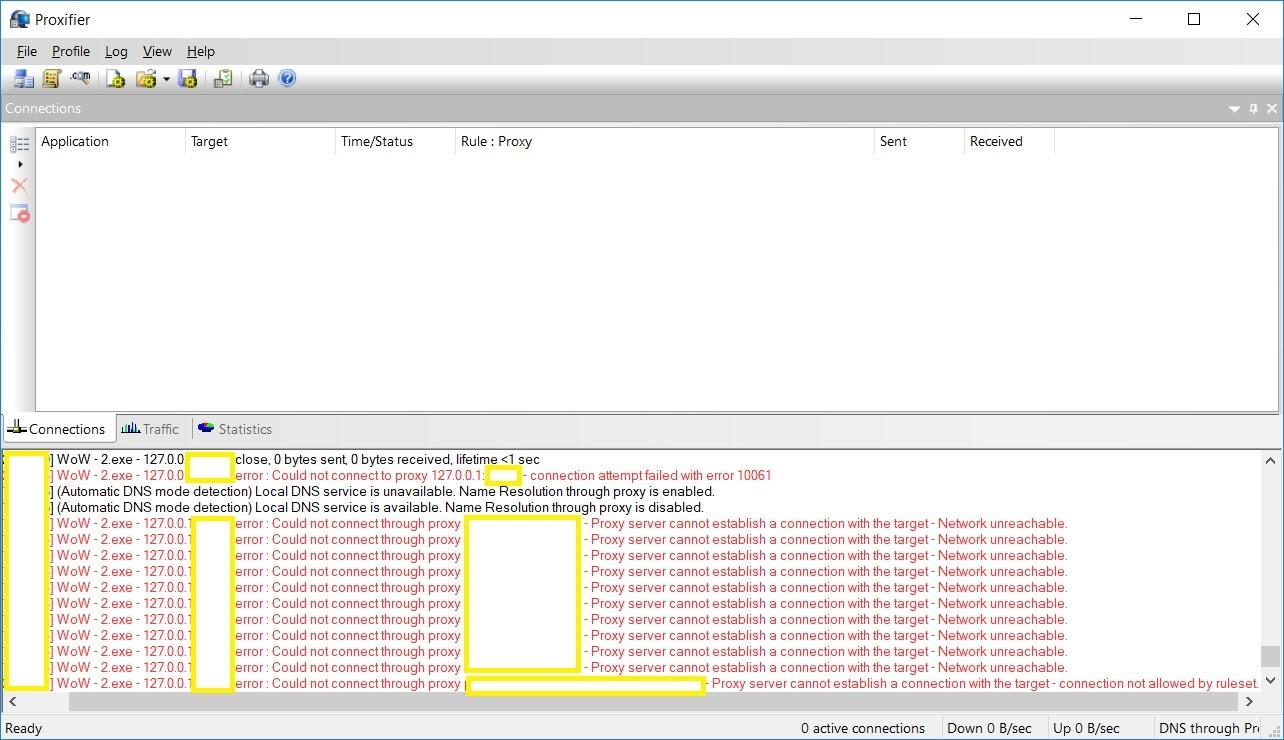
Getting an error when attempting to use Proxifier to launch instances of WoW - " This application has encountered a critical error: ERROR #134 (0x85100086) Fatal Condition Program: C:\..............\WoW - 2.exe Unable to establish a connection to socket: The attempt to connect was forcefully rejected. " (Including text in case others are searching for same issue) I have tried three separate socks5 proxies 1. Private VPS, tunneling through Putty 2. proxiesforyou provided 3. VPN provided socks5 proxy All the above give an error, but I am able to utilize and successfully see traffic with a browser and putty through each (socks5 proxy instance), so I do not believe it is a proxy specific issue. Troubleshooting steps - 1. Allowed wow programs thru, and disabled completely firewall 2. Testing authentication / no authentication, and https proxies vs socks5 3. New installation / separate instances of WoW game folder, name changes 4. Going through home network, vs going through home -> VPN -> socks5 5. Tried changing settings in Profile -> Name Resolution WoW client works fine otherwise, except through the proxy. Any help appreciated ?