spector800
Members
-
Joined
-
Last visited
Everything posted by spector800
-
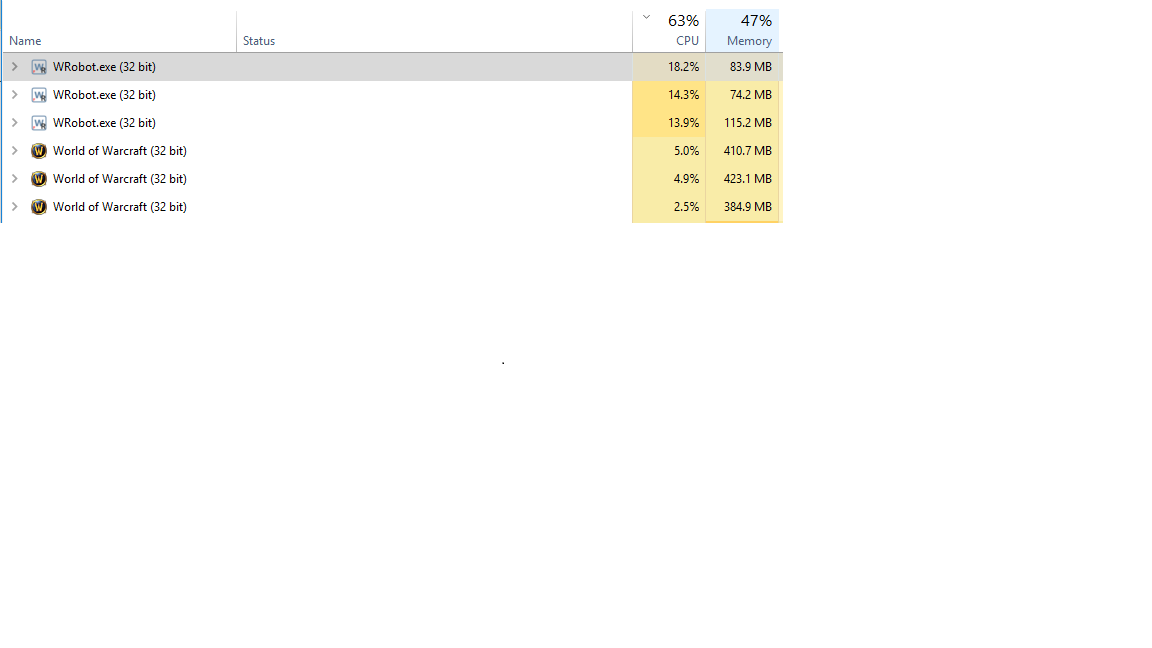
I'm seeing this as well, although it's on the Vanilla client so not sure if related: Also using Quester product (FNV's logic). The CPU spike occurs when first logging into the product (License Keys Management Login), where it goes from ~4-5% CPU to 15-18%, even without running the actual quester code. Logs don't show any errors being thrown at this time Edit: Logs now showing this error: [E] 13:41:31 - GetReqWithAuthHeader(string url, String userName, String userPassword): System.Net.WebException: The remote server returned an error: (400) Bad Request. at System.Net.HttpWebRequest.GetResponse() at robotManager.Helpful.Others.GetReqWithAuthHeader(String url, String userName, String userPassword, String othersValue) [E] 13:41:40 - GetReqWithAuthHeader(string url, String userName, String userPassword): System.Net.WebException: The remote server returned an error: (400) Bad Request. at System.Net.HttpWebRequest.GetResponse() at robotManager.Helpful.Others.GetReqWithAuthHeader(String url, String userName, String userPassword, String othersValue)
-
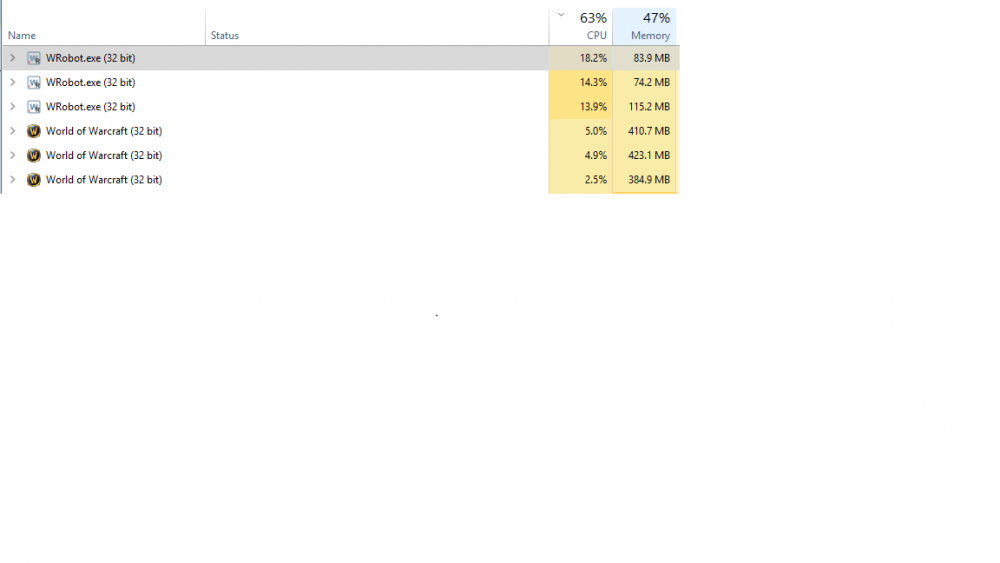
Hello, I recently noticed that the wrobot executable was pinning my cpu at around ~15-20% per instance: This is the same whether I have 1 instance open, or 5. Also, this is idling (not running code). When bot runs, it's around ~20% CPU average per instance. I tried a few steps to remedy this issue but none of them worked, including: 1) Restarting bot / WoW 2) Restarting Computer 3) Removing AV 4) Turning all other Apps off 5) Re-installing bot File location is the same as it was when bot ran around 5-6% cpu util. This is for vanilla version. i7 processor, win10. Also noticed this, not sure if it's related but throwing several errors: Exception thrown at 0x74D1DB52 (KernelBase.dll) in WRobot.exe: 0xE0434F4E Any help here would be appreciated.