




berberman
Members
-
Joined
-
Last visited
Everything posted by berberman
-
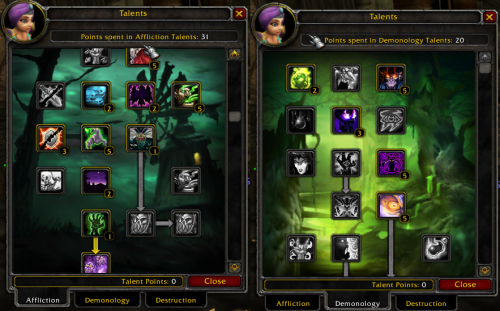 SS isn't coded into the fight class profile, it and HS usage are included in the UltimateWarlock plugin. Plugin is pretty broken though as it uses like 80% of my cpu by itself, so unfortunately youre pretty much out of luck unless the plugin gets fixed or the functionality is added back into the fight profile. ?
- 30 comments
- 2 reviews