
Skip to content
View in the app

A better way to browse. Learn more.

WRobot

A full-screen app on your home screen with push notifications, badges and more.

To install this app on iOS and iPadOS
  1. Tap the Share icon in Safari
  2. Scroll the menu and tap Add to Home Screen.
  3. Tap Add in the top-right corner.
To install this app on Android
  1. Tap the 3-dot menu (⋮) in the top-right corner of the browser.
  2. Tap Add to Home screen or Install app.
  3. Confirm by tapping Install.

Sohotforwins

Members
  • Joined

  • Last visited

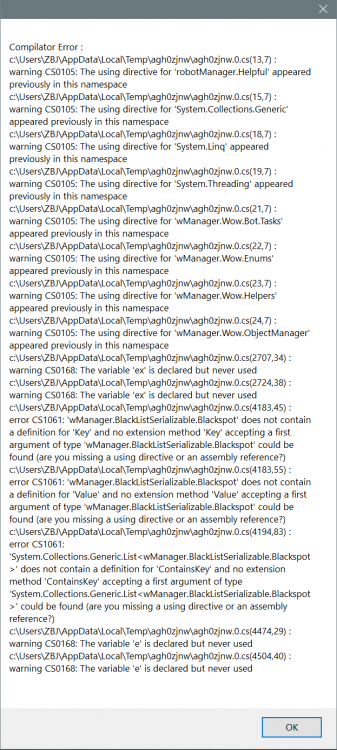
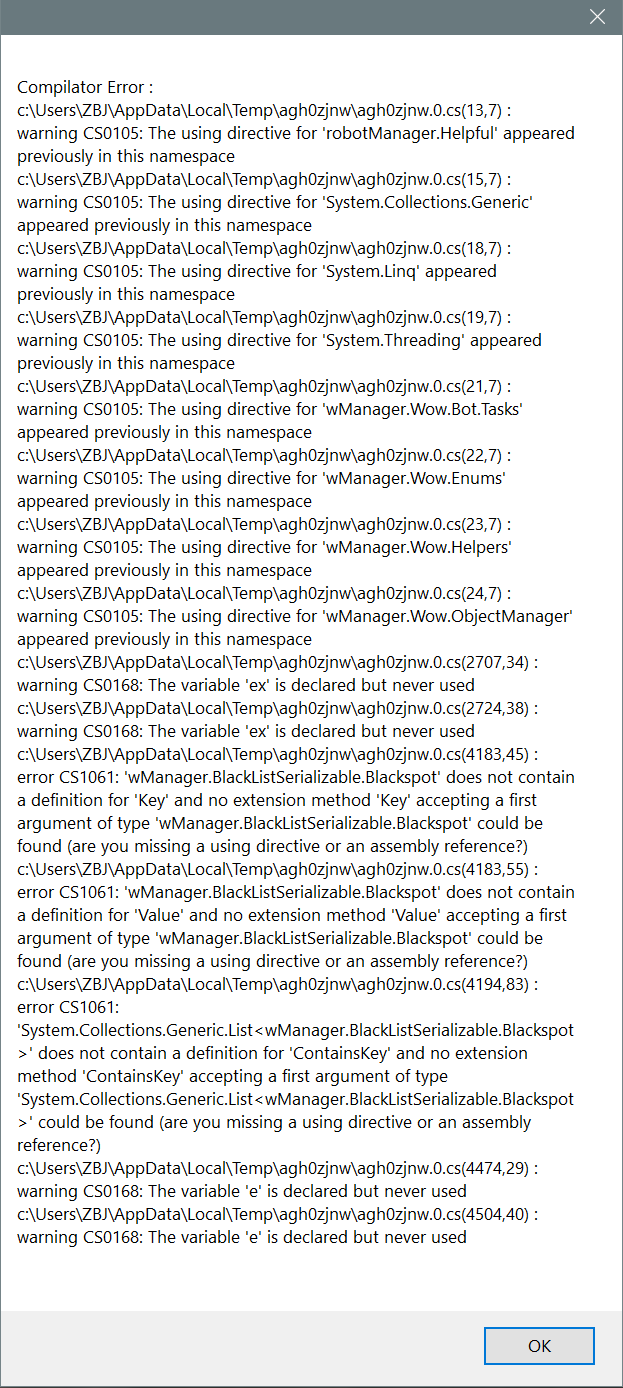
  1. Hello Devs I have a fun fix for you all as of most recent patch getting the following issue... I've reinstalled and set-up twice thus far. Hoping this will be sufficient enough for fix. 3 Dec 2018 11H59.log.html 3 Dec 2018 12H08.log.html 3 Dec 2018 12H27.log.html
  2. Sohotforwins changed their profile photo
  3. Sohotforwins commented on Hagi182's bug report in Bug Tracker
    Most recent wrobot update fixed it ?
  4. Sohotforwins commented on Hagi182's bug report in Bug Tracker
    I'm having the same issue right now they just updated there servers odds are it has something to do with the looting system

Account

Navigation

Search

Search

Configure browser push notifications

Chrome (Android)
  1. Tap the lock icon next to the address bar.
  2. Tap Permissions → Notifications.
  3. Adjust your preference.
Chrome (Desktop)
  1. Click the padlock icon in the address bar.
  2. Select Site settings.
  3. Find Notifications and adjust your preference.