Skip to content
View in the app

A better way to browse. Learn more.

WRobot

A full-screen app on your home screen with push notifications, badges and more.

To install this app on iOS and iPadOS
  1. Tap the Share icon in Safari
  2. Scroll the menu and tap Add to Home Screen.
  3. Tap Add in the top-right corner.
To install this app on Android
  1. Tap the 3-dot menu (⋮) in the top-right corner of the browser.
  2. Tap Add to Home screen or Install app.
  3. Confirm by tapping Install.

modarth

Members
  • Joined

  • Last visited

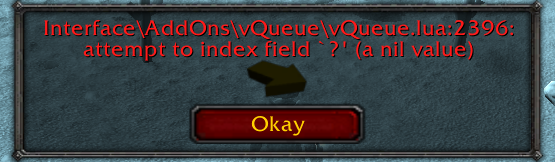
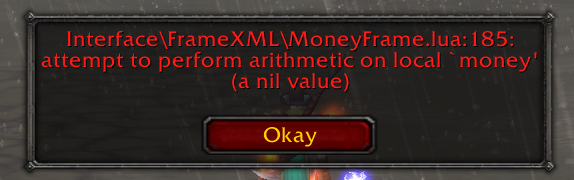
  1. im guessing this error is being caused by one of my addons?
  2.    t00z reacted to a post in a topic: Downloaded update now wont run
  3. i know but Matenia is my person for my plugins and fight classes and he always responds super quick GREAT SELLER
  4. thanks you stay on top of your stuff
  5. any clue why im getting this error?
  6. weak so i have to re download all my stuff
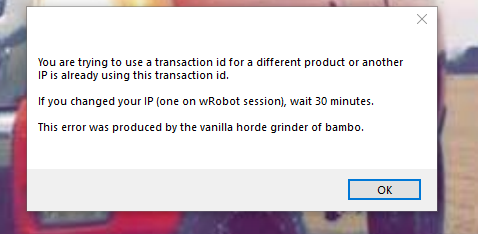
  7. Ever since i updated wrobot no bots will run please help! I also get this error but ive been getting this error ever since ive started.

Account

Navigation

Search

Search

Configure browser push notifications

Chrome (Android)
  1. Tap the lock icon next to the address bar.
  2. Tap Permissions → Notifications.
  3. Adjust your preference.
Chrome (Desktop)
  1. Click the padlock icon in the address bar.
  2. Select Site settings.
  3. Find Notifications and adjust your preference.