Dankasaurus
Members
-
Joined
-
Last visited
-
-
Can we roll back the update in a temporary fix?
-
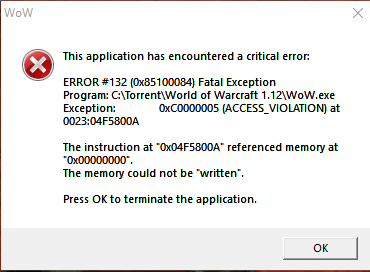
Same problem.ERROR #132 (0x85100084) Fatal Exception Program: C:\X\WoW.exe Exception: 0xC0000005 (ACCESS_VIOLATION) at 0023:04F8800A The instruction at "0x04F8800A" referenced memory at "0x00000000". The memory could not be "written".Also, bot seems to get seized up when it attempts to pick up a quest that requires inventory space.Screenshot attached. Using HumanMasterPlugin, his rogue profile, and MoveDuringCombat Seems to happen when it tries to loot. "Must be standing to loot" as I approach and take a seat by the corpse.
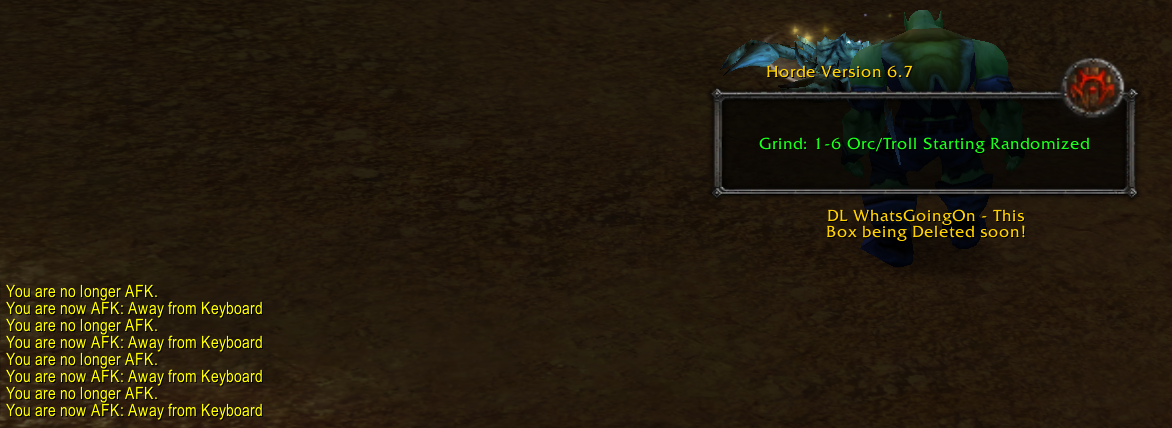
 Brand new to this, sorry for rookie questions. I have the bot running and I'm killing mobs along this quest line, and it said a few times in chat log "You are now AFK. You are no longer AFK." Is it suspect that I'm running around killing shit while AFK?