Sentosa
Members
-
Joined
-
Last visited
Everything posted by Sentosa
-
After few attempts, it could worked again but on second wrobot, I got message that my wrobot is outdated and crashed in few seconds. After I restarted, it worked normal again. I'm not sure what's wrong but surely not on my side. I will try it again tomorrow. 15 Oct 2019 00H09.log.html

-
I've tried with vpn few hours ago but no luck. It stuck on connecting. I'll try again tomorrow Update: I've already reboot my modem & router but the problem still occur. I still can't login to wrobot.
-
Here's the log. It forced to download update before the problem occurred. 14 Oct 2019 09H27.log.html 14 Oct 2019 18H38.log.html 14 Oct 2019 18H42.log.html 14 Oct 2019 09H13 - oWroMq.log.html 14 Oct 2019 09H15.log.html 14 Oct 2019 09H23 - bcMSdg.log.html
-
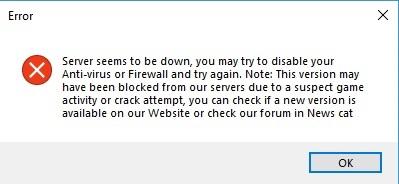
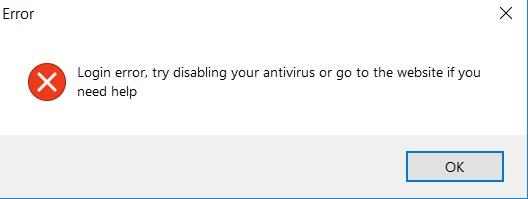
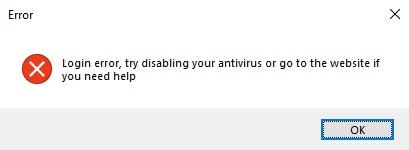
I can't start wrobot after the recent update. I have 3 computers with 10 sessions but with same ip address. I've tried to reinstall, restart, turn off firewall & antivirus, scan malware & virus but still not working on all of my computers. 2 hours ago I could login only on 1 acc but after I started the second one, I got these errors. Now I can't even login with any account. Note : Don't ask for logs because I even can't start the program. Thanks