
Marvelino123
Members
-
Joined
-
Last visited
Everything posted by Marvelino123
-
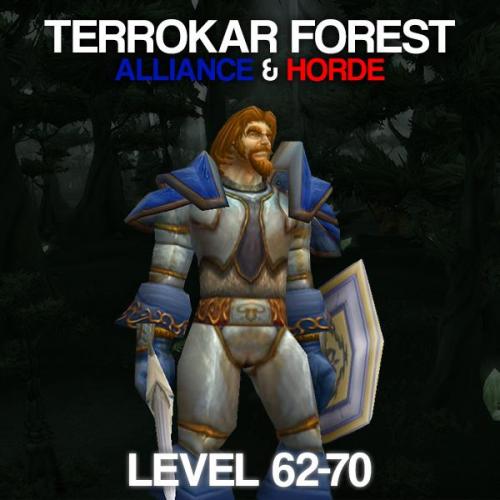 JOIN OUR DISCORD HERE: https://discord.gg/UEahd68 Hey Friends! I've used this private (created by me) Profile for a while now. Its a spot near Shattrath and works fast and awesome till Level 68. Level 70 is supported but from 68-70 it gets a bit slower due to high outleveling of the Enemies. The Profile Includes: - Safe Route from 62 till 68(70) - Repair NPC - Vendor to sell Crap One IMPORTANT thing: Always active "Blacklist Zones where I died" in WRobot because there is one Spot where you character can possibly die. Especially if you are a Warrior or Rogue. By activating that, the Profile is nearly death proof. Grinding Zone: Watch the Attachment, there is a Screenshot where the Profile is botting. Wish you a lot of fun with this Profile! ~ Marvelino123 ❤️
- 7 comments
- 1 review
-
-

- 2
-