Super Fungi
Members
-
Joined
-
Last visited
-
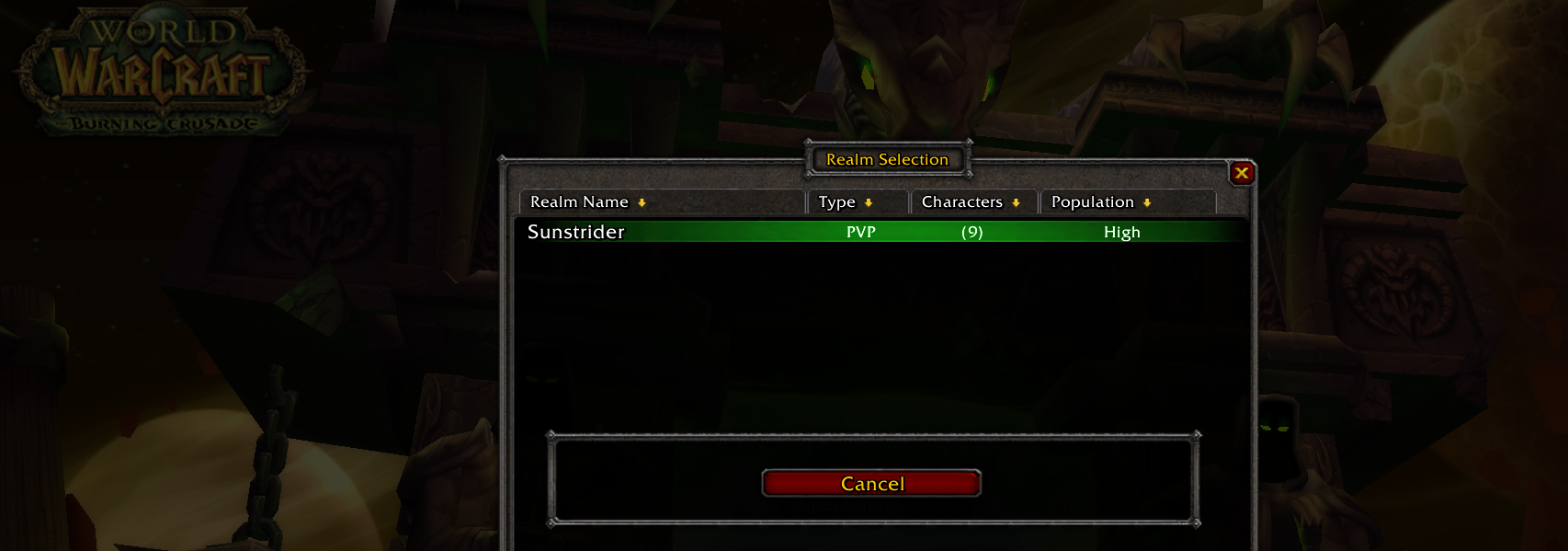
I find that if the server crashes the relogger feature doesn't work properly. It gets stuck on the Realm Selection screen as shown in the screenshot below. After investigating the forums I found that the relogger should be relaunching WoW after X minutes defined in your settings profile. Despite having mine set to 2 minutes I find my bot stuck on this screen very often.
-
@Droidz I'm still experiencing this issue every day. Is the relogger supported for TBC clients?
-
@Droidz any idea why the Relogger doesn't relaunch?
-
I have this line: <CloseIfCannotLoginWowMinutes>2</CloseIfCannotLoginWowMinutes> It was set to 2, but still game does not relaunch. Get's stuck on the screen shown above.
-
-
@Droidz I use the updater to launch my bot each time. Is this feature of the relogger not available for The Burning Crusade clients?
-
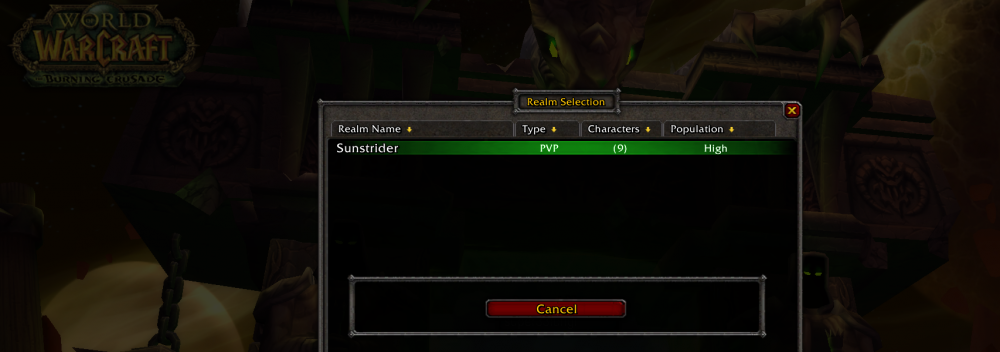
I often find my bot stuck on this screen
-
It doesn't. I've waited several hours. It remains on the 'realm select' screen. Which it cannot bypass, and doesn't relaunch WoW.
-
Super Fungi joined the community
-
@Droidz I am having this same issue. Relogger does not relaunch WoW.