Skip to content
View in the app

A better way to browse. Learn more.

WRobot

A full-screen app on your home screen with push notifications, badges and more.

To install this app on iOS and iPadOS
  1. Tap the Share icon in Safari
  2. Scroll the menu and tap Add to Home Screen.
  3. Tap Add in the top-right corner.
To install this app on Android
  1. Tap the 3-dot menu (⋮) in the top-right corner of the browser.
  2. Tap Add to Home screen or Install app.
  3. Confirm by tapping Install.

kevinchow

Members
  • Joined

  • Last visited

  1. wrobot only suppot Legion 7.3.5 (26972)?
  2. [E] 19:54:32 - GetRequest: http://pathfinderwotlk.wrobot.eu/?IsOnline=1 -> System.Threading.Tasks.TaskCanceledException: 在 System.Runtime.CompilerServices.TaskAwaiter.ThrowForNonSuccess(Task task) 在 System.Runtime.CompilerServices.TaskAwaiter.HandleNonSuccessAndDebuggerNotification(Task task) 在 robotManager.Helpful.Others..MoveNext() [E] 19:54:37 - GetRequest: http://pathfinderwotlk.mmorobot.com/?IsOnline=1 ->
  3. kevinchow replied to kevinchow's topic in General discussion
    Will attack other player monsters
  4.    faszkalapjóska reacted to a post in a topic: help
  5. kevinchow replied to kevinchow's topic in General discussion
    What's this
  6. kevinchow replied to kevinchow's topic in General discussion
    thx, Turtle WoW
  7. kevinchow replied to kevinchow's topic in General discussion
    video 1c4cc6a93d1745e4497490866a2a3417.mp4
  8. kevinchow replied to kevinchow's topic in General discussion
    LOOK 30 9月 2023 13H21.log.html
  9. kevinchow posted a topic in General discussion
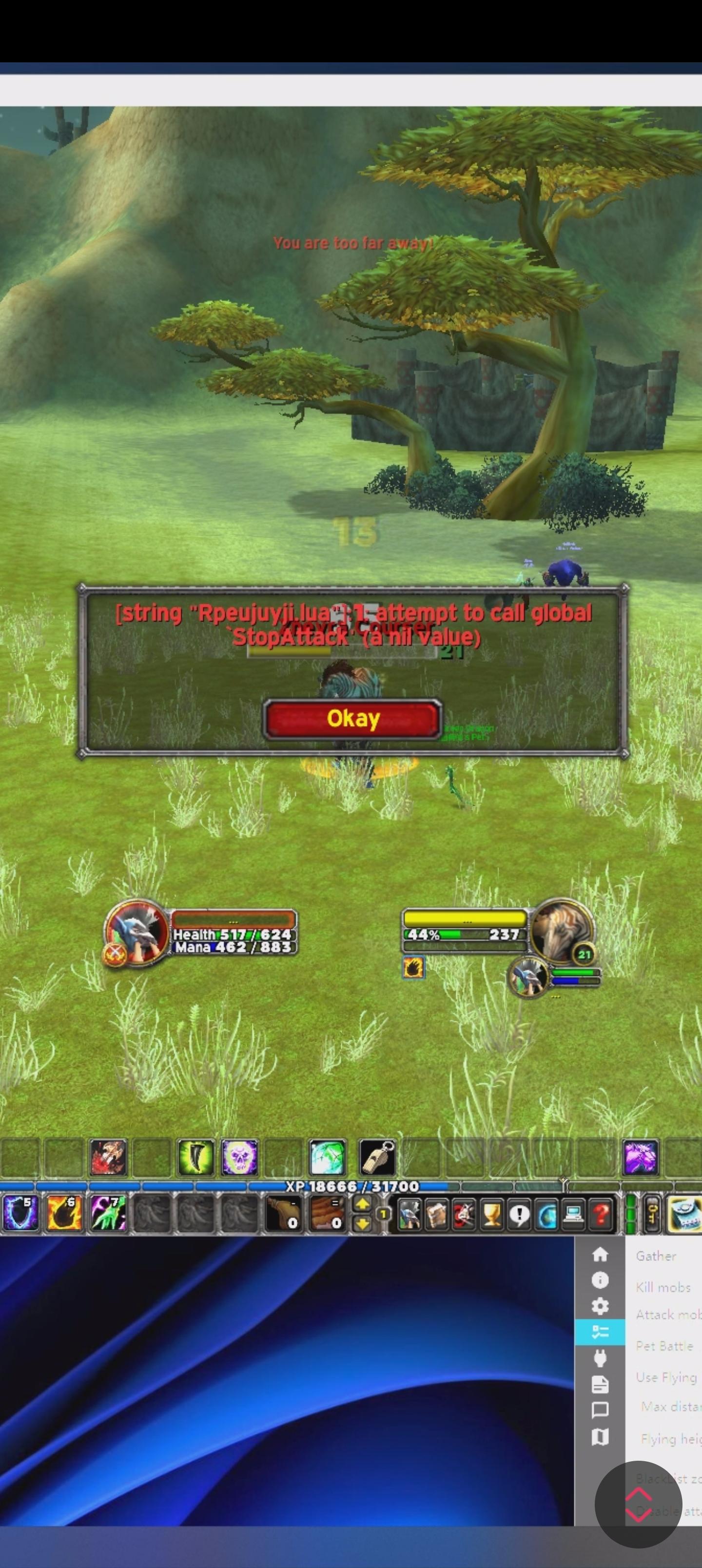
    After few minutes, bot stop normal attacks and only release skills, causing me to be killed by monsters
  10. kevinchow posted a topic in General assistance
    After few minutes, bot stop normal attacks and only release skills, causing me to be attacked by monsters
  11. me too GG
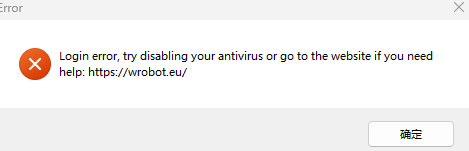
  12. [E] 09:48:28 - Error injection: Cannot launch it, skipped. 09:48:36 - [Fisher] Stopped
Account

Navigation

Search

Search

Configure browser push notifications

Chrome (Android)
  1. Tap the lock icon next to the address bar.
  2. Tap Permissions → Notifications.
  3. Adjust your preference.
Chrome (Desktop)
  1. Click the padlock icon in the address bar.
  2. Select Site settings.
  3. Find Notifications and adjust your preference.