




AngelPreduzetnik
Members
-
Joined
-
Last visited
-
-
-
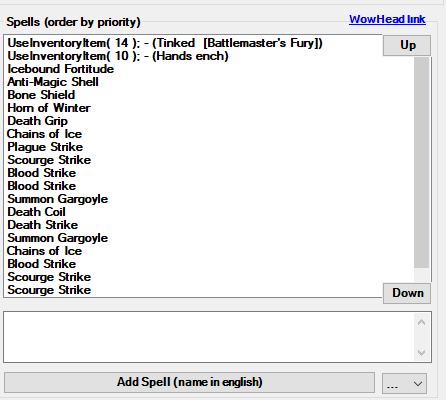
I tried this but it's really really bad.
-
Does anyone have a flashclass for DK unholy pvp that they can send me? I've tried various flashclasses available on the forum but they don't work very well.
-
AngelPreduzetnik replied to AngelPreduzetnik's topic in WRobot for Wow Wrath of the Lich King - Help and supportIs there an optimal time to bot ?, when there are the least gm.
-
AngelPreduzetnik replied to AngelPreduzetnik's topic in WRobot for Wow Wrath of the Lich King - Help and supportThis is not an automatic penalty for a long time game? last version.
-
"This World of Warcraft account has been closed and is no longer available for use" How can I avoid the problem? How many times a day can I be on the server without getting banned, after 10 days use wrobot.
-
tnx, solved, set max units near in 7 value
-
How to fix [Blacklist] 2 Units hostile Near object ?, objects are not in Blacklist position, blocked rich object how to unblock?