ZROBBI
Members
-
Joined
-
Last visited
Everything posted by ZROBBI
-
thanks!!!!!
-
Как сделать чтобы бот вызывал мамонта и продавал весь хлам когда сумки заполнены?
-
I understood. Problems with the Uldum location changed in patch 8 3 7. It works in old locations. Is there any way to fix this?
-
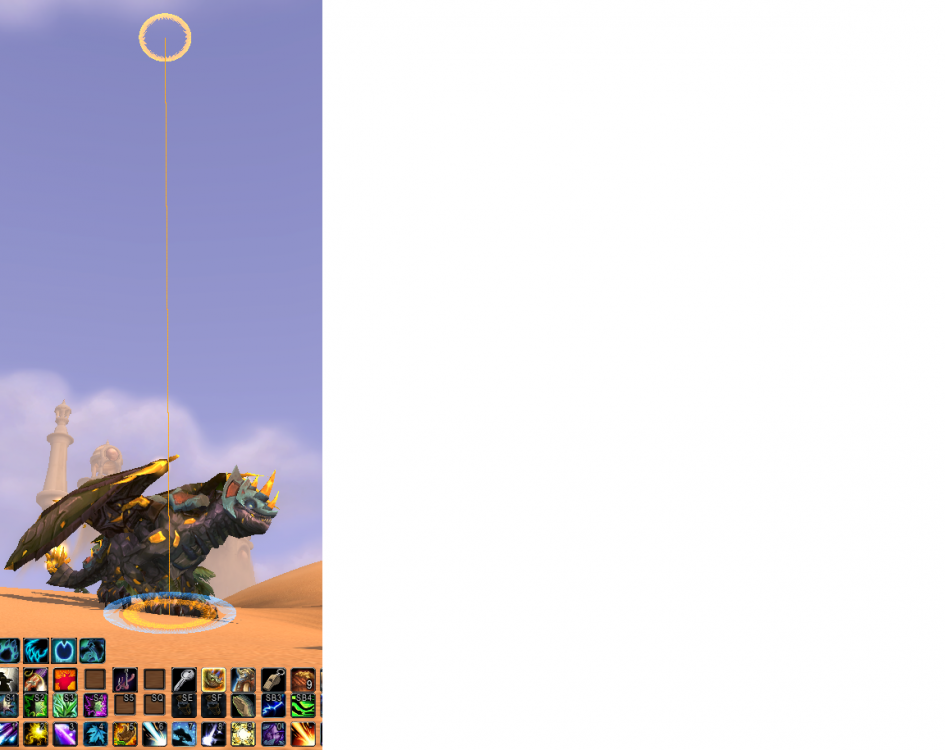
Here's how it works: the ground and air mount are set up. He takes a ground mount and stands under the route point. He does not understand that you need to take an air mount and take off.
-
Still the same. It stands and flashes yellow circles. If you press the space bar, it will fly.
-
I tried it
-
I turned off the addons. It stands still, and the yellow circle flashes.
-
25 мар 2021 17H43.log.html
-
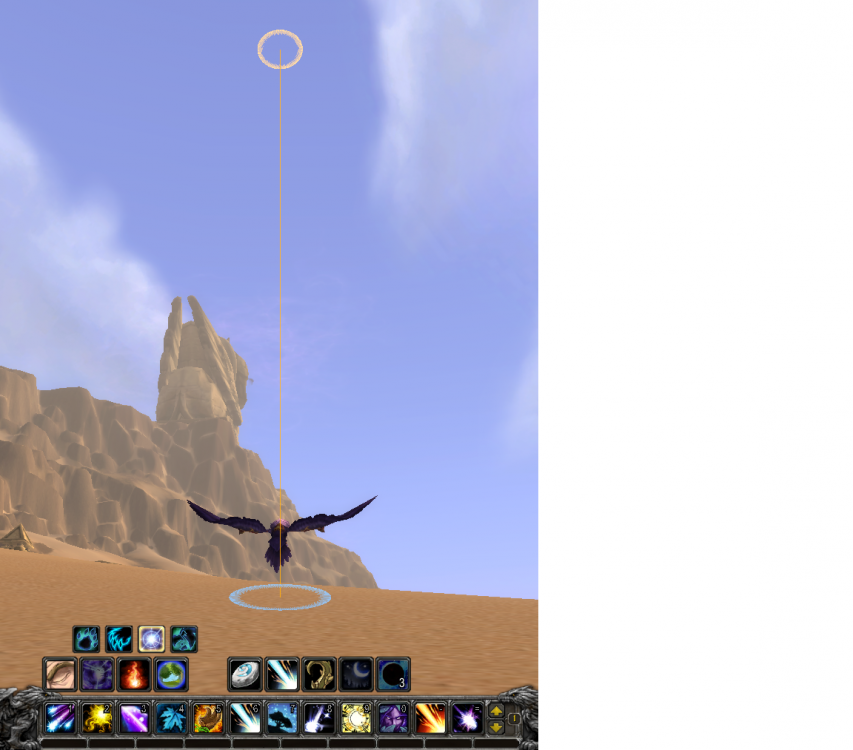
The air route is recorded. The bot comes UNDER the route point and does not understand that it needs to take off, stands still for a long time, then wakes up and flies in the form of a bird on the ground, still not understanding that it needs to take off, if you click the jump, it begins to fly through the air points. I tried to change the appearance of the bird on the air mount did not help.
-
Yes! it helped!
-
The bot can't do the injection, so you need to wait for the developer to fix it.
-
The Wow client version 8.3.7 bot logs this error: Error injection: Can't start it, skipped. It is not possible to write down the path, the bot does not navigate the game. What to do? the bot worked well on version 8.2.0, but it doesn't work at all on version 8.3.7 Server Firestorm Sehtraliss. 11:21:28 - To 8.3.7.35662 11:22:20 - [Memory] Select game process: 1676 - Ple... 11:22:21 - [Gatherer] Loaded 11:22:21 - [SpellManager] Initializing SpellBook - (Wait few seconds) 11:22:21 - [SpellManager] Initialize SpellBook Finished (78 spell found) 11:22:21 - [SpellManager] Please wait, loading spellbook... 11:22:21 - [SpellManager] Spellbook loaded. [E] 11:22:44 - Error injection: Cannot launch it, skipped. [E] 11:22:45 - Error injection: Cannot launch it, skipped.
-
The Wow client version 8.3.7 bot logs this error: Error injection: Can't start it, skipped. It is not possible to write down the path, the bot does not navigate the game. What to do?