




bigwilly1997
Members
-
Joined
-
Last visited
Everything posted by bigwilly1997
-
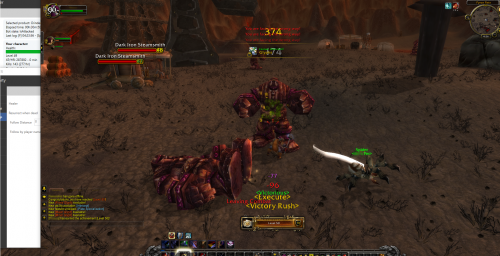 A lot of times this Quester gets confused for some reason im not sure of heres an example, it will be in a Level appropriate zone ready to go but will fly around and run around aimlessly for a LONG time only to end up flying back to where i started the quester, it has done this multiple times for Duskwood,Redridge,Wetlands AND Hinterlands. The bots great once it gets to its intended grinding zone, I think the problem is starting the bot in the zone its supposed to be in. I will experiment starting the bot in a differant zone to where it should be going, i think this will fix the problem ( IE - Starting the bot in Wetlands when i know the bot wants to go to Arathi etc etc)