




I often use wrobot as a companion app while I play the game manually. This tracker was built to assist with questing and resource farming.
Features:
-
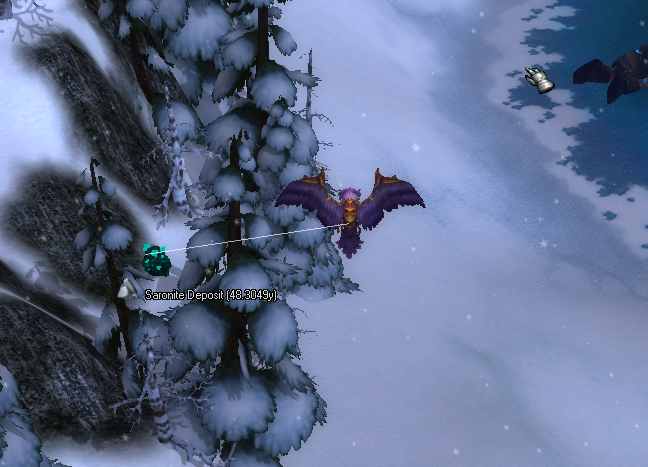
Track both mining and herbalism nodes
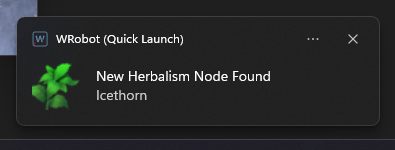
- Send desktop notifications if a new node has been found if you're tabbed out of the game
- Track quest objectives (both mobs and game objects)
- Track other players and see if they're targeting you
- Hotkeys to add/remove Mobs or Game objects to the tracker
Screenshots:
Gameobjects
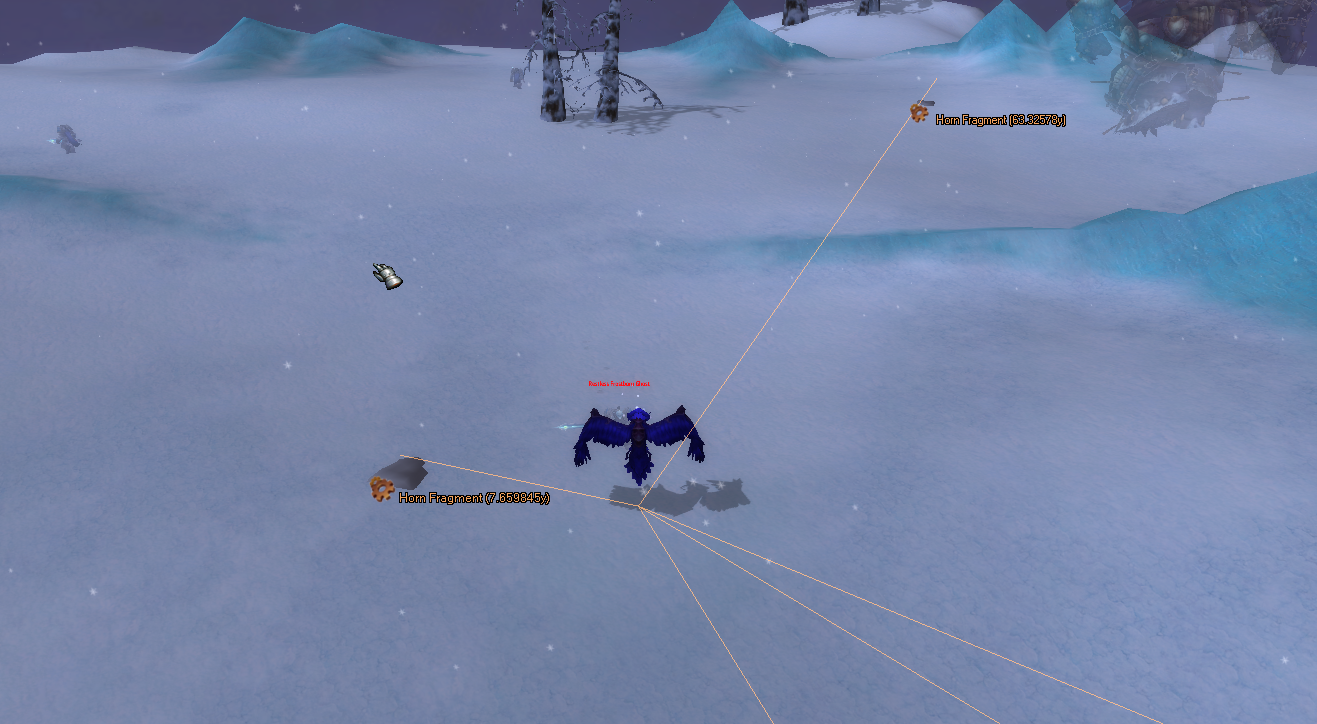
Mobs
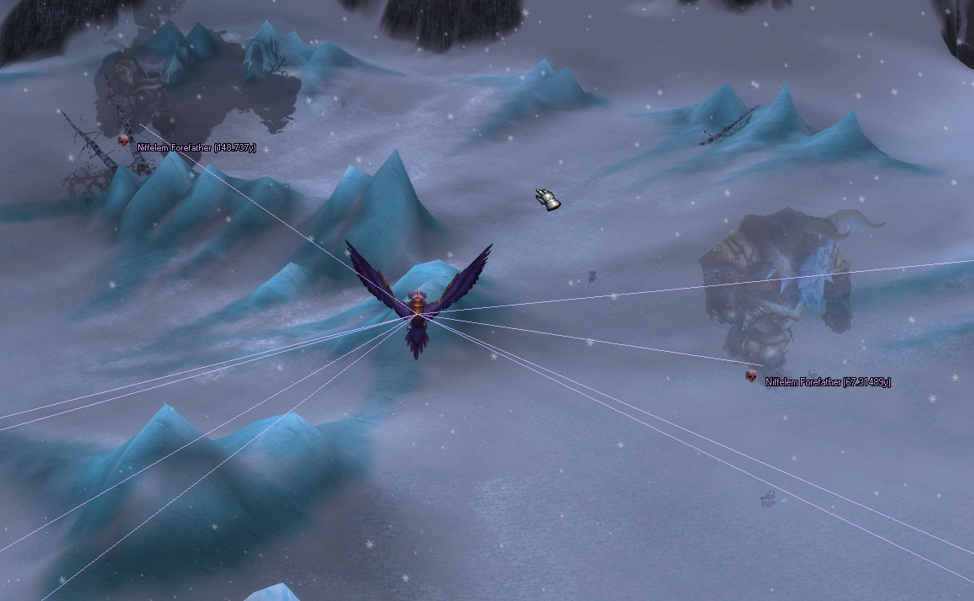
Gathering nodes
Desktop notification
Keybinds:
(Keys.T, KeyModifiers.Control)); // Add Target
(Keys.T, KeyModifiers.Alt)); // Remove Target

(Keys.L, KeyModifiers.Control)); // Show Custom Target List
(Keys.L, KeyModifiers.Alt)); // Clear Custom Target List

(Keys.G, KeyModifiers.Control)); // Add nearest Gameobject
(Keys.G, KeyModifiers.Alt)); // Remove nearest Gameobject

(Keys.K, KeyModifiers.Control)); // Show Custom Gameobject List
(Keys.K, KeyModifiers.Alt)); // Clear Custom Gameobject List
Unsure if I'll onward develop it but let me know your feedback if there's something useful you think should be added. Eg. "Add all treasure chests by default!!!!"
Edited by Marsbar
added desktop notification screenshot
What's New in Version 1.0.1
Released
Fixed an issue with quest mobs/objects flashing instead of showing consistently


You may only provide a review once you have downloaded the file.