Vip7799
Members
-
Joined
-
Last visited
Everything posted by Vip7799
-
 hey guys used this profile on warmane with 20 accounts with differente ips in several days all of them got banned before level 20....this profile cursed
- 35 comments
- 13 reviews
-
-

- 1
-
-
hey is there any plugin or option MailboxWhenBagsFull? or does it work if i use plugin:HearthstoneToGoToTown with add mailbox into profile?
-
Hello there just bought 10 season this is my Order #139252
-
Better question:How can I prevent them from accessing my system information so they can't track me?to avoid getting on black list?
-
If I buy WRobot – 3 Sessions, does that mean I can use it on multiple PCs (e.g., three different systems at once), or does it only allow me to run three WoW clients simultaneously on a single PC?
-
Please note your Exprience here
-
hey i just found a proggram in my pc called bitTorrent Web,Deleted and problem solved. Thank you so much 🙂
-
to be honest this is my first time installing on my pc so nope.
-
First step:how do i figure out that i have them installed and second step how to disable them ?please help
-
done 5 Mar 2025 03H40 - jmRzgo.log.html
-
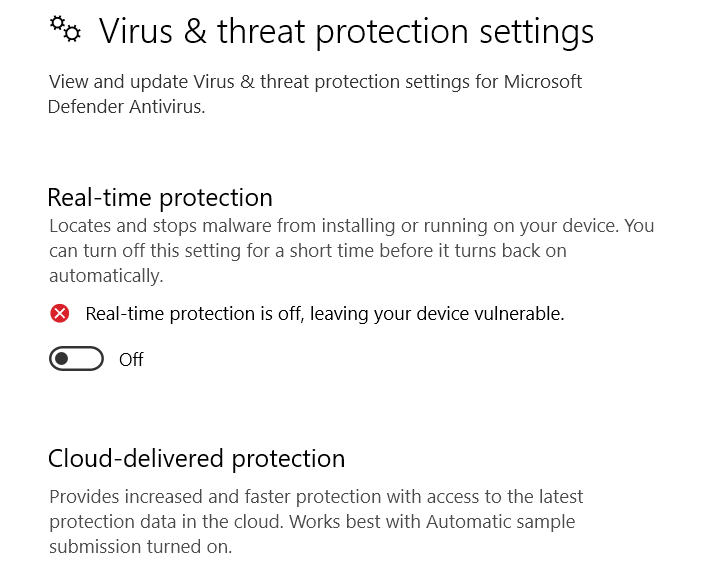
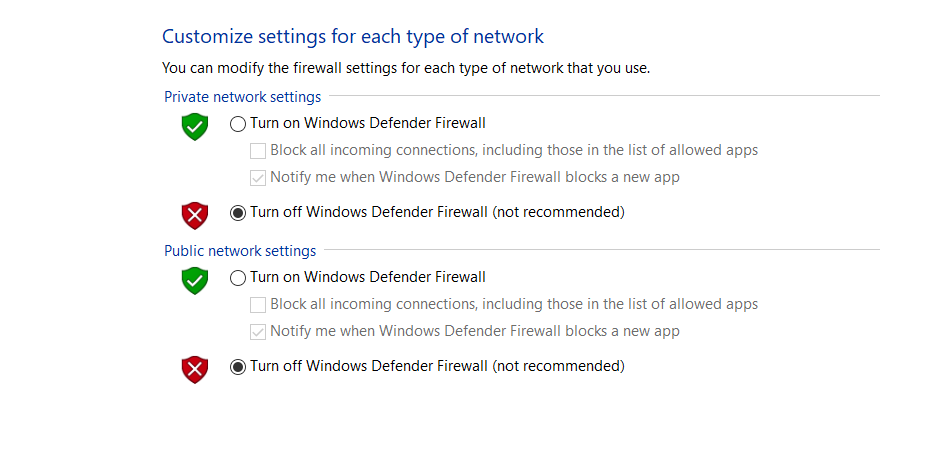
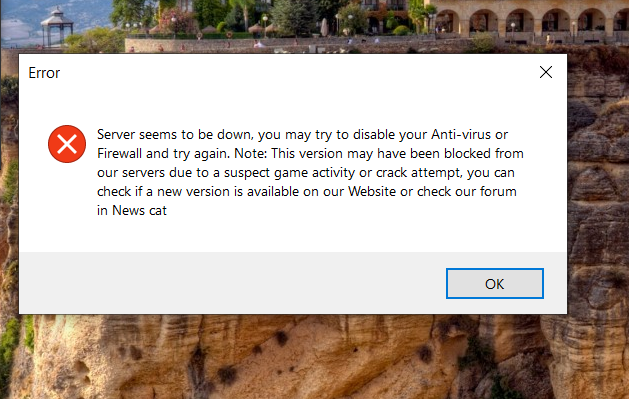
downloaded from website then turned off all antivirus on my PC i dont have any antivirus programm active Still geting the same Error whats the problem? My windows 64bit