




nathan1984
Members
-
Joined
-
Last visited
-
I having trouble with grinder support profile. I made a grinder profile for the mobs i want it to pickpocket but it doesnt move. i have tried without mobs in profile and with mobs doesnt work either way. It works for the other profiles without grinder profile support. But then it runs all over the place and ends up far from where i want him to stay.
- 14 comments
- 1 review
-
As of 6.2 this does not work i have tried on muti toons. Goes in threw frist gate stops at 2 gate then proceeds to bounce back and forth. Does not go in the hallway to get to the 3 gate.
- 32 comments
- 1 review
-
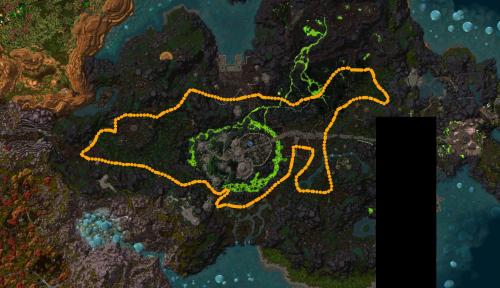 Are you going to make flying profiles for the other zones also. I enjoy your profiles thanks and keep up the good work
- 14 comments
- 2 reviews
-
Is anyone working on making a profile for skinning for WOD content? I have tired but not able to get it to work properly.
-
Does anyone know what the objective ids are for Eternal blossom and kafa'kota bush are. I hate finding my bags full of this when I got home and see that all my bots time was wasted on farming this when I just throw them out.. Thanks to anyone that can help.