anemena
Members
-
Joined
-
Last visited
Everything posted by anemena
-
-
I've made over 25k in the last 3 days off this one. have only had 1 blockage error but with the relogger it ran flawless for 27hours but can not get it to sell items for some reason. (some help droidz)
-
Please start in Everbloom Wilds. To be used with Grinder. This will farm monsters that drop good mog greens and Epic 665 BoE items. Enjoy
-
This will farm the Lok-Rath in Nagrand. They have a chance at a 665 BoE as well as gold loot and greens. Please start in Yrel's Watch, Nagrand
-
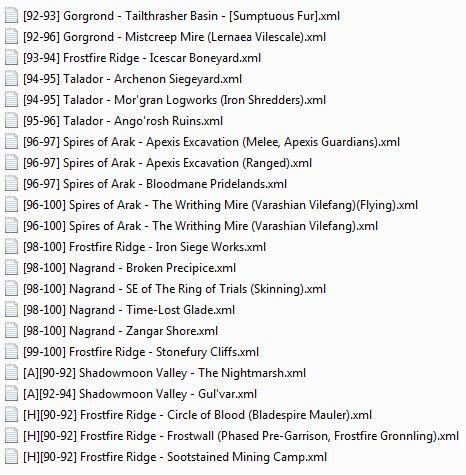
This will collect Raw Beast Hide, Sumptuous Fur and A Ton of Hearty Bones for gold. Most of the drops at this spot are stackable besides the greens and BoE's Profit ranges from 500-1000k an hour + with drops. 1-700 skinning in 3 hours
-
They Evade guy is the only flaw in this profile. Ran for about 12 hours with bags getting full unfortunately and sell option was off but i looted over 2000 sumpts and there is some greys that drop worth 300-500g and greens 100g on the AH. AVERAGE 650K PER HOUR ROUGHLY less if you are not a multi pull. Done with blood dk tank
- 6 comments
- 2 reviews
-
-

- 2
-
-
-
please help, dont know why they are not showing up but it is just showing up blank with no option to look for folder