Heidan
Members
-
Joined
-
Last visited
Everything posted by Heidan
-
Thank you. It works with VPN. What was the problem? Has my PROVIDER blocked the connection or is there another reason?
-
WRobot has stopped running. Windows opens a window informing you of an error connecting to the server. Disabling the firewall and antivirus does not help. 8 дек 2023 06H04.log.html
-
WRobot has stopped running. Windows opens a window informing you of an error connecting to the server. Disabling the firewall and antivirus does not help. 7 дек 2023 20H02.log.html
-
The problem has been solved. I made a pet call with C# code with a code execution delay.
-
Yes, you're right. That's the problem. Can you tell us in more detail how to solve such a problem? I'm a beginner and I can't do it myself. I didn't find a demonologist who was suitable for me in the free access Fight Class specialization and created it myself, but I can't solve the problem without help. Or maybe the administrators of WRobot will pay attention to the problem and help solve it?
-
Please help me solve the problem. Warlock comes to the flying master on horseback. When interacting on horseback with the flight master, Warlock dismounts and begins to summon a pet. There is a pet, it appears after dismounting, but it repeatedly calls considering that there is no pet. He doesn't use a taxi because he called a pet instead of flying. If Warlock interacts with the flight master on foot, he flies away without any problems.
-
Thank you it works
-
I was able to make the macro work through a saved macro in the game under the key and pressing the bot key. It doesn't work in other ways. robotManager.Helpful.Keyboard.DownKey(wManager.Wow.Memory.WowMemory.Memory.WindowHandle, System.Windows.Forms.Keys.Y); System.Threading.Thread.Sleep(1000); robotManager.Helpful.Keyboard.UpKey(wManager.Wow.Memory.WowMemory.Memory.WindowHandle, System.Windows.Forms.Keys.Y);
-
Sorry, I added the wrong file. Fixed
-
I want to make a tailor's item. In the chat of the game, the macro works and makes an item. The bot does not prepare the item. Please tell me what is the problem? Macro Craft.xml

-
Thanks for the answer, but I don't need to delete the quest. I need to check the status of the quest for a failed quest due to a timeout, the death of the accompanied NPC or other reasons why the quest changes to the status - "failed". So that the bot itself could determine this status that appeared during the quest. For example, in the quest setting - Is Complete condition or any other option for checking the status of the quest - "Failed".
-
I understand that you need to create a script, but I'm new and I have little experience to do it myself. I think this is an important option in the bot. Since without it, the bot gets stuck. There are many such quests and it would be good for everyone if it were easily accessible. At the moment, everyone ignores such quests. If I found an example in the available profiles, I wouldn't bother anyone and would try to figure it out myself. While there is no easy way to do this, could you show an example script and how to implement it?
-
Unfortunately, I didn't find any information on the forum and examples in free profiles. Please tell me how to get the bot to move to the next step in case of failure of the quest? For example, when it is necessary to protect the NPC or perform for a certain time. In this case, the bot continues to perform the quest indefinitely. I would like to make the transition to the next step in case of failure of the quest.
-
Thank you very much
-
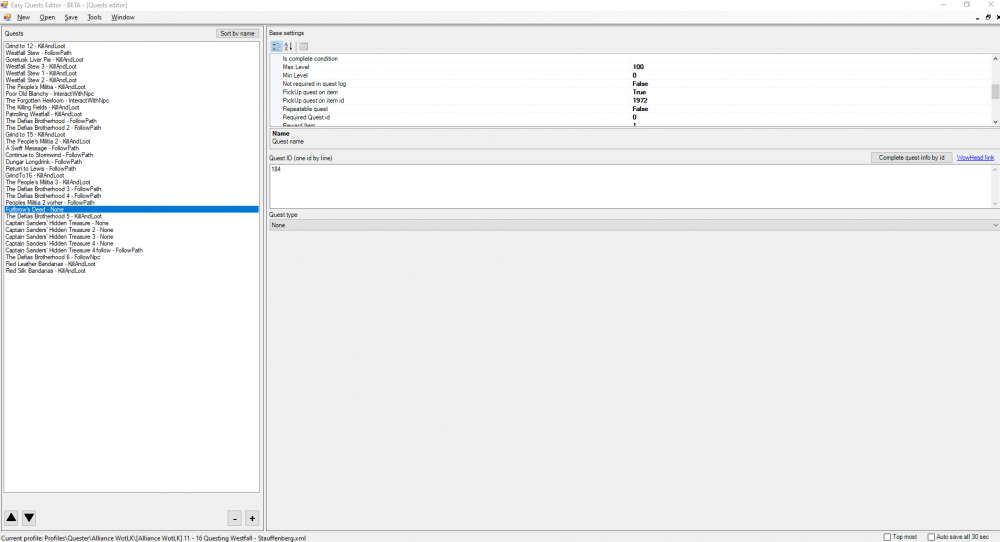
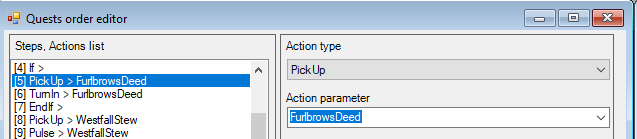
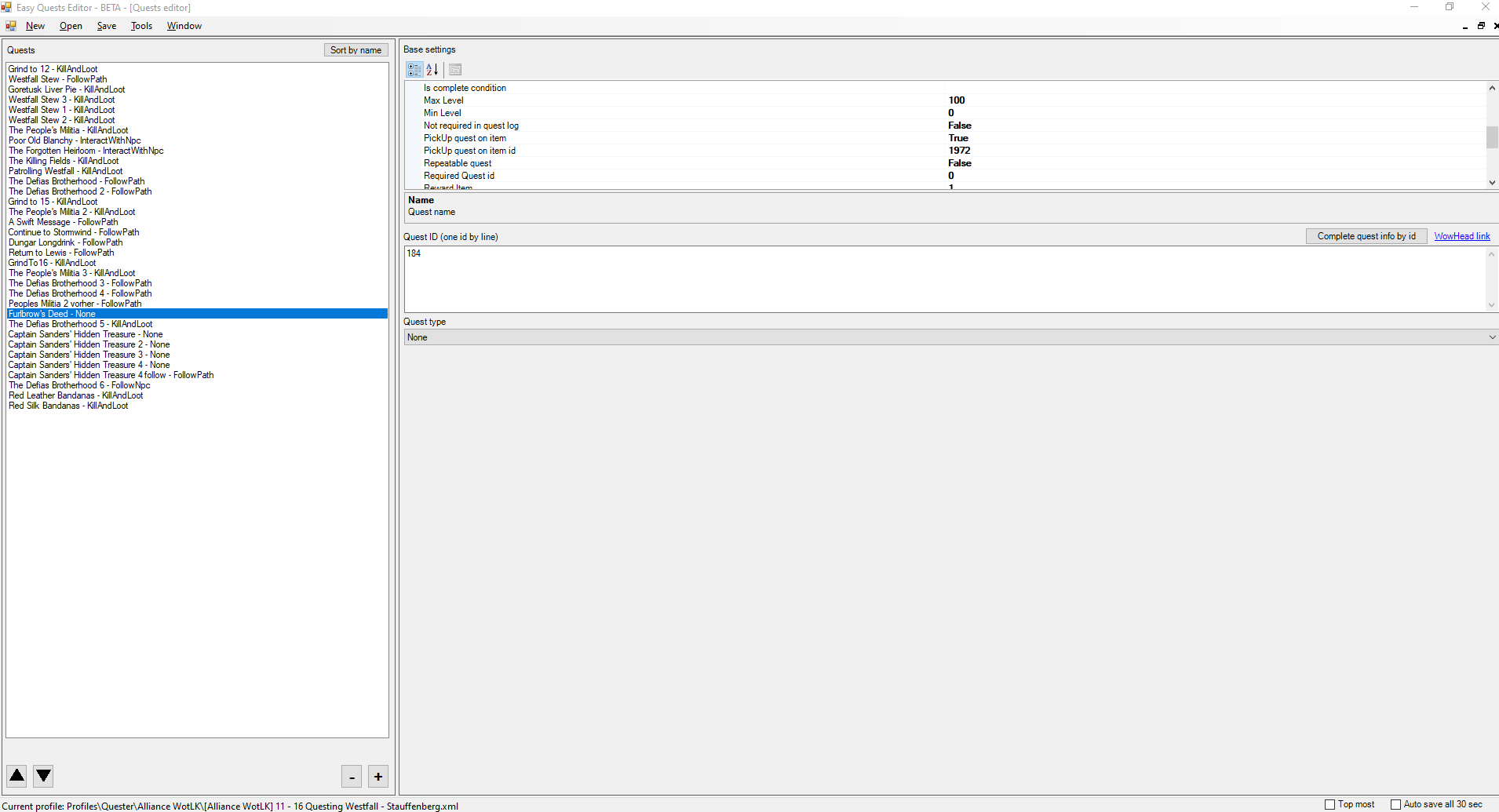
I'm new to creating a quest profile. Please help me create a condition in which, if there is an item in the bag that gives the quest, the next Pick Up step is performed, and in the absence it is skipped. For example: Furlbrow's Deed If there is an item ID 1972 in the bag, you need to perform the Pick Up and Turn In steps. If there is no item, you need to skip these steps.