zmwwxa
Members
-
Joined
-
Last visited
Everything posted by zmwwxa
-
i m very eager that the bot can support the version Very eager 5.4.2 (17688).
-
yes !!warmane MOP server version is 5.4.2 (17688)
-
thx for your advice
-
i will update the topic when i have an advice or find a bug.also my poor english. 1.【advice】also the profile editor,i think it's more convenient to have the feature that we can add the line and move the point up /down. ====================================================================================================== 1.【advice】when we edit the Profile,can the Creator show the point for another color instead of yellow when we select a point(x y z),it will more convenient to edit the file. 2.【bug?】when the bot crash by something,i restart the bot again and it will show the wow process is in use.but i cant find another bot process in the task manager.and the bot will advice me restart my game. Can u let it aviod to restart the game again or give me some another advice. 3.[bug]when i gather herb at Elwynn x-9978.502 y350.2542 z36.60202,it will crash the bot.i tried many times,and every time will crash.the log is here:11 一月 2016 17H09.log.html.Caused by meshes? I have solved by delete the data and let the bot regenerate the data file when login in game.
-
u are very kind,thank u so much
-
could u plz add a code to capture the tile "魔兽世界",thx a lot.
-
here it is . i google a tool and change my process tile from "魔兽世界" to ‘World of Warcraft’,and it worked. btw,i want to known if i bought the full version for Pserver ,but my IP maybe changed becuase of the VPN, How should i solve this problem?
-
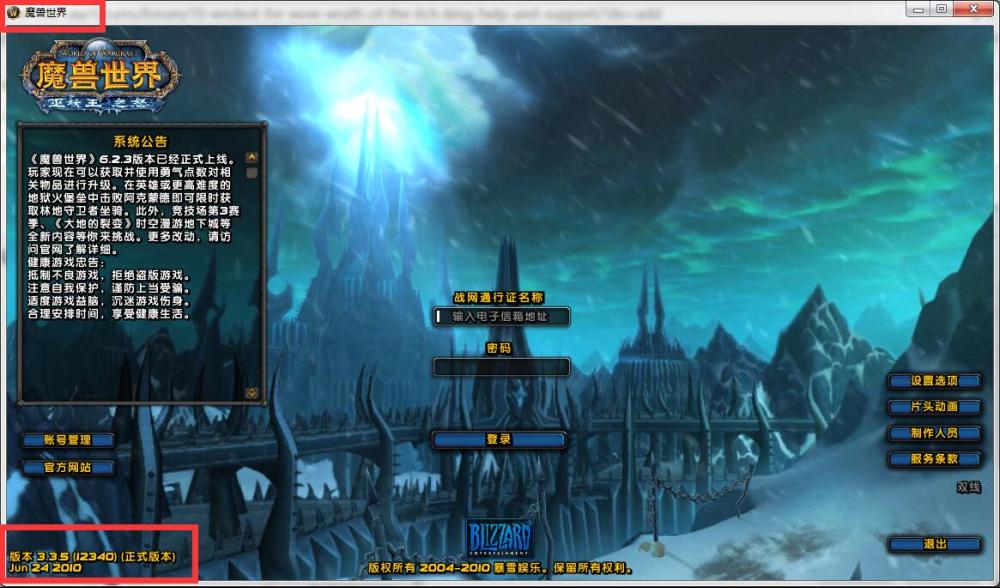
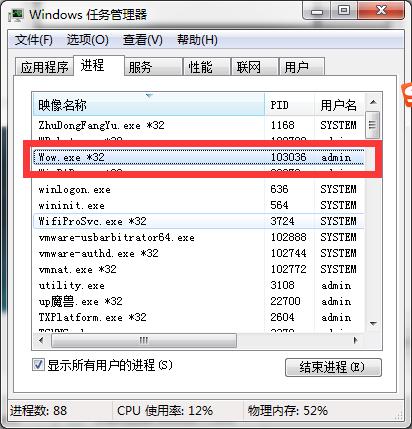
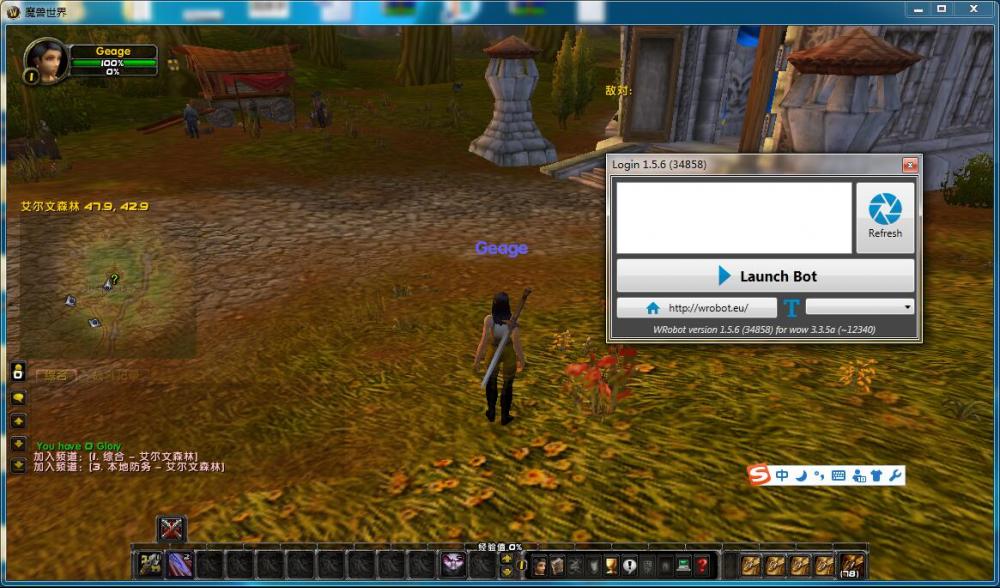
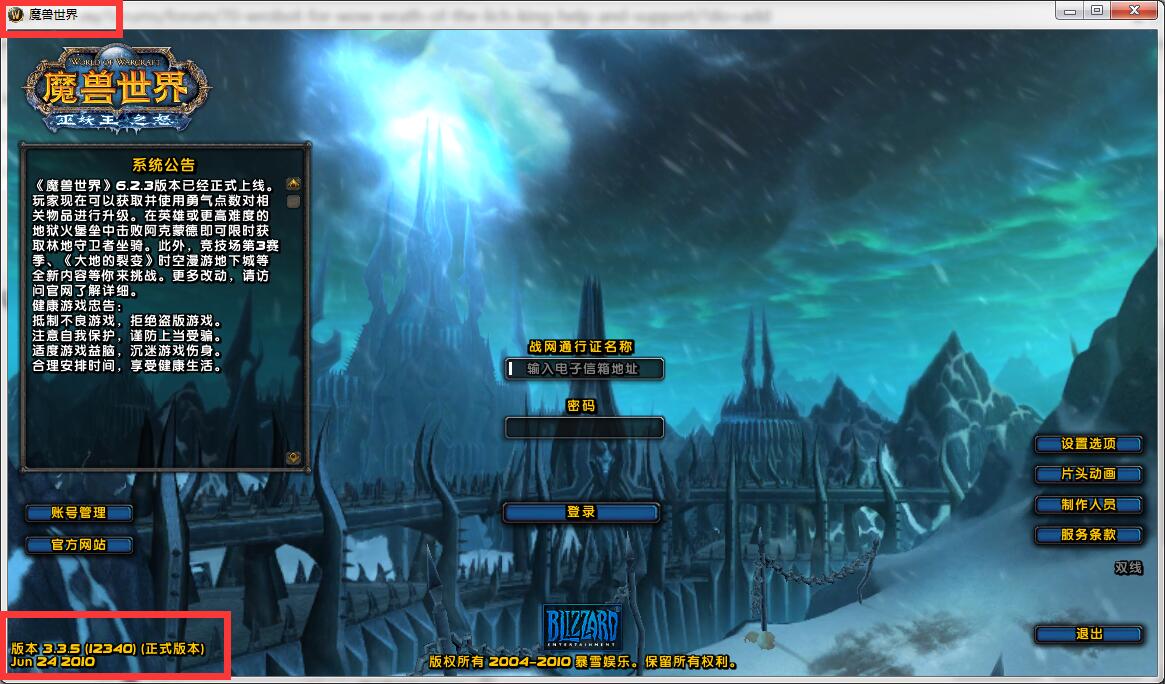
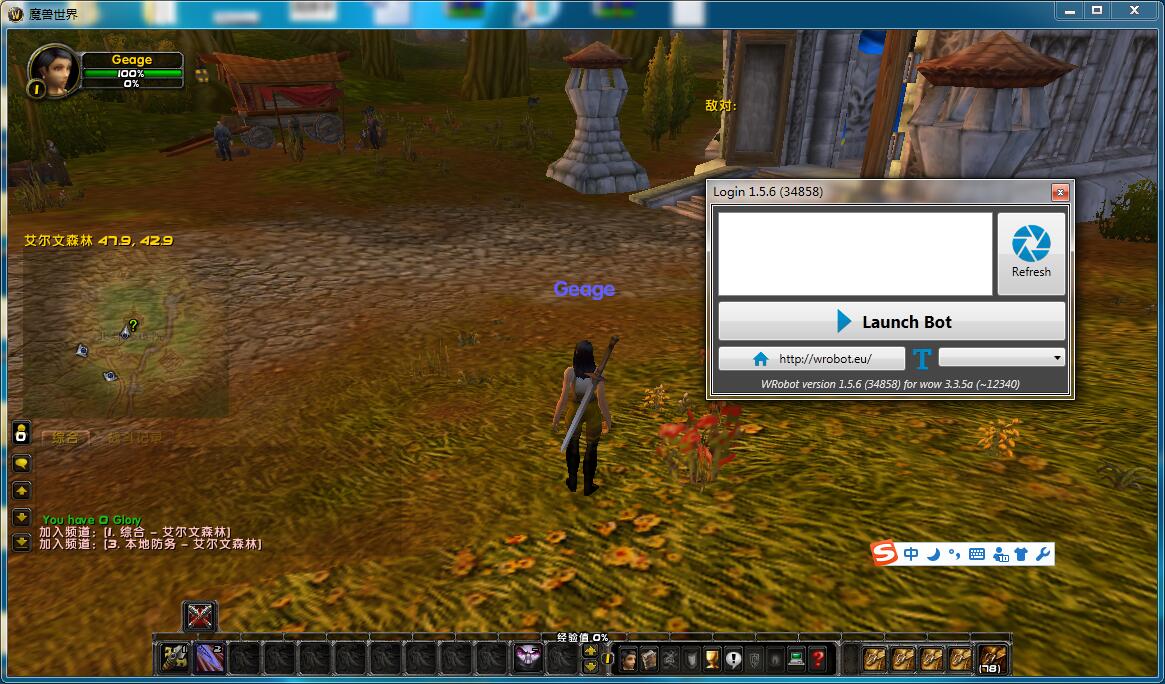
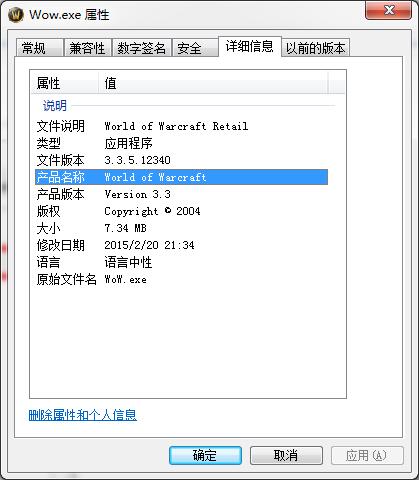
fist of all ,forgive my poor english . i opened both the bot and wow with admin model. but the process isnt found,by the way,it's wow for CN, the detail is below : 1..this is the login ui,does the bot inject process title is "World of Warcraft"?but mine is "魔兽世界".The version is 3.3.5 12340 obviously 2..the task manager show the process is wow.exe*32 3..when the character in game ,nothing happend,i also click the buttom Refresh,also not work. thx for reading this! Waiting……