xNomad
Members
-
Joined
-
Last visited
-
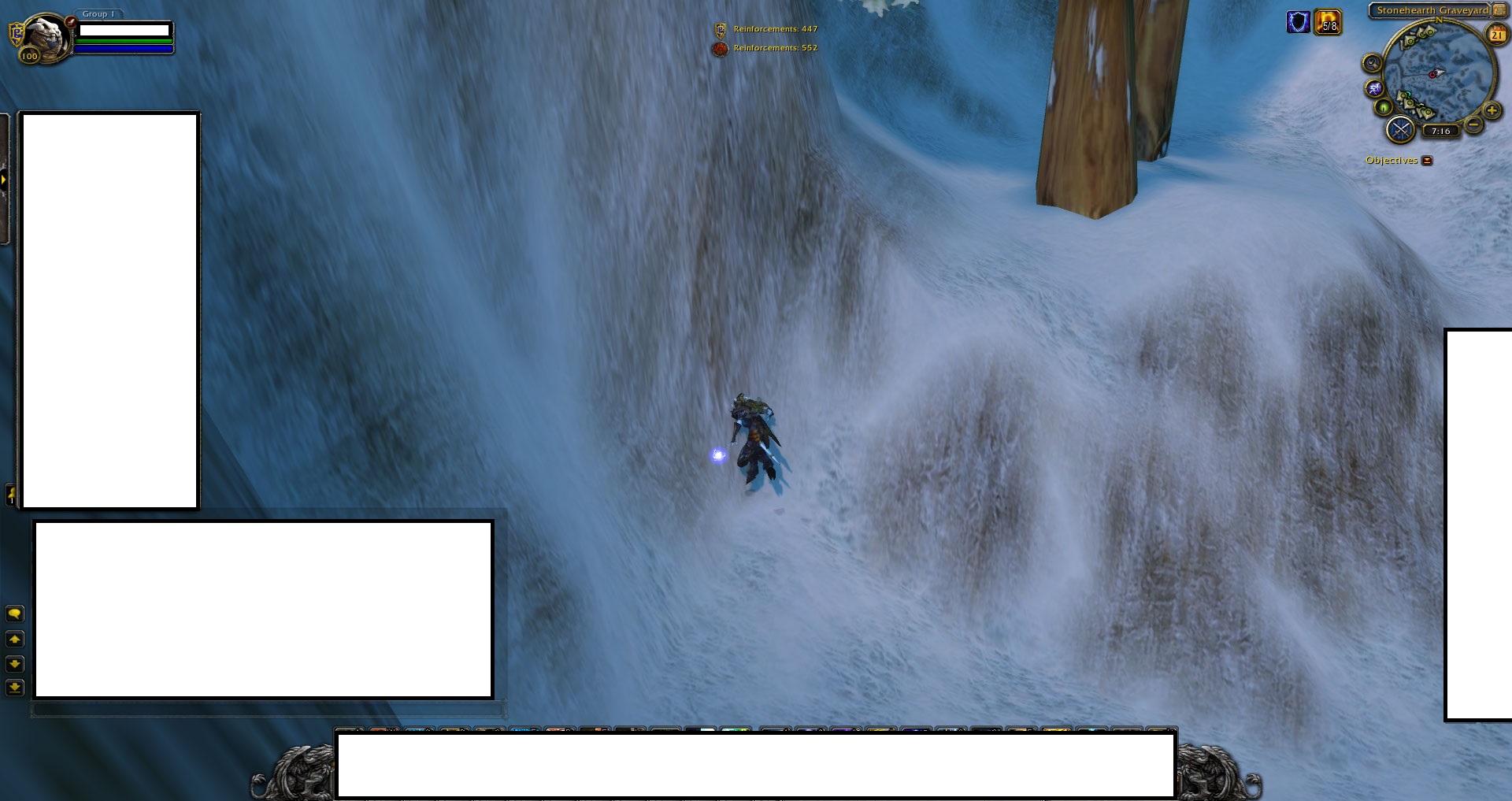
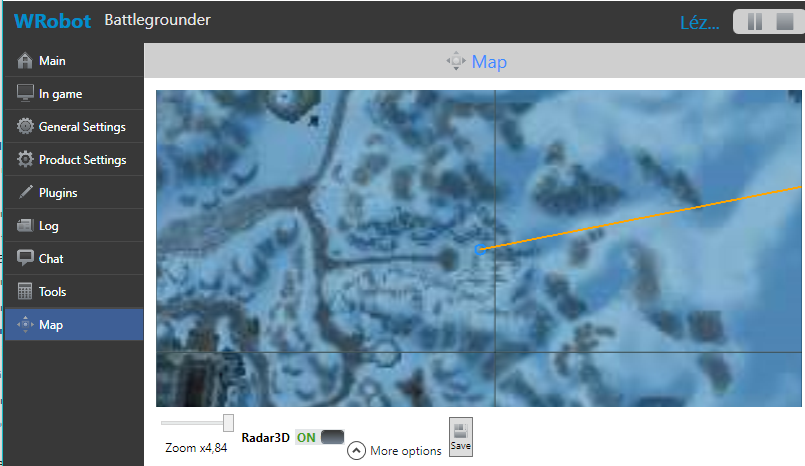
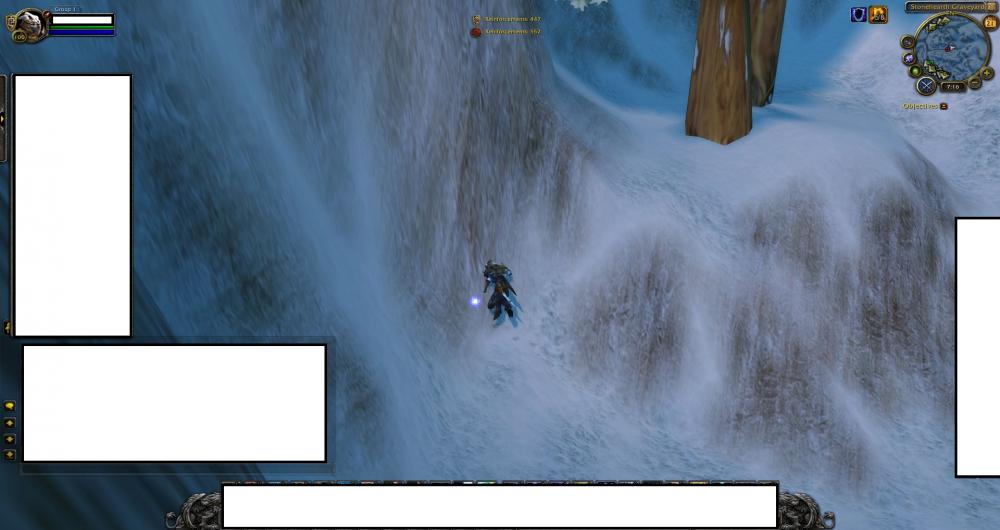
Hello, I recently bought the bot and I like it a lot, it is a very advanced bot. But I am having an issue with my main usage: Honor farming. In quite a lot of BGs, the bot gets stuck against a cliff or in the water and shuts down the whole game after being stuck a while with the message "26 blockages". Am I configuring something wrong, is own profiles in BG a must or is there any way to disable this auto shutdown after being stuck a while? The attachment is an example from AV, but this happens in almost EVERY BG. Please help. Log: [N] 19:31:44 - [MovementManager] Waypoint timed out [N] 19:31:44 - [MovementManager] Report navmesh poly to avoid it [N] 19:31:44 - [Path-Finding] Cannot find path: PVPZone01 - 380,9413;33,36771;-669,1604 - 3057,441;66,57272;-579,5945 [N] 19:31:44 - [Path-Finding] Path Count: 1 [D] 19:31:44 - [MovementManager] Avoid wall: StrafeLeft [D] 19:31:45 - [MovementManager] Avoid wall: StrafeLeft [D] 19:31:46 - [MovementManager] Avoid wall: StrafeLeft [D] 19:31:47 - [MovementManager] Avoid wall: Jump [N] 19:31:48 - [MovementManager] Think we are stuck [N] 19:31:48 - [MovementManager] Trying something funny, hang on [N] 19:31:49 - [MovementManager] Think we are stuck [N] 19:31:49 - [MovementManager] Trying something funny, hang on [N] 19:31:50 - [MovementManager] Report navmesh poly to avoid it [D] 19:31:50 - [MovementManager] Current pos: 675,0565 ; -387,073 ; 34,26762 ; "None" - Target pos: 579,5945 ; -3057,441 ; 66,57272 ; "None" Continent: PVPZone01 Tile: 32.72576_30.73427 [D] 19:31:50 - [StuckResolver] Started. Thanks, xNomad
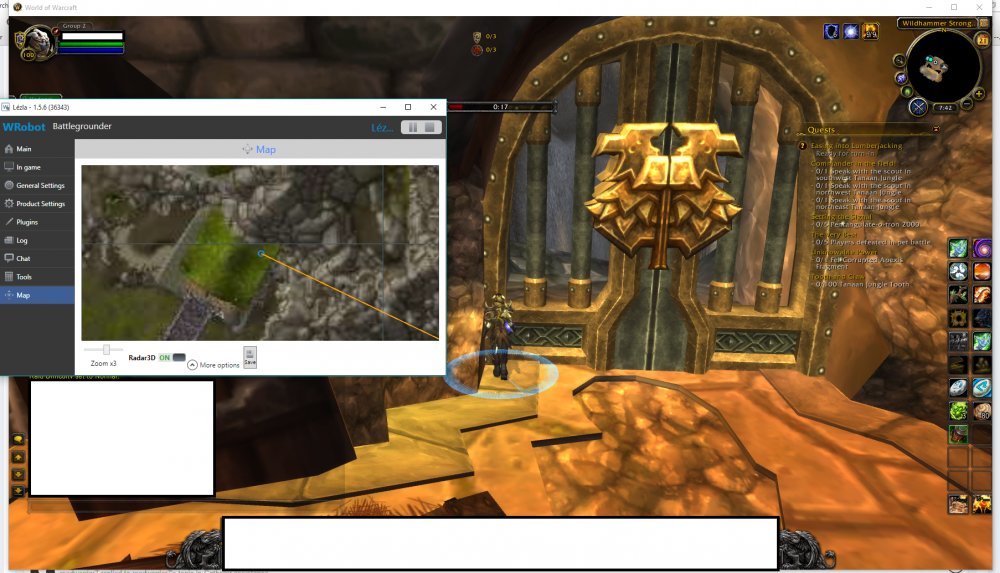
- 8 replies
-
- battleground
- stuck
- blockages
- 26
-
Tagged with: