Desperadosik97
Members
-
Joined
-
Last visited
-
I checked the latest update , there is also a client crash.
-
-
Thanks!
-
when to wait for fix crash ???
-
5.4.8. wrobot Tauri wow crashes ,please fix.
-
-
Desperadosik97 replied to Minikan1987's topic in WRobot for Wow Wrath of the Lich King - Help and supportDoes not help ,crashes 2-3 mins every , without bot 0 crash client , updated all drivers just in case yesterday , but obviously problem in wrobot, for most people wrobot crashes after last update wrobot
-
-
Desperadosik97 replied to Minikan1987's topic in WRobot for Wow Wrath of the Lich King - Help and supportwe wait hotfix wrobot=)
-
Desperadosik97 replied to Minikan1987's topic in WRobot for Wow Wrath of the Lich King - Help and supportI confirm on tauri also Crash client 3-10 min , tried to three computers
-
I wanted to know when the bot would no longer be detected on Tauri-wow , today 4 months later launched WROBOT , also instantly detected.
-
will there be an update Wrobot, currently wrobot detected on server Tauri-wow
-
Please update bot for tauri-wow 5.4.8, presently Anti cheat sees bot's
-
Desperadosik97 replied to Foltestlives95's topic in WRobot for Wow Mists of Pandaria - Help and supportI confirm Anti cheat sees Wrobot , i launch WRobot No Edit Memory Clients Warmane,WOW Freakz , maximum work bot 5-7 minutes and BAN
-
Used from April 10 to 20 May there were no blocks,today is the first block

-
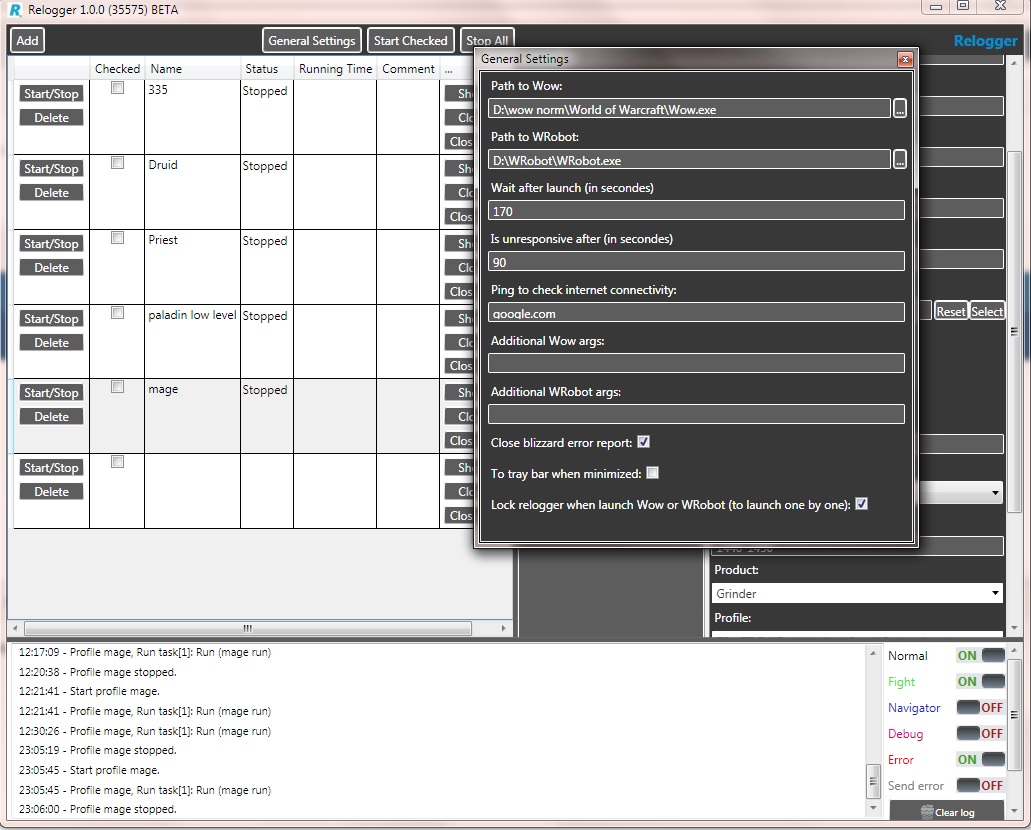
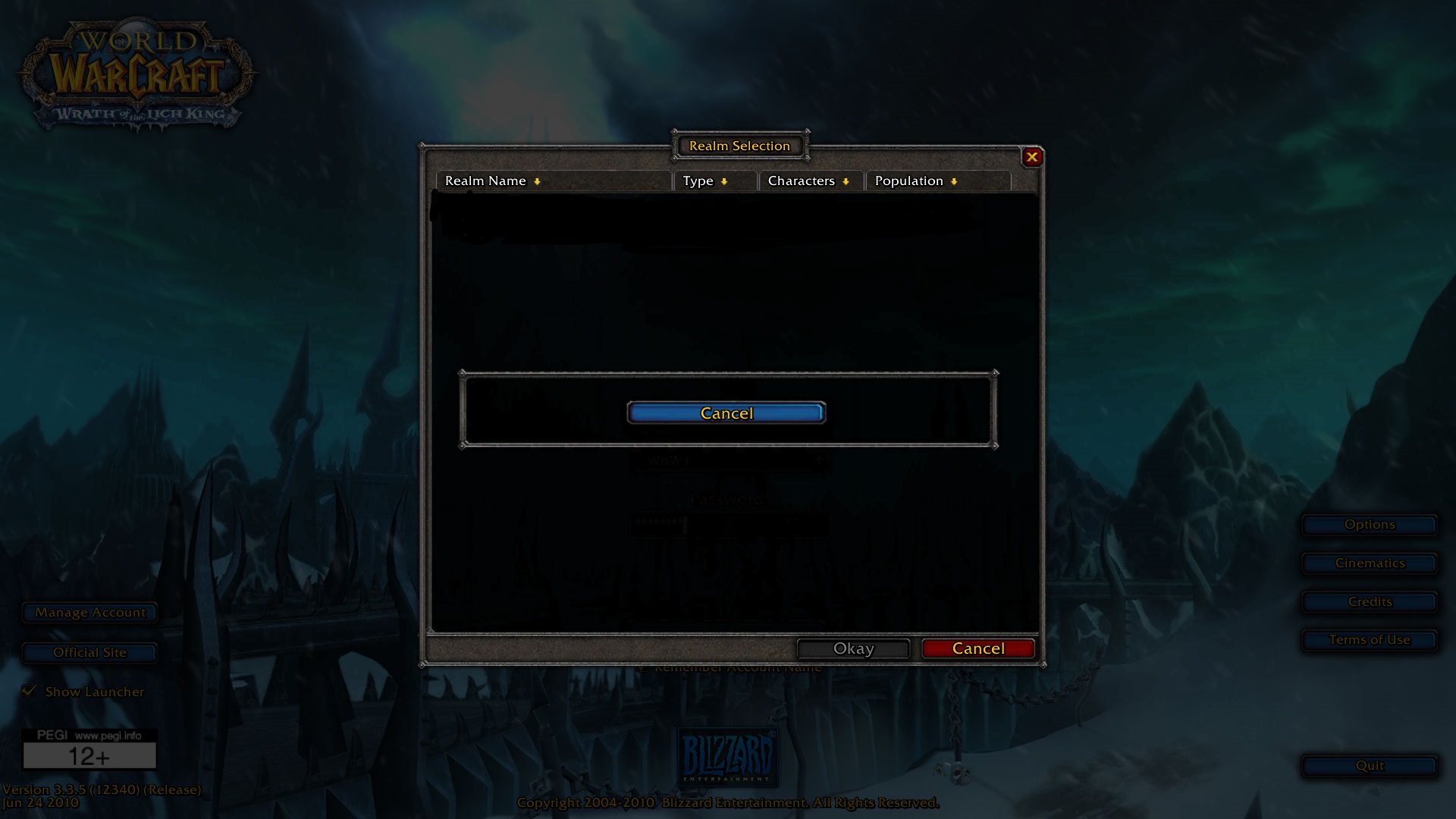
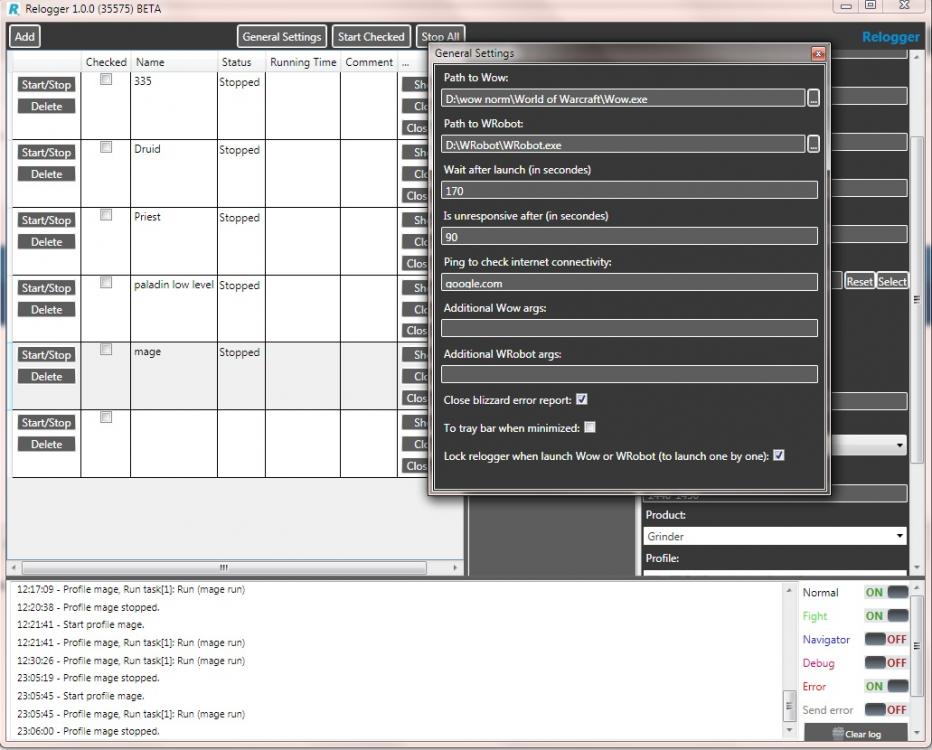
The relogger reconnection after discconect and gets to a window of the choice of the worlds after that doesn't try to come into the game world."Sorry my Enlgish" ,my settings.I have a little increased time in settings, but haven't helped
-
I have a problem , I use a boat party and characters for some reason , do not drink . Drink only the main character , and symbols , which I use , they do not drink party boat.Sorry my English