Skip to content
View in the app

A better way to browse. Learn more.

WRobot

A full-screen app on your home screen with push notifications, badges and more.

To install this app on iOS and iPadOS
  1. Tap the Share icon in Safari
  2. Scroll the menu and tap Add to Home Screen.
  3. Tap Add in the top-right corner.
To install this app on Android
  1. Tap the 3-dot menu (⋮) in the top-right corner of the browser.
  2. Tap Add to Home screen or Install app.
  3. Confirm by tapping Install.

JohnnyRed1985

Members
  • Joined

  • Last visited

Everything posted by JohnnyRed1985

  1. I don't have an active subscription atm, i can only test with trial, but it was ok for me, no ban for the trial periods 15 minutes.
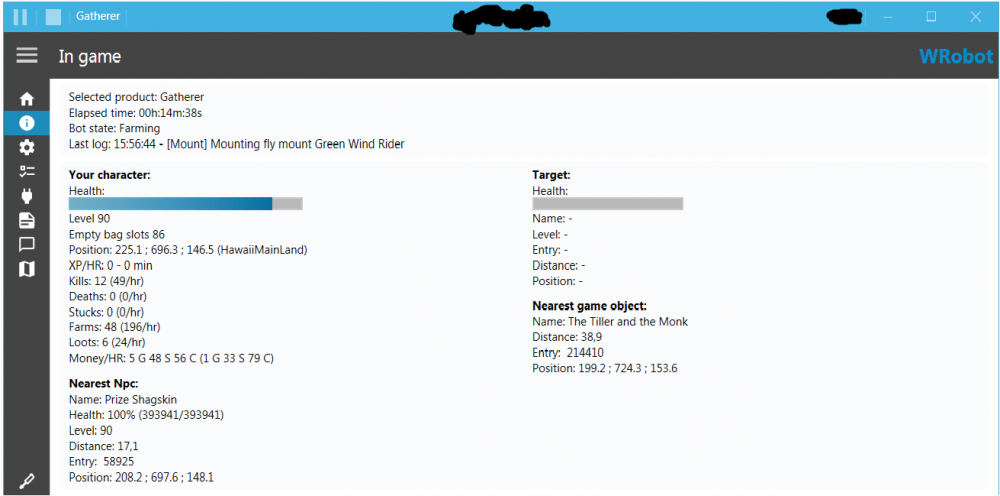
  2. Guys DO NOT use Tauri client or Tauri launcher. I'm playing on Tauri since vanilla but never used their launcher. Just grab a 5.4.8 wow from literally anywhere and try wrobot with an unmodified wow.exe.
  3. same problem here....

Account

Navigation

Search

Search

Configure browser push notifications

Chrome (Android)
  1. Tap the lock icon next to the address bar.
  2. Tap Permissions → Notifications.
  3. Adjust your preference.
Chrome (Desktop)
  1. Click the padlock icon in the address bar.
  2. Select Site settings.
  3. Find Notifications and adjust your preference.