What123
Members
-
Joined
-
Last visited
Everything posted by What123
-
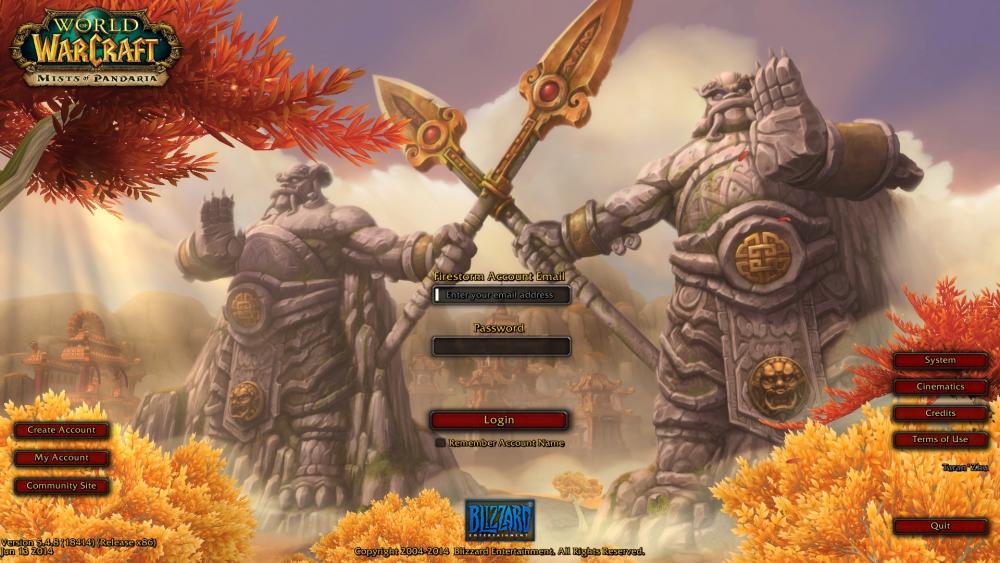
There is my login screen and here is the log file: I ran Wrobot as admin and I also tried running WoW as admin. I guess the server is incompatible.
-
I still get the "game version incorrect" error. I can run tbc just fine though so I don't understand what I'm doing wrong. EDIT: All expansions except MoP and WoD work with the bot. At least for me.
-
Hello, I'm new here. I have a quick question regarding an mop private server. The version is 5.4.8 18414. I noticed wrobot does support this version. I was wondering what I need to do in order to get it to work. The error says, "Game version incorrect." EDIT: It's the same with their WoD server.
-
Attacks with Scorch until target has 5 stacks of "Fire Vulnerability" then casts Fireball until debuff ends. -Casts Arcane Intellect/Frost Armor (Out of combat) -Casts Combustion/Icy Veins During combat (usually casts right after entering combat) -Uses Evocation when MP is at 10% This will be my first Fight Class of many. My arm is currently broken so it will take longer than normal per release. credits: