

DrugsRSavage
Members
-
Joined
-
Last visited
-
-
-
-
-
DrugsRSavage changed their profile photo
-
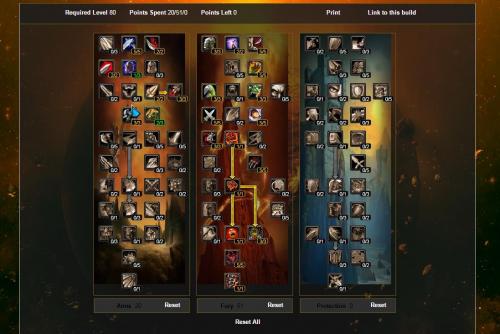 Couldn't find a good Fury warrior rotation anywhere, so i made a quick Efficient one. Uses battle stance, maintains rage pretty well usually never drops below 40-45 by end of rotation, which allows you go regenerate 70+ and repeats again Appreciate any feedback/Improvements you think it could have *Picture/screenshot of Talent tree that i run Included* Rotation Order Bloodrage Charge Berserker Rage Intercept (In case Charge on Cool-down) Sunder Armor (If Boss/Elite) Heroic Throw Thunder Clap (Reduce Enemy Attack Speed) Death Wish (Incase Berserker Rage ended) Cleave (if more than 2 Mobs) Rend Overpower Slam Bloodthirst Shattering throw Execute Victory Rush Retaliation (Incase your targeted for any reason)