




BHAA
Members
-
Joined
-
Last visited
-
 Hello, Is there an option so that the plugin does not equip a melee weapon while playing hunter? thank you in advance
 -
ok Answer by the support i just updated the wot and now its work !
-
Hello, Today I bought the bot. I installed the bot on the version of MOP 5.4.7, no worries about the installation. when I start the bot I select my profile (it detects the game with my username) I enter my key after that the interface is displayed but it is impossible for me to click on it I can do nothing. (Screenshot 3) I have to close it with the task manager. To try to fix the problem I followed the post on repairing the bot, without success. I started the game in 32 bit it does not work. I updated PC + Library it didn't work either. I put you pictures of the different stages when I launch the bot, I also attach the logs thank you in advance ! 2 avr. 2020 19H54.log.html
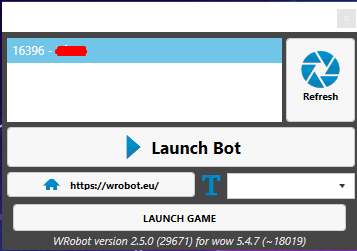
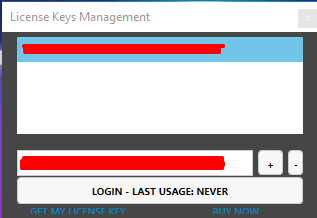
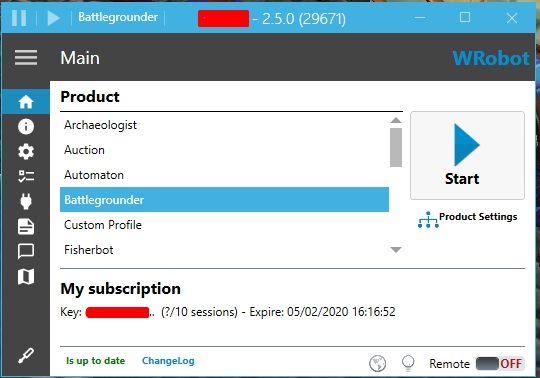
-
Salut j'ai effectivement essayer avec une autre version mais toujours le même problème :/
-
Bonjour , je suis sur un serveur MOP 5.4.8 -(18414) mais lorsque je lance le bot il affiche 13332 - Game version incorrect et je ne peut donc pas le lancé , j'ai essayer de le lancé en 32 bits mais il m'affiche la mémé erreur. ci - joint les logs Merci de votre compréhension . 14 mars 2017 10H58.log.html
-
Salut a tu réussie a réparé cette erreur ?