




Fla5hback
Members
-
Joined
-
Last visited
Everything posted by Fla5hback
-
 Hey Camelot, sry for the late reply. The problem seems to be away. Just works perfect now. Don´t know what was wrong. Fla5hback
- 4 comments
- 1 review
-
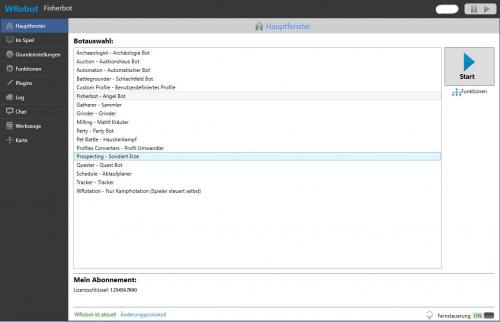 Hi Kratzbuerste, I have updated the description. Just copy the file into the "WRobot\Data\Lang\" folder.
 -
Hi camelot This Fight Class, does nothing for me. Just auto attacking. Any idea whats wrong? Fla5hback
- 4 comments
- 1 review
-
A translation for all german users. Hallo zusammen, hier meine Übersetzung für die WRobot Version 1.8.4. Leider lies sich nicht alles übersetzen. Bei groben Übersetzungsfehlern oder sinnlosen übersetzungen gebt mir bitte Bescheid! Ansonsten viel Spass damit Einfach in den WRobot Ordner kopieren: Beispiel: X:\WRobot\Data\Lang\deutsch.xml und Sprache vor dem starten auswählen: Fla5hback

