chronic743
WRobot user
-
Joined
-
Last visited
-
ill take your key
-
no use sin bot
-
Thank you epoch is dead anyways having another problem with octawow new turtle server and its not finishing looting
-
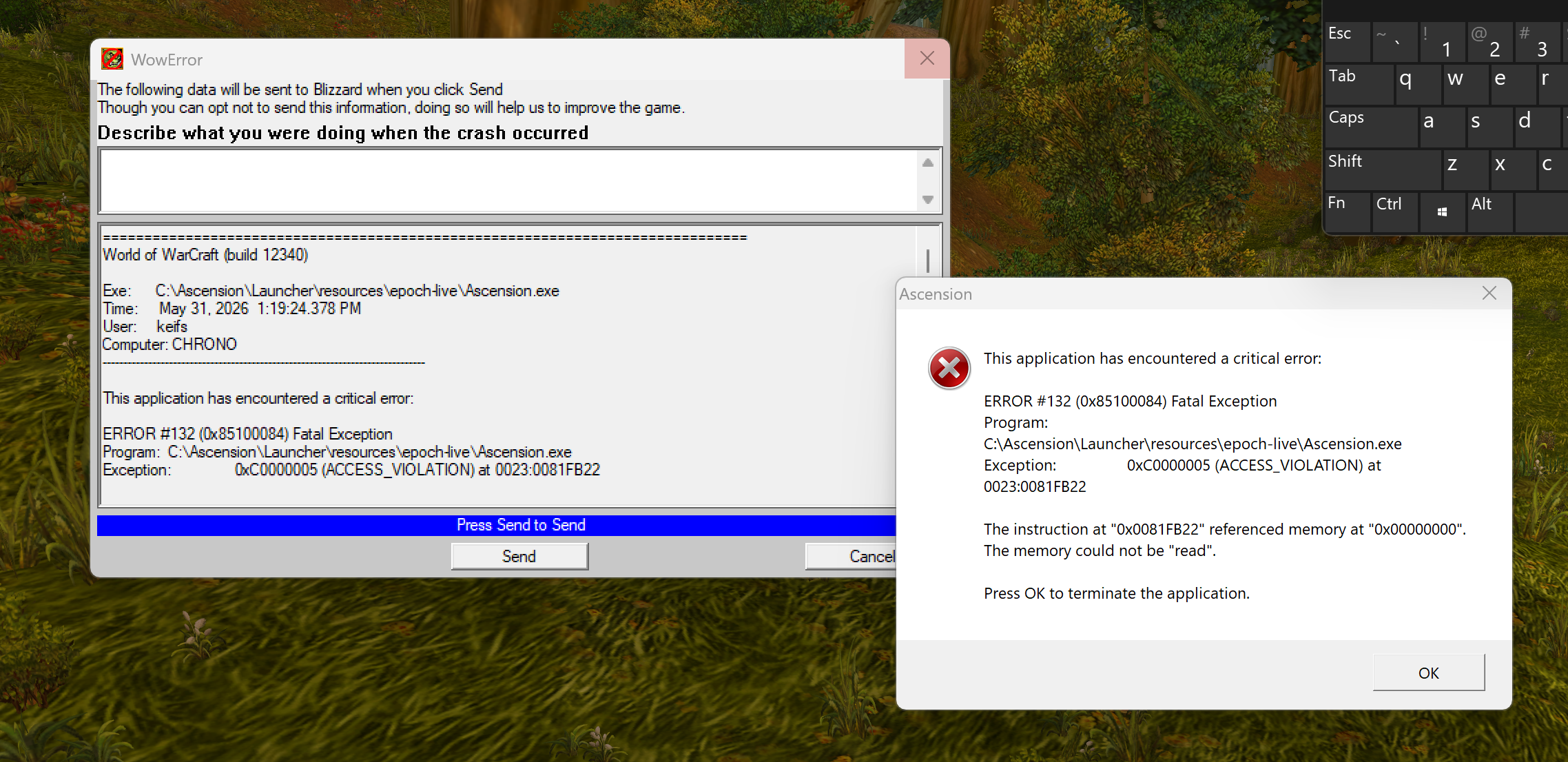
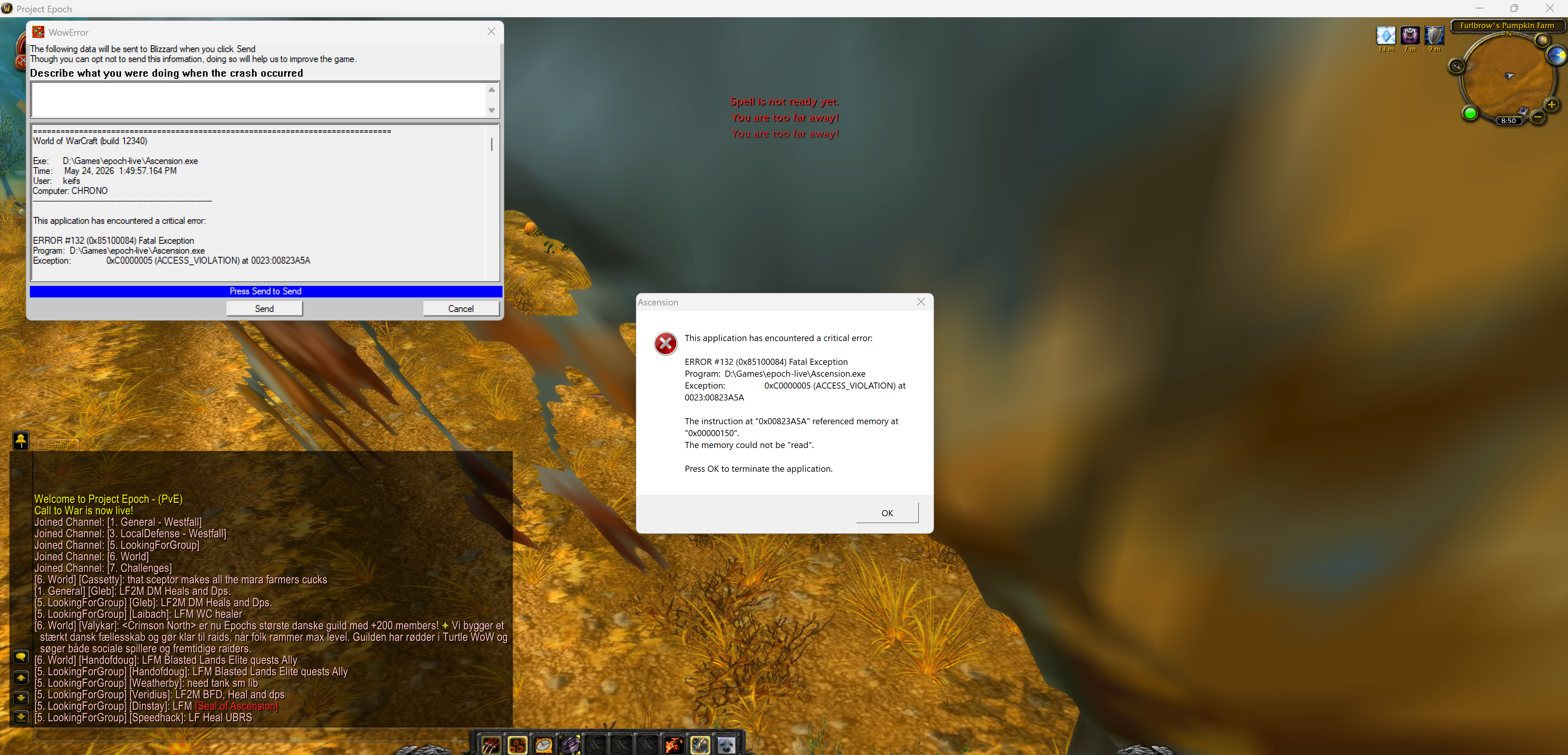
Mage.csMagefoodwaterhelper.csPathfinderCrashGuard.csWholesome_Inventory_Manager.dllDoNotSellMyLoot.csEpochMagePanicNovaOnly.csGeneral_Potion_User.csGeneral_Scroll_User.cs6 Jun 2026 15H16.log.html6 Jun 2026 15H11.log.html2026-05-27 13.19.43 Crash.txt2026-05-27 13.19.43 Crash.dmp still crashing, it doesn't usually crash with paladin as often but still crashes i've tried the most basic combat rotations and it still crashes. I'm thinking it's a thing droidz may have to fix. also just got banned from all the crashing.
-
trying it now
-
2 Jun 2026 19H24.log.html2 Jun 2026 19H10.log.html2026-06-02 19.09.06 Crash.txt2026-06-02 19.09.06 Crash.dmp
-
Uploading Attachment...Uploading Attachment...Uploading Attachment...Uploading Attachment...Uploading Attachment...PathfinderCrashGuard.cs this seems to be helping
-
fix pathfinding?
-
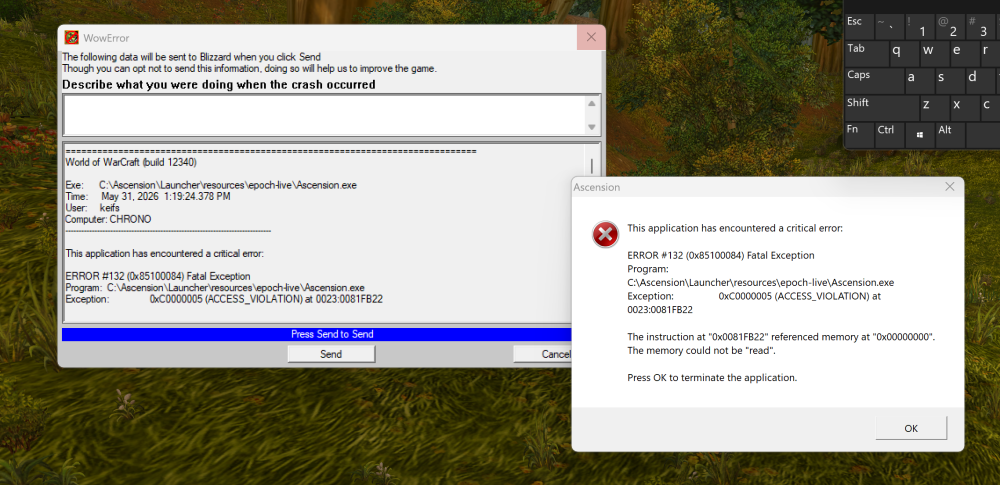
still crashing on epoch with mage class Magefoodwaterhelper.csDoNotSellMyLoot.csEpochMagePanicNovaOnly.csGeneral_Potion_User.csGeneral_Scroll_User.cs 2026-05-31 12.32.06 Crash.dmp 2026-05-31 12.32.06 Crash.txt 2026-05-31 12.08.08 Crash.dmp 2026-05-31 13.19.24 Crash.dmp 2026-05-31 13.19.24 Crash.txt 31 May 2026 12H08.log.html 31 May 2026 12H47 - JsWkhxM.log.html
-
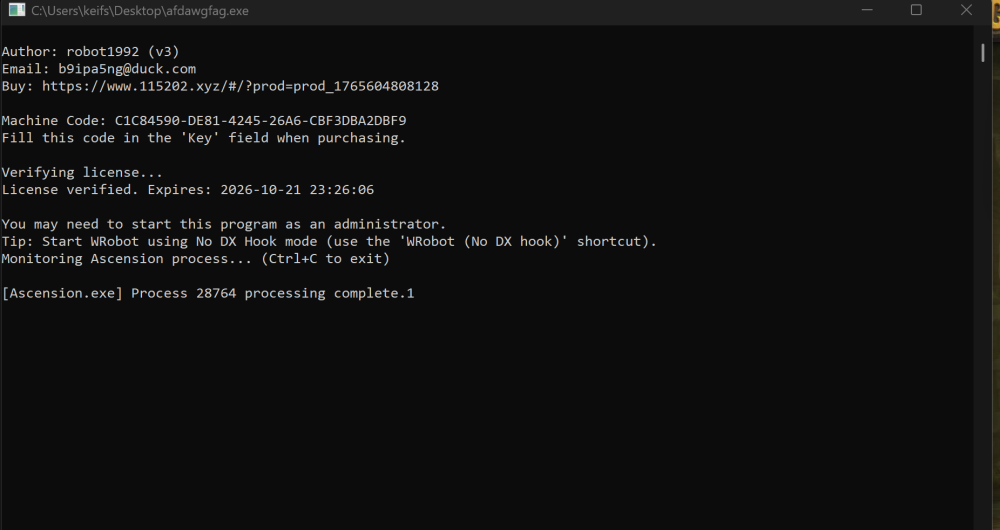
2026-05-31 10.26.00 Crash.dmp2026-05-31 10.26.00 Crash.txt WRobot remote pathfinder (401 Unauthorized) Epoch/WRobot hook interaction
-
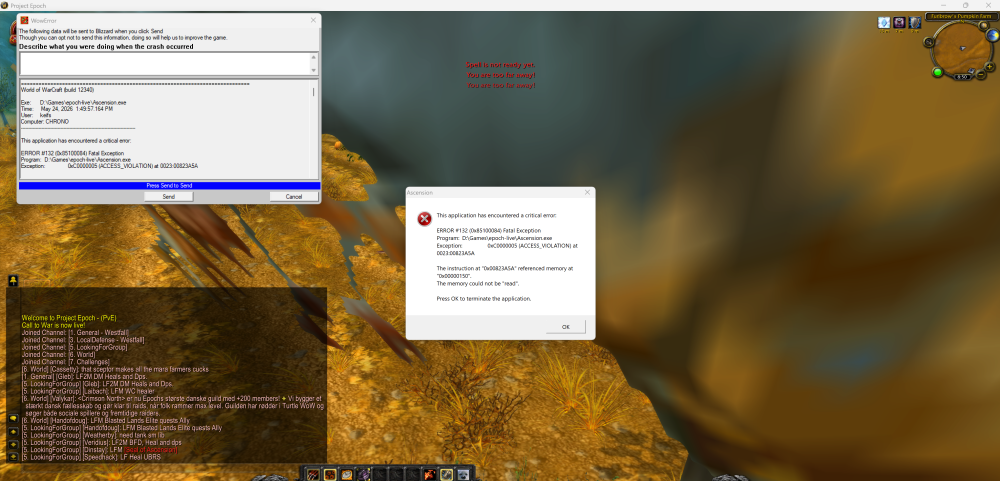
I'm gettting constant crashes with wrobot on Epoch realm Im thinking they updated the anti cheat
-
Mage.csEpochMagePanicNovaOnly.csMage rotation with Nova logic glhf
-
-
its worth the time
-
Droidz obiously is too busy to update for epoch