



-
-
-
need to do 10 top 1 streak in PUBG
-
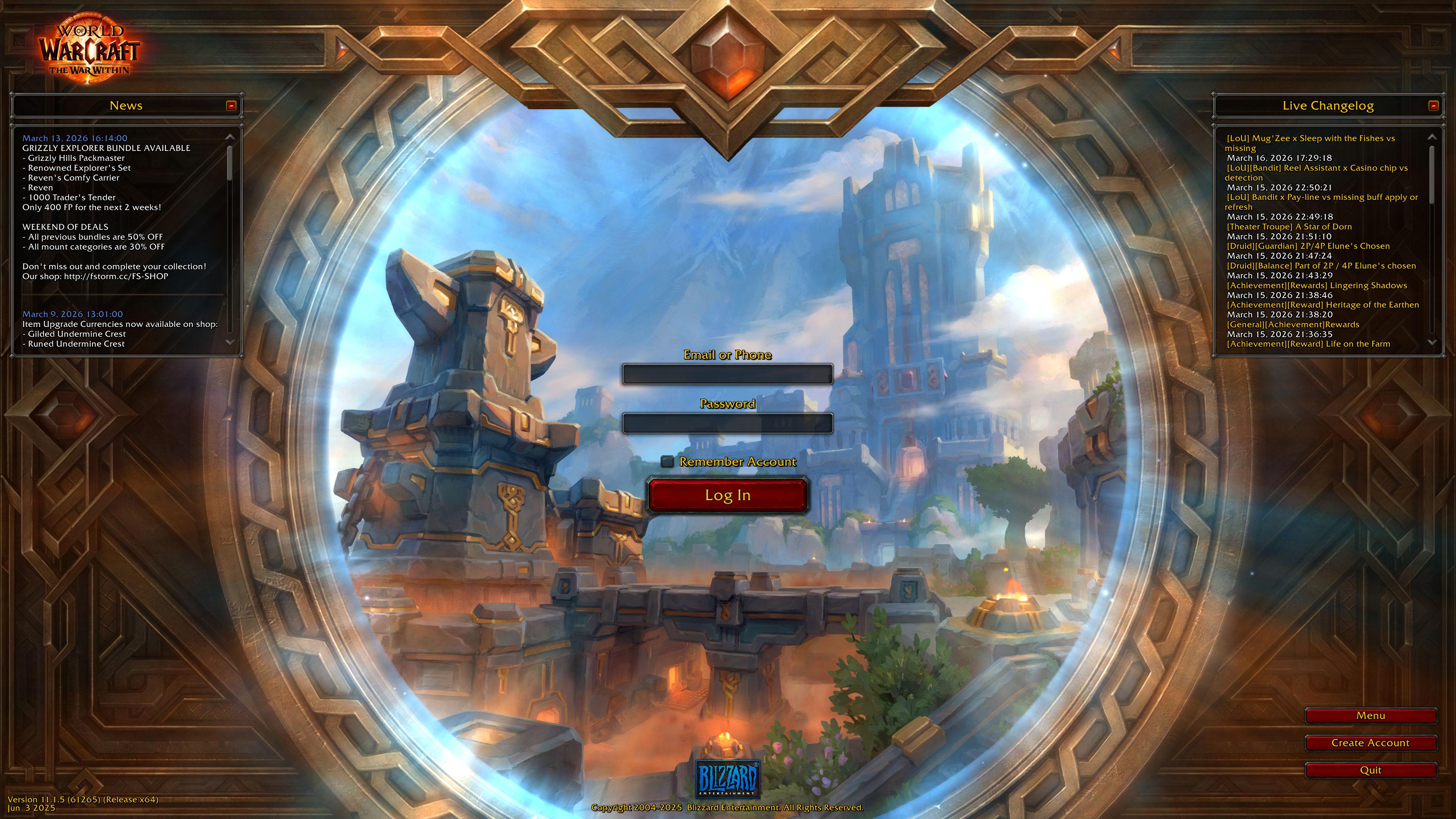
https://firestorm-servers.com/en
-
hi, you need to use proxy or vpn for wrobotHi, Midnight was releasedall works, thanksHi 5 янв 2026 16H27.log.htmlsometimes errors appear, but less often 23 дек 2025 16H35.log.htmlHi, Pathfinder errors appear at night, but during the day everything is usually fine. 10 дек 2025 20H51 - bsdeDz.log.html10 дек 2025 00H09 - BHUr.log.htmlI think its Will be after Midnight release in october of 2026hi, wrobot on windows 11 works fine for lk version, I only had problems with bfa versionthanks, it works now



Account
Navigation
Search
Configure browser push notifications
Chrome (Android)
- Tap the lock icon next to the address bar.
- Tap Permissions → Notifications.
- Adjust your preference.
Chrome (Desktop)
- Click the padlock icon in the address bar.
- Select Site settings.
- Find Notifications and adjust your preference.
Safari (iOS 16.4+)
- Ensure the site is installed via Add to Home Screen.
- Open Settings App → Notifications.
- Find your app name and adjust your preference.
Safari (macOS)
- Go to Safari → Preferences.
- Click the Websites tab.
- Select Notifications in the sidebar.
- Find this website and adjust your preference.
Edge (Android)
- Tap the lock icon next to the address bar.
- Tap Permissions.
- Find Notifications and adjust your preference.
Edge (Desktop)
- Click the padlock icon in the address bar.
- Click Permissions for this site.
- Find Notifications and adjust your preference.
Firefox (Android)
- Go to Settings → Site permissions.
- Tap Notifications.
- Find this site in the list and adjust your preference.
Firefox (Desktop)
- Open Firefox Settings.
- Search for Notifications.
- Find this site in the list and adjust your preference.