mischasln
Members
-
Joined
-
Last visited
Everything posted by mischasln
-
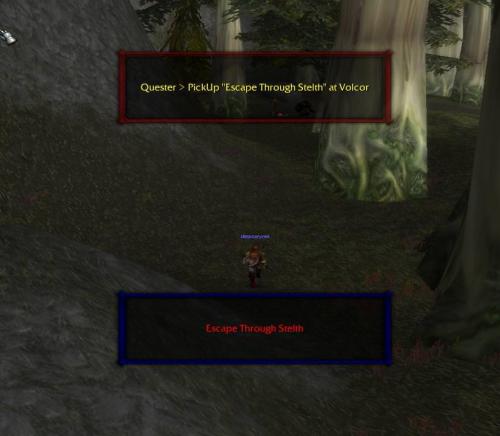 Is there a way to modify the window's background? I'm using pfUI as a UI replacement and WhatsGoingOn's background turns to white whereas the yellow font color stays the same.
- 6 comments
- 5 reviews
-
SOLVED.
-
I also re-installed DirectX (I'm running DX12), Framework 4.6 and Microsoft Visual C++ 2010 Redistributable Package (x86) without success.
-
I don"t have a dedicated Antivirus Software installed but Windows Defender (Firewall) which I set to disabled won't fix my problem either.
-
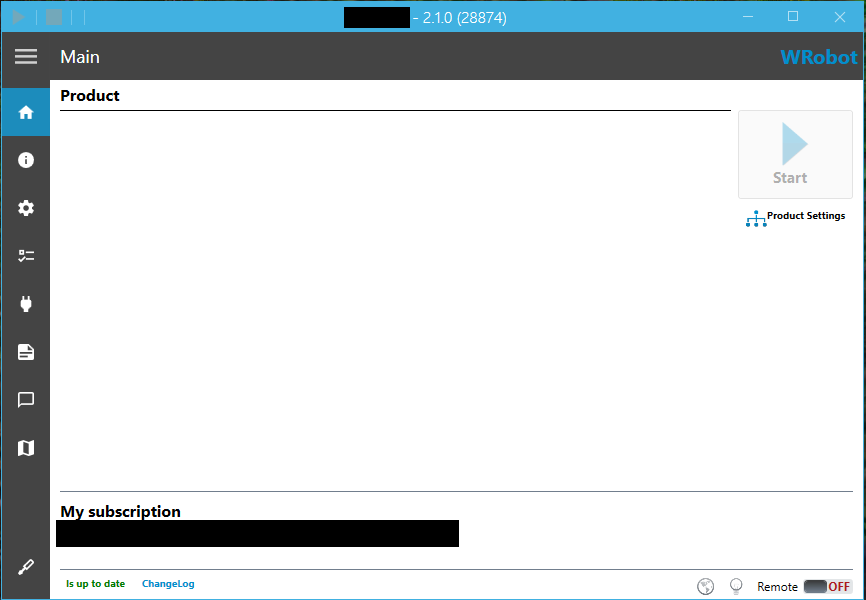
Hi, thanks for your reply. I just did an update to 2.1.0 (28874) and still no product settings visible.
-
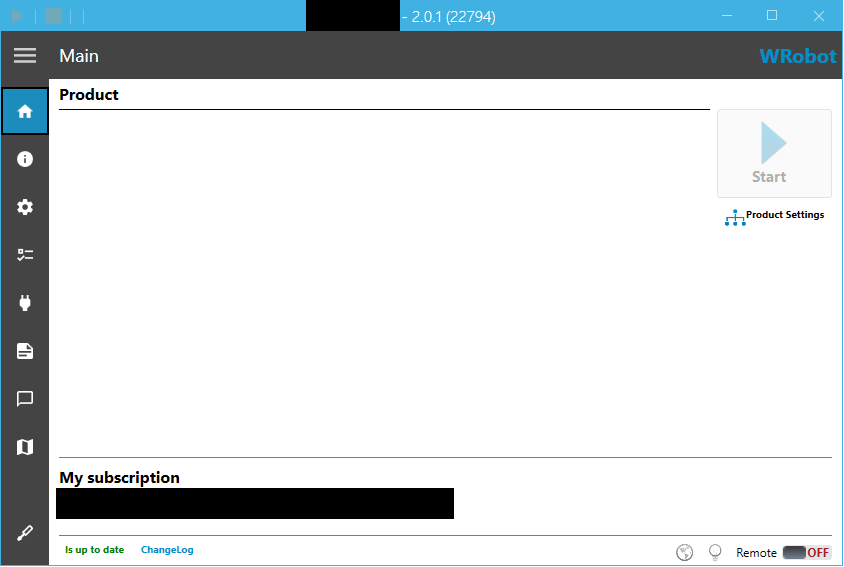
Hey guys, I just updated WRobot to its newest version using the updater tool and for some reason, there are no product settings (please see screenshot attached). Cheers, Mischa Update 28.06.2018 15:26 I just clean installed WRobot using the official Website download and updated to the newest version. The problem still persists. Update 28.06.2018 17:19 Re-installing DirectX, Framework 4.6 and Microsoft Visual C++ 2010 Redistributable Package (x86) won't fix my problem. FIX Moving the WRobot folder to C:\Program Files (x86)\ solved the issue. Versions - WRobot: 2.0.1 (22794) - OS: Windows 10 Pro x64 - Client: 1.12.1 (~5875) Log 28 Jun 2018 15H00.log.html Screenshot