



Skip to content
View in the app

A better way to browse. Learn more.

WRobot

A full-screen app on your home screen with push notifications, badges and more.

To install this app on iOS and iPadOS
  1. Tap the Share icon in Safari
  2. Scroll the menu and tap Add to Home Screen.
  3. Tap Add in the top-right corner.
To install this app on Android
  1. Tap the 3-dot menu (⋮) in the top-right corner of the browser.
  2. Tap Add to Home screen or Install app.
  3. Confirm by tapping Install.

ktek

Members
  • Joined

  • Last visited

Everything posted by ktek

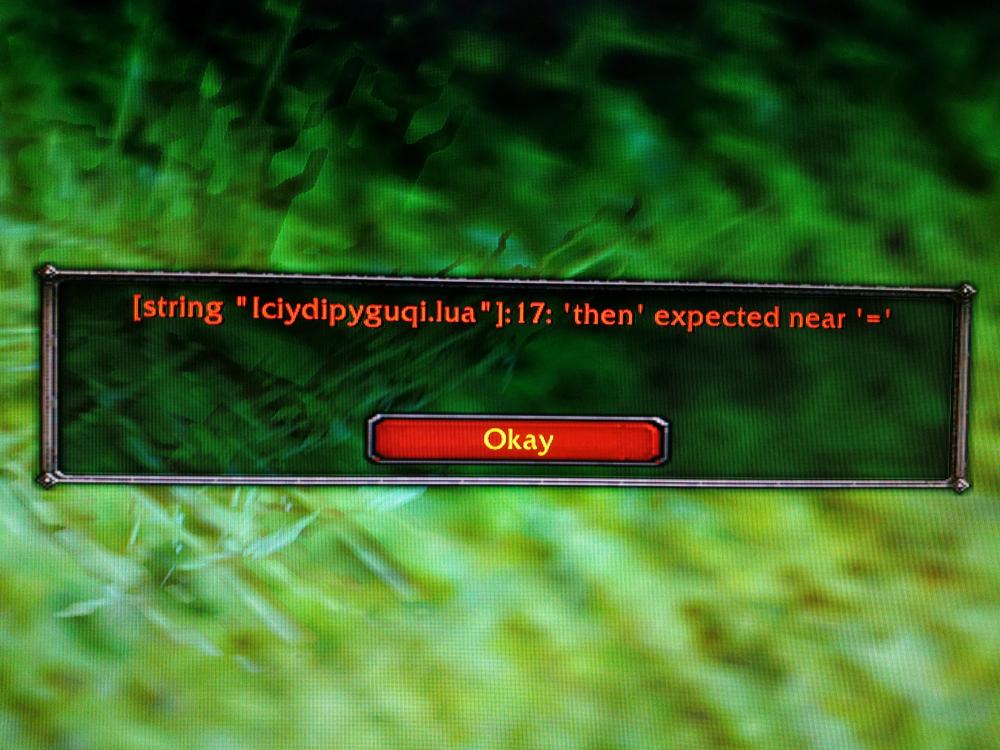
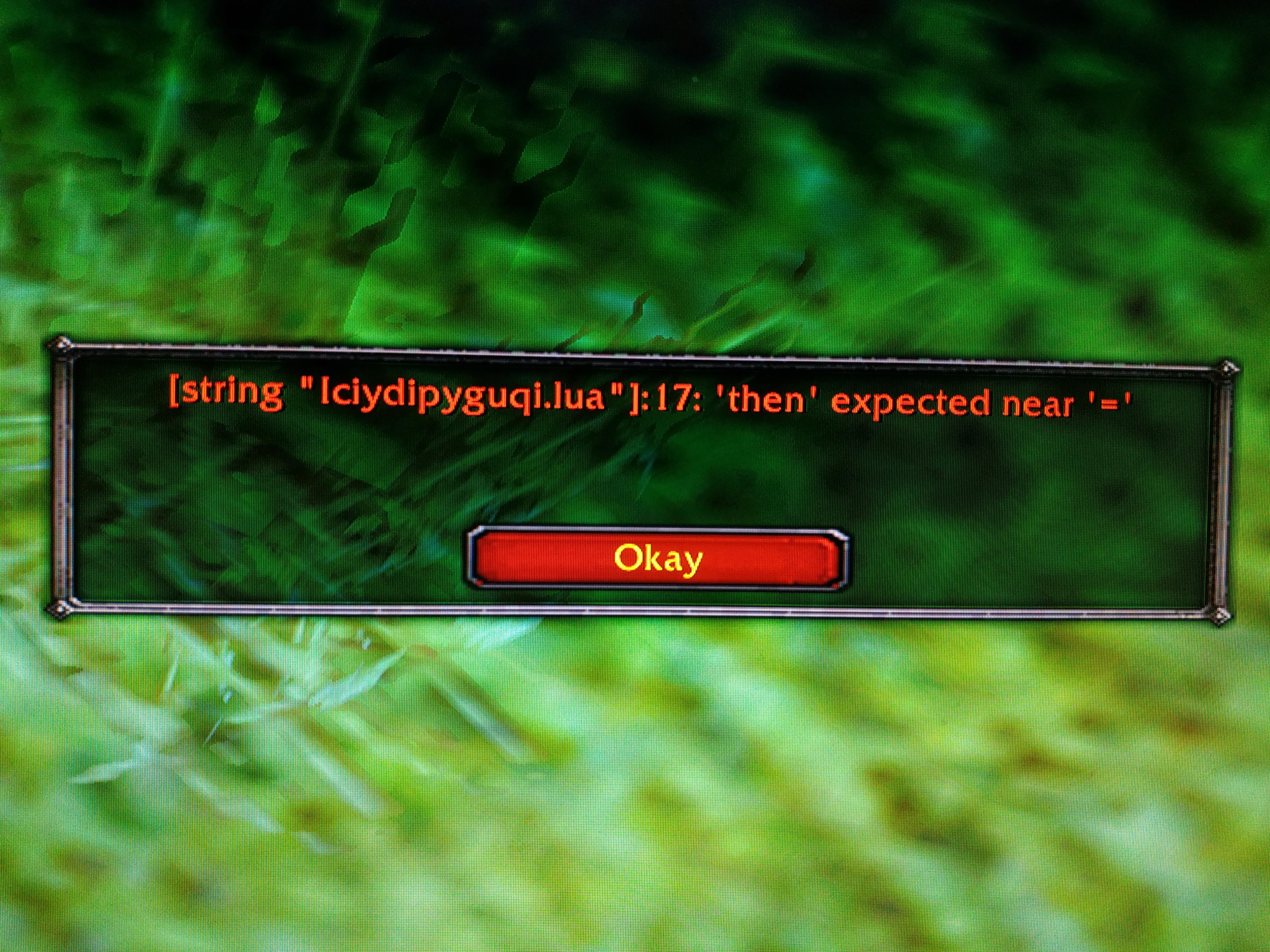
  1. Love the profile, it runs really well! I am currently having an issue where I get an in-game error everytime I'm in combat "[string "Iciydipyguqi.lua "]:17: 'then' expected near '=' " I have tried to reinstall wrobot and all my profiles with no plugins and disabled and enabled every spell in the interface but can't seem to work it out (No in game addons enabled). I am not sure if it's related but I also get stuck in aspect of the cheetah and won't use hawk (or traps) regardless of it being turned on in the interface. Thanks, keep up the great work ?
Account

Navigation

Search

Search

Configure browser push notifications

Chrome (Android)
  1. Tap the lock icon next to the address bar.
  2. Tap Permissions → Notifications.
  3. Adjust your preference.
Chrome (Desktop)
  1. Click the padlock icon in the address bar.
  2. Select Site settings.
  3. Find Notifications and adjust your preference.