




coquitico1983
Members
-
Joined
-
Last visited
Everything posted by coquitico1983
-
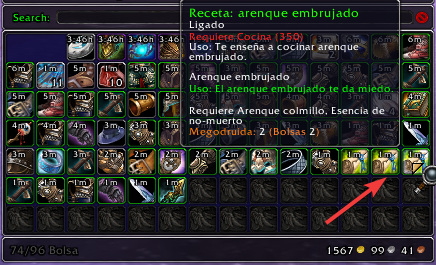
Greetings, I request the help of the community to try to guide me on a change that I want to make My pj arrives at the seller, sells but he has some resetas in the bags that have no monetary value so they stay in the bags and accumulate and space is wasted, is there a way to erase those worthless items? At the moment I am doing it with a macro, the plan is to be able to use that macro in C # code Modify a code that restarts the instances I have a druid rotation to enter the instance in inviisible feline mode I enter Gundrak until I reach some of there when it touches water it transforms into a seal and it is where in combat it kills the fish and farms them since they drop a lot of armor, when ends it leaves the instance and goes to sell, that's why I want to add the macro to the C # code so as not to have to modify so many things, I'm trying to make the configuration that C # code Image
-
No sirve pone los totems una y otra vez not fount