Knee264
Members
-
Joined
-
Last visited
Everything posted by Knee264
-
-
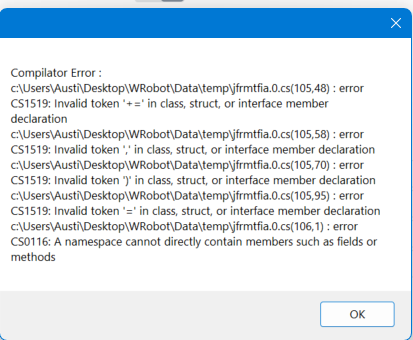
Hello, so I am trying to create a fight class that will allow my hunter to stay in place and just target 2 specific npcs (within range) and cast chimera shot on them. Something like the video I made (apologies if the screen is wonky, still learning OBS Studio) I added the Chimera Shot as the only spell to use. 1 second timer, as there is no CD for it on this server, so it just has that default 1 second before casting again. I used the following line of code that I got off of google. My intention was to get the character to stand in one spot. Which it seems to have worked, and also added a code to force them to go back to the initial spot if moved, which works. However, they do not attack anything. wManager.Events.MovementEvents.OnMovementPulse += (points, cancelable) => { cancelable.Cancel = true; }; wManager.Events.MovementEvents.OnMoveToPulse += (point, cancelable) => { cancelable.Cancel = true; }; if(ObjectManager.Me.Position.DistanceTo(position) > 1) { // Move } EDIT: For the video, skip to 00:08 seconds. EDIT 2: Added a video which shows someone else using a bot to do what I'm trying to do. The following error messages is what I received: test2.mp4 Mob Farm.mp4
-
Also need to figure this out. Server I'm on, Hunter's auto shot is broken, so it reads it as melee. I just need it to cast one spell while standing in 1 spot.
-
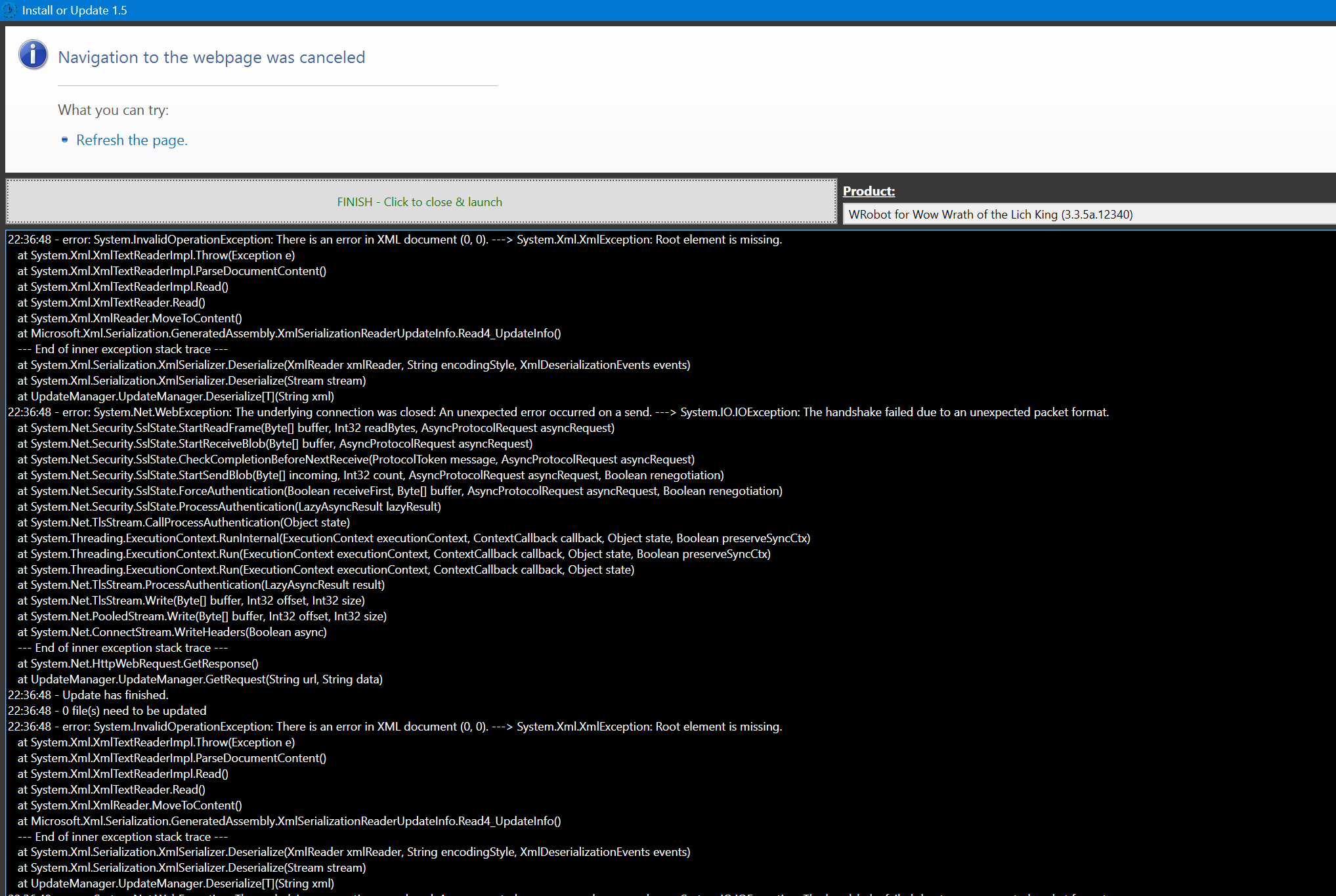
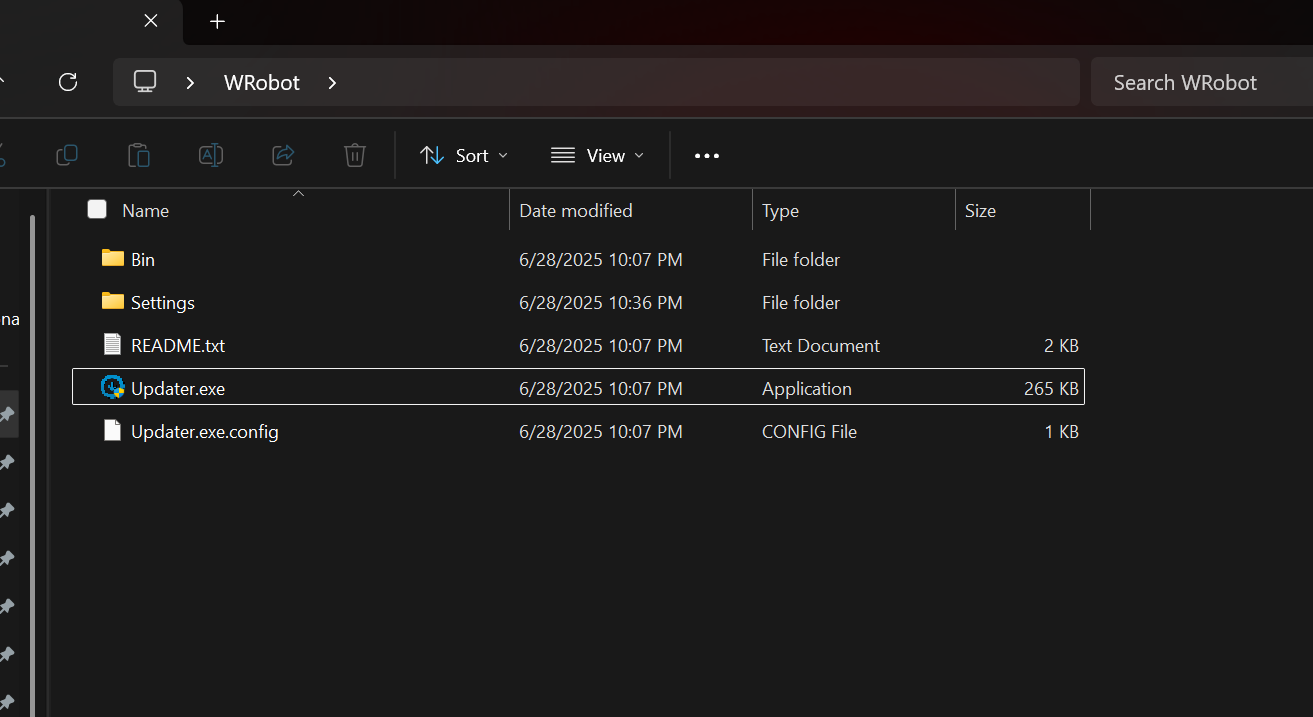
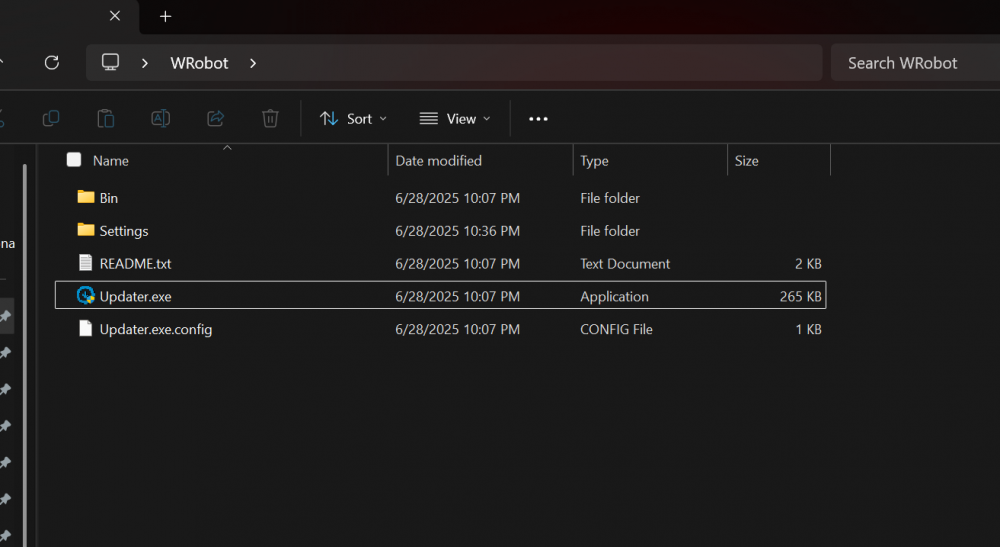
EDIT: Disabled Malwarebytes and it worked. EDIT 2: Made first edit bigger so it's the first thing people see. Unsure how to mark as solved. Hello all, I have used Wrobot in the past and never had any issues. Now I'm having trouble installing it. I have all the required downloads. It appears the root file is missing? Is anyone able to tell me exactly what it's missing and what I need to do?
-