.jpg.fedb4b30823d706bcb2dd87e368b0a82.jpg)
paradox_now
Members
-
Joined
-
Last visited
Files posted by paradox_now
-
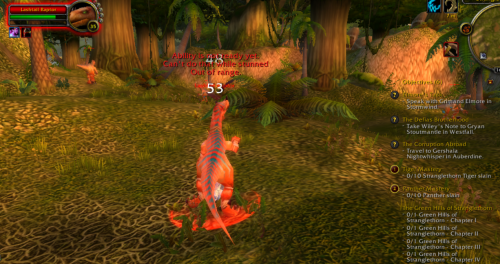
Part of the EasyBeasts series, this takes advantage of the large space between mobs to make it rare that you will pull too many mobs. Especially useful for a weak leveling class. It will occasionally pull golems, elementals and the few humanoid mobs outside the cave but they are usually not grouped with other mobs making it relatively safe.
Please comment if any issues.
- 162 Downloads
- 1 Comments
Updated -
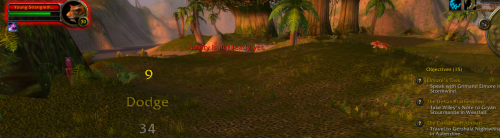
This is the next step to my Nesingwarys camp beasts 28-35 -- It will grind very close to the previous route and use the same vendor but will instead level on the 33-36 mobs to grind you to level 40. The beasts in this area are great for leveling as they are so spaced out that you aren't pulling extra mobs. The vendors are set for alliance, you can still use this for horde provided you have humanmasterplugin and have the vendor override option on.
If you see any problems feel free to comment or message.
- 213 Downloads
- 1 Comments
Updated -
I couldn't find a good profile for this level range so I made this grinder which will follow a set path near the Nesingwary camp and grind the beasts. It should work with any client up to Wrath of the Lich King, AFAIK. Please report any issues though.
This profile is great for weak solo classes as the beasts are far enough apart so they don't pull multiple mobs; it also kills two birds with one stone as you can leave it to do the first Nesingwary quests!
Hope you like it, have fun.
FYI it works with Vanilla, TBC and WotLK clients.- grinder
- grinder profile
- vanilla
- tbc
-
Tagged with:
- 251 Downloads
- 3 Comments
Updated
.thumb.jpg.f3c6d24cc7ee03b1480ad92e0d8e167c.jpg)