




Ribar369
Members
-
Joined
-
Last visited
-
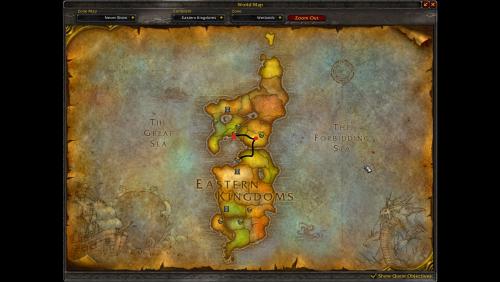 Hello everyone, this is a travel profile. ? It will take you from Menethil Harbor to Southshore on foot or mount. It will automatically talk with FLIGHT MASTERS so you will get flight points in REFUGE POINTE and SOUTHSHORE. You should put the FILE in the GATHERER profile folder. The travel is on the main road so it's minimum danger. Don't forget to turn on the loot herb/nodes option because there are some near the road. ☘️ Thank you.