




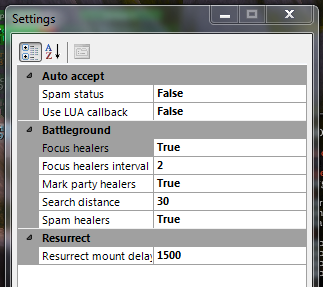
Its true. Never rejoins BG, even on transport. Accepts BG using UPDATE_BATTLEFIELD_STATUS event callback and alternative method (button click). Usefull for some private servers where AcceptBattlefieldPort function is disabled (some servers also will require modified wManager.dll - i think v.2.2.0 can work without patching, if you select "disable AcceptBattlefieldPort call" - this code unsafe and removed).
Version 2.x:
Plugin uses battlefield statistics for determinig and auto focus enemy healers, check plugin settings (do not set Search distance much more than your fight class range). Also you can mark enemies usung Radar3D (just for fun, wow addons can do it better).
It can auto mark party healers when you party leader;
After resurrection it can wait N milliseconds before using ground mount to let your fightclass make all buffs (Resurrect BG workaround)
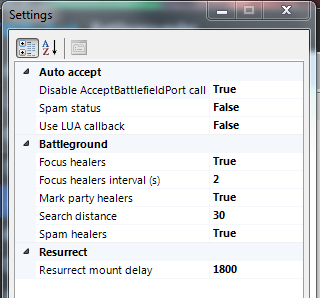
Dont forget to remove AutoBG plugin if you used version 1.x
What's New in Version 2.3.0
Released
Removed unsafe code, fixed NullReferenceException for empty settings case

You may only provide a review once you have downloaded the file.
There are no reviews to display.