Skip to content
View in the app

A better way to browse. Learn more.

WRobot

A full-screen app on your home screen with push notifications, badges and more.

To install this app on iOS and iPadOS
  1. Tap the Share icon in Safari
  2. Scroll the menu and tap Add to Home Screen.
  3. Tap Add in the top-right corner.
To install this app on Android
  1. Tap the 3-dot menu (⋮) in the top-right corner of the browser.
  2. Tap Add to Home screen or Install app.
  3. Confirm by tapping Install.

[EasyBeasts] 28-35 Grinder - Nesingwary Camp - Vanilla to WotlK 1.2

(0 reviews)

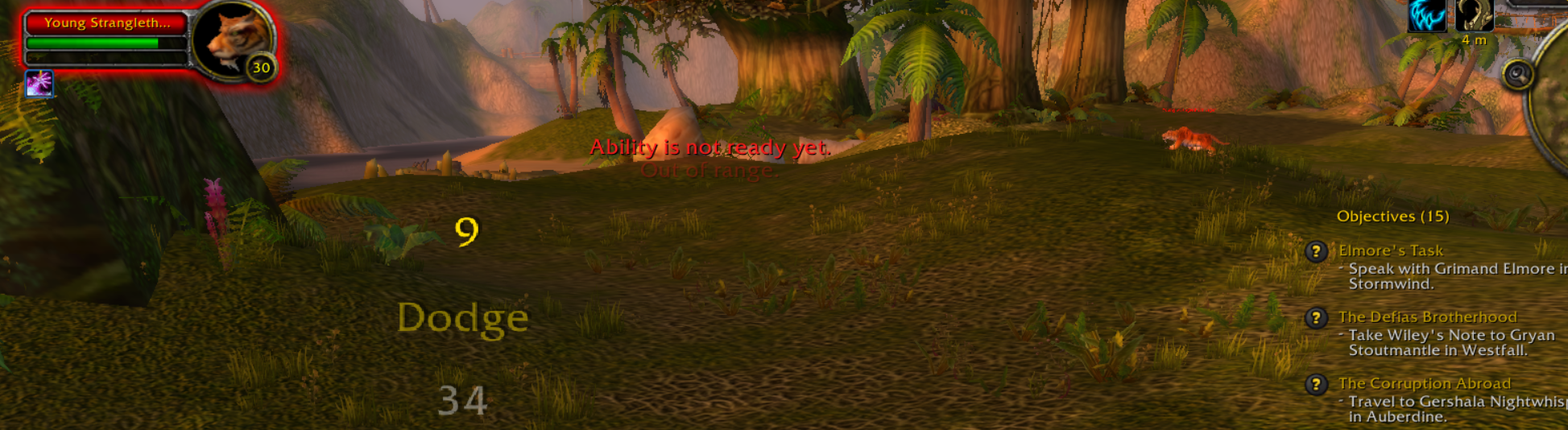
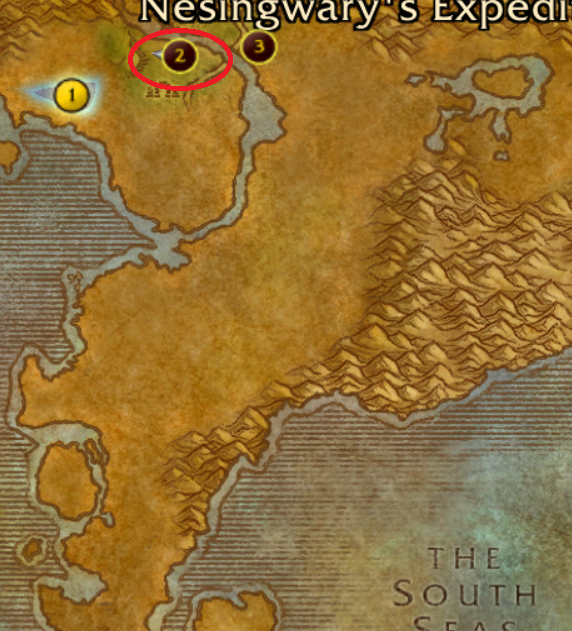
2 Screenshots

I couldn't find a good profile for this level range so I made this grinder which will follow a set path near the Nesingwary camp and grind the beasts. It should work with any client up to Wrath of the Lich King, AFAIK. Please report any issues though. 

This profile is great for weak solo classes as the beasts are far enough apart so they don't pull multiple mobs; it also kills two birds with one stone as you can leave it to do the first Nesingwary quests!

Hope you like it, have fun. 

FYI it works with Vanilla, TBC and WotLK clients. 

What's New in Version 1.2

Released

Updated the loop again as noticed some strange blocking behavior by trees last night! Should work even better now. 

User Feedback

You may only provide a review once you have downloaded the file.

There are no reviews to display.

Account

Navigation

Search

Search

Configure browser push notifications

Chrome (Android)
  1. Tap the lock icon next to the address bar.
  2. Tap Permissions → Notifications.
  3. Adjust your preference.
Chrome (Desktop)
  1. Click the padlock icon in the address bar.
  2. Select Site settings.
  3. Find Notifications and adjust your preference.