




Please refer to the newest version's details located below:
If you like my profiles and want to see more, feel free to buy me a coffee.
What's New in Version 2.2b
Released
Update 2.2b: Uploaded the older version of this profile (at it's previous location Straits of Hydrannon) as requested by @octevius
Update 2.2b: Someone reported getting stuck in some rocks. Blacklisted area.
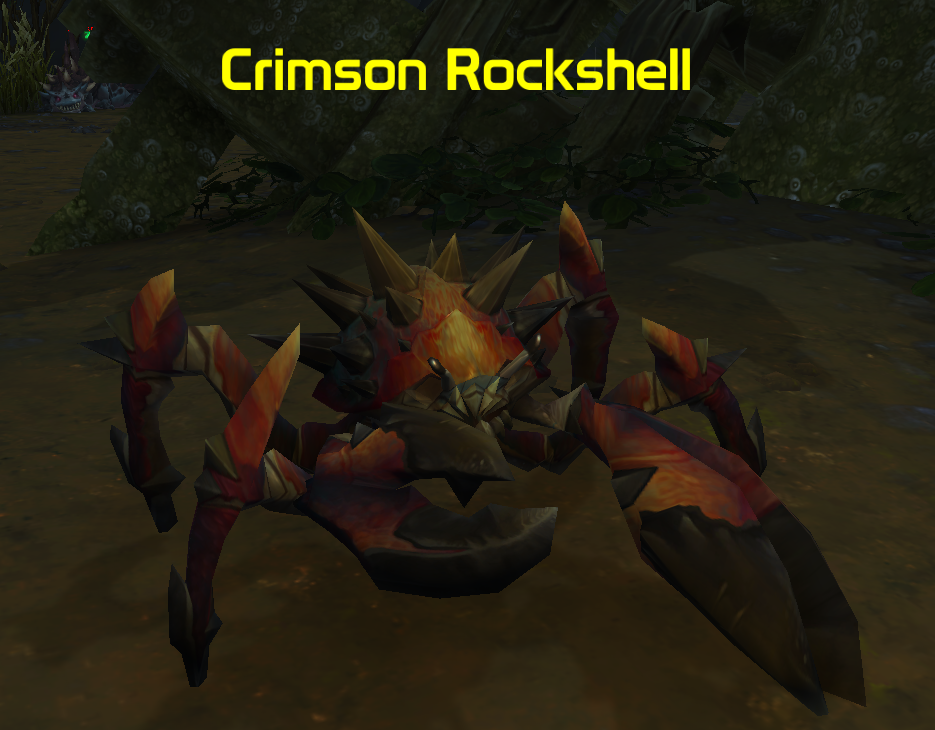
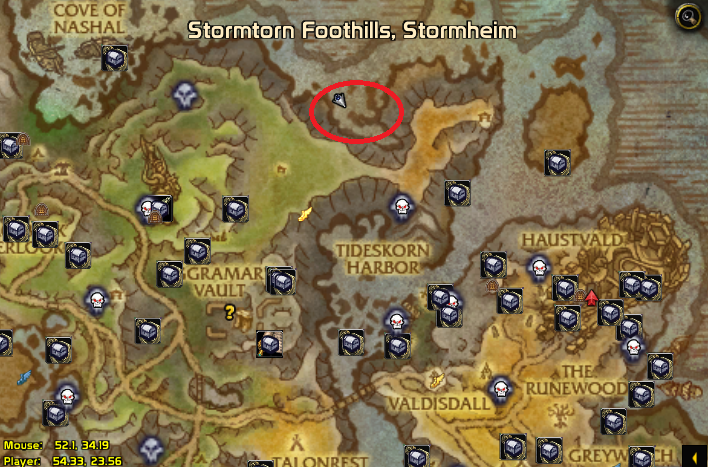
Update 2.2: Re-did the pathing, added blacklisting of any optional paths (minus the path to get down from FP). Blacklisted much of the water, the bot will avoid the water and the mobs that are not directly on the shoreline. Added only the crabs as the primary attack target (the bot will run into the rockjaws and still attack them, but will not go out of it's way to attack something and get stuck). Been running over an hour with no pathing problems, and haven't gotten stuck.
Make sure that Harvest Herbs and Harvest Minerals is turned OFF. The bot WILL run off the pathing to harvest, putting you into danger. This cannot be avoided.
If you want to gather with skinnable mobs, try my gathering profile instead.

You may only provide a review once you have downloaded the file.
There are no reviews to display.