




Droidz
Administrators
-
Joined
-
Last visited
Everything posted by Droidz
-
No sorry
-
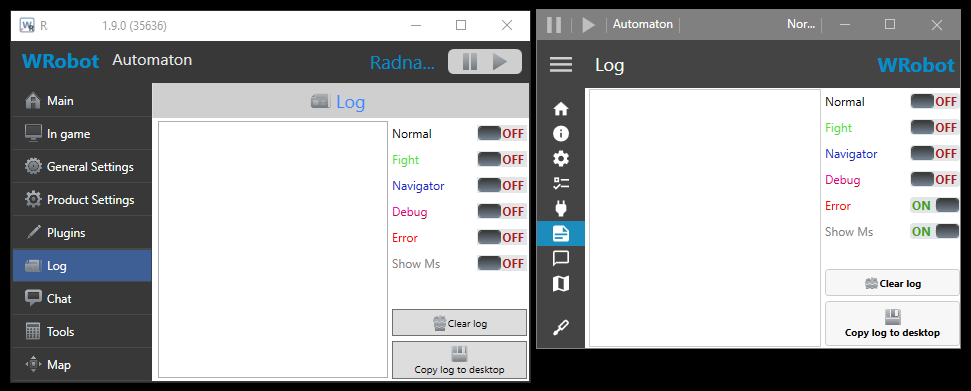
I released update, tell me if it is good and if you have others suggestions.You can with good programming knowledge, but you will lost time it is more easy to create/convert new fightclasses with WRobot APIWait next update I resized icons when you use small height:
 Why not, I'll try that (waiting the end of WRobot for officials servers). EDIT: https://wrobot.eu/forums/topic/9414-discord-channel/Hello, 1: For the player name I'll fix this problem, I added option to save window position, wait next update (option will be in tab "tools"). 2: You can reduce window height and use mouse wheel to get access at all buttons of the menu without resize window. 3: It is because old versions will soon no longer working, I want than all users test the new version to report me eventual new bugs (to fix their) and tell me if they use more than 10 sessions before to be forced to use this.I think than the spirit healer in in blacklisted zone, I'll fix it in next updatesHello, https://wrobot.eu/articles/news/wrobot-20-released-r125/problem resolved by private emssageI will soon open a new Discord (I wait to completely close WRobot for official servers, to avoid to get removed again)try https://wrobot.eu/forums/topic/7047-resurrecting-bugged-elysium/?do=findComment&comment=32963can you share full log fileI am sorry, I don't know why WRobot don't works on your computer.For the regen problem try to use https://wrobot.eu/bugtracker/regen-before-looting-r1053/?do=findComment&comment=5080This error causes problem? https://www.google.com/search?q=System.ComponentModel.Win32Exception+(0x80004005)Try to disable all useless program, your antivirus and ...I ban himHello, If you want use WRobot for official server read before https://wrobot.eu/forums/topic/9190-wrobot-20-released/?tab=comments#comment-42705 , if you play on private server no problem, you can use free trial version to test wrobot before purchase.Try to disable you antivirus and all useless programs (to run wow and wrobot only)Hello, can you read this: https://wrobot.eu/forums/topic/1381-repairinstall-wrobot/#comment-966 (install slimdx et vc++)Hello, Can you share your log file please ( https://wrobot.eu/forums/topic/1779-how-to-post-your-log-file-with-your-topic/ ).Hello, in C# when you use float type you need to end by "f" (when use have decimal number), but not when you use double type (but result is the same)Hello try https://wrobot.eu/forums/topic/3749-how-to-add-random-delay-to-cast-interrupt/?do=findComment&comment=17612

