Skip to content
View in the app

A better way to browse. Learn more.

WRobot

A full-screen app on your home screen with push notifications, badges and more.

To install this app on iOS and iPadOS
  1. Tap the Share icon in Safari
  2. Scroll the menu and tap Add to Home Screen.
  3. Tap Add in the top-right corner.
To install this app on Android
  1. Tap the 3-dot menu (⋮) in the top-right corner of the browser.
  2. Tap Add to Home screen or Install app.
  3. Confirm by tapping Install.

cuhara56

Members
  • Joined

  • Last visited

  1. @Matenia it doesn't make sense since im not paying to blizzard. Wrobot still selling bot services and i paid 50 euros for unlimited edition then why did i paid for unlimited?
  2. cuhara56 started following Droidz
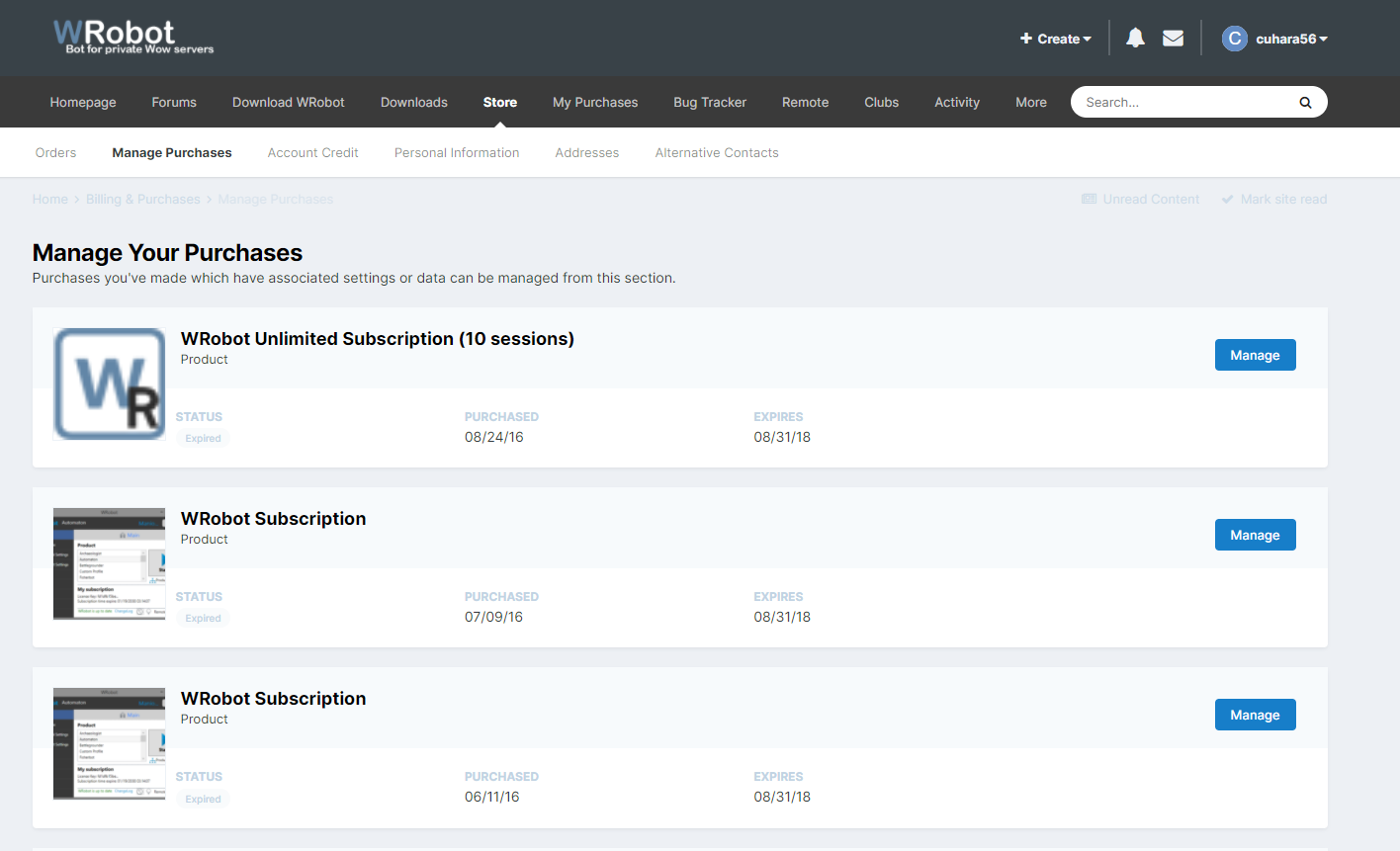
  3. hi there, i paid for unlimited wrobot subscription in 2016 and it was going to expire in 2026 or so and now what i see is its expired after 2 years even i paid for unlimited subscription. Can you please renew it or give me the explanation why it is expired?
  4. Hello i was using wrobot automaton product and it was woking well. For 2 weeks when i select automaton product from main menu in wrobot then switching up to product settings there is only a sentence 'no settings for this product'. So i can't use automaton right now. I need an explanation please help. Sorry for bad English by the way .
  5.    cuhara56 reacted to a post in a topic: Chat does not work
  6.    cuhara56 reacted to a post in a topic: Chat does not work
  7. I use uptodated version of Wrobot and i can not use 'Chat' part. When i try to use : I write the text (which i want to make flood) to the line. Then i choose 'Channel' because i want to flood from [2. Trade]. Then i go 'Main' Tab and i couldnt find the relevant product for this but anyway, I have tried all... So guys please tell me how can i use the chat part. Sorry for bad English. Thanks for help. Respects.
  8.    Droidz reacted to a post in a topic: Yardım!!
  9. cuhara56 posted a topic in Türk
    Arkadaşlar fikir danışmak için katılımlarınızı bekliyorum. Hepimiz ingilizce bilsekte burda herkes asıl taktiklerini paylaşmıyor. Birlikten kuvvet doğar. Gelin şurda yardımlaşalım goldlar yabancılara gitmesin.

Account

Navigation

Search

Search

Configure browser push notifications

Chrome (Android)
  1. Tap the lock icon next to the address bar.
  2. Tap Permissions → Notifications.
  3. Adjust your preference.
Chrome (Desktop)
  1. Click the padlock icon in the address bar.
  2. Select Site settings.
  3. Find Notifications and adjust your preference.