




kapoow
Members
-
Joined
-
Last visited
-
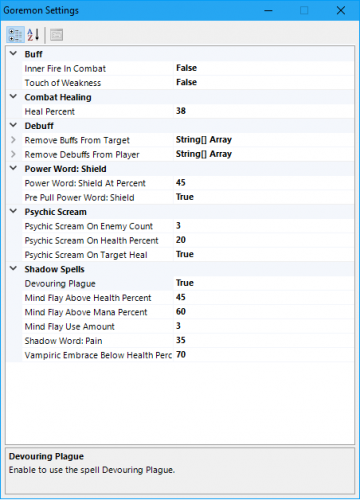 I highly recommend this profile, i've only used it after level 40 but its working like a charm :)
- 2 comments
- 2 reviews
-
Yea this. After buff scroll it keeps itself or the voidwalker in target and cant turn in quests anymore, have to relog to fix it.
- 90 comments
- 10 reviews
-
Ofc.. haha, now i feel even smarter than before. Thanks lol
-
Hi, is it possible to set it to only do the one which triggered the rest time? Ie, if my lock goes below 35% mana but has 70%hp and still uses both food and water atm. I would like it to only use the one that triggered the rest time. If that makes sense ?