anarchia
Members
-
Joined
-
Last visited
Files posted by anarchia
-
Hello Community.
I made this Profile which is repeatly doing "Now that we are still friends". It needs about 3-6 Minutes per Quest, one Quest gives 750 REP. (http://www.wowhead.com/quest=9727/now-that-were-still-friends)
This is a repeatable quest from friendly to exalted.
This version should work on all wow Versions but was created in WOTLK 3.3.5. If there are any Questions/Suggestions, feel free to speak
Anarchia- 194 Downloads
Submitted -
Hello,
I made a pretty basic Fight Class for Mutilate Rogues and decided to upload it.
Use Stealth
Use Hunger for Blood
Use Attackspeedbuff
Use Evenom
Use 100% Crit on 5 Combos
No Poison Macros yet. Have to look into the Macro function here.
Have fun
BTW: Still looking for Rep & Dungeonprofiles- 481 Downloads
- 2 Comments
Submitted -
Hello,
I am an experienced Pirox Botter and now bought the Pserver Plugin. The Bot is really nice so I want to make the Profile Collection bigger.
English is not my first language so be nice :P
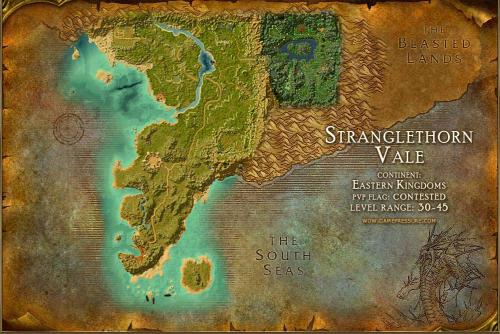
This Profile is located in the middle of Stanglethorn Vale. Run this as Grinder Profile.
Open for Testing. Running 1 Hour without Problems.
Leave a like here if you like the Profile- 514 Downloads
Updated