hootie12345
Members
-
Joined
-
Last visited
Everything posted by hootie12345
-
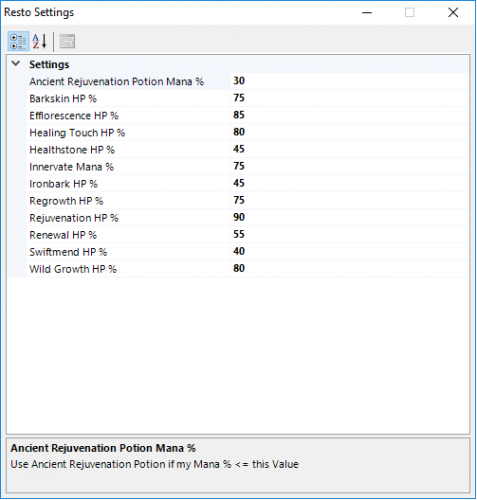 Also it is spamming this in log. [D] 21:19:07 - [SpellManager] Cannot found spell: public static SpellInfo SpellInfoCreateCache() [D] 21:19:07 - [SpellManager] Cannot found spell: public static SpellInfo SpellInfoCreateCache() [D] 21:19:07 - [SpellManager] Cannot found spell: public static SpellInfo SpellInfoCreateCache() [D] 21:19:07 - [SpellManager] Cannot found spell: public static SpellInfo SpellInfoCreateCache() [D] 21:19:07 - [SpellManager] Cannot found spell: public static SpellInfo SpellInfoCreateCache() [D] 21:19:07 - [SpellManager] Cannot found spell: public static SpellInfo SpellInfoCreateCache()
- 31 comments
- 1 review
-
-
-
I am also trying to get this to work. It isn't working. Anyone have the exact code they use?