



Skip to content
View in the app

A better way to browse. Learn more.

WRobot

A full-screen app on your home screen with push notifications, badges and more.

To install this app on iOS and iPadOS
  1. Tap the Share icon in Safari
  2. Scroll the menu and tap Add to Home Screen.
  3. Tap Add in the top-right corner.
To install this app on Android
  1. Tap the 3-dot menu (⋮) in the top-right corner of the browser.
  2. Tap Add to Home screen or Install app.
  3. Confirm by tapping Install.

EnergyOne

Members
  • Joined

  • Last visited

Everything posted by EnergyOne

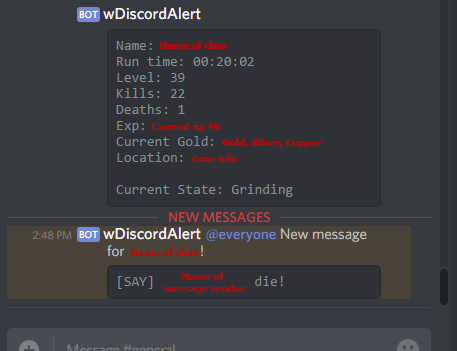
  1. Awesome plugin, works as intended. Only issue so far is the death screenshot feature. It sends the first screenshot every time instead of a new one. Odd but clearing out the screenshot folder may of resolved.
  2. Level 5, starts auto attacking and doesn't cast smite. Will still continue to heal itself but doesn't cast smite any more. If two mobs attack it then cancels auto attack (maybe part of another plugin this part but the first part is strange)

Account

Navigation

Search

Search

Configure browser push notifications

Chrome (Android)
  1. Tap the lock icon next to the address bar.
  2. Tap Permissions → Notifications.
  3. Adjust your preference.
Chrome (Desktop)
  1. Click the padlock icon in the address bar.
  2. Select Site settings.
  3. Find Notifications and adjust your preference.