




Auzdawg
Members
-
Joined
-
Last visited
-
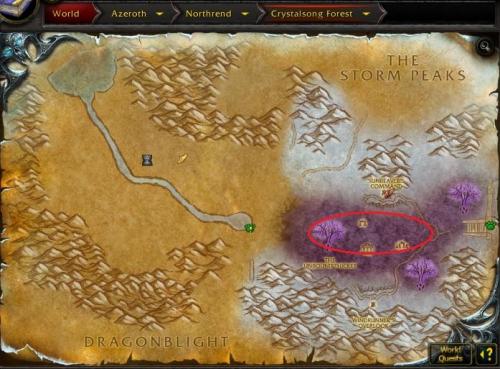 Great profile to grind that last 2 levels to 80 when the other profiles slow down, thanks alot mate, sunreaver's command had everything you need to repair and stock up and it went automatically. Appreciate the submission!
 -
This profile works perfectly, I ran it on/off with relogger for about 12 hours and didn't encounter 1 issue from 64-70. Thank you for this contribution!!
- 1 comment
- 1 review