




Andoido
-
Joined
-
Last visited
File Comments posted by Andoido
-
-
Im working on seperating FNV's flight master code right now so i can update for tbc/wotlk so if anybody has already done thing pm me ?
-
-
-
- FNV316 and Cellinarac32211
-
 1
1
-
 1
1
-
-
-
-
Oh, Well the quests are level specific!
Meaning, if you rlvl 10 the bot wont go back and do ALL the quests. You need to be a specific level for each quest. Its how i made the bot AFK, so somebody at level 30 who buys it, can start and not have to check or uncheck quests and it would just go.
Currently there is no way to pickup quests from the beginning. The only way you could do this is by opening the Editor, loding the profile and setting the Min and Max levels.
-
Um. Theres like, Dozens of quests my man.
Thats weird though. You started level 1, and did all quests up to 10 ?
A lot of these quests have "Pre Requisites" meaning, i made it so if you were level 10.. and you didnt do P1 of quest XXX. the bot wouldnt try and pickup part 2. a million times.
Could you elaborate on exactly what quest / bot step you are on, whats the last thing the bot did successfully. ( lookin your bot log, enable "DEBUG"
-
-
Edited by Andoido
Its easier to get off the ship. When the ship comes, the char should run forward onto the boat usually into the corner, and the angle he runs in at remains so as he can backup off the boat.
Once off boat into water he will follow path to FP. Sure its odd but. I enjoy the method and hes not doing sharp turns or anything, its belieavable somebody could backup off the boat since its a pvp zone ! Making him run Off the boat could cause issues, i remember trying many times with no luck. i can try again =x but these work.
Making him run off the boat, hes going to do sharp turns keep that in mind. your risking more botlike actions from the turning sharp then you are from just backing up
-
-
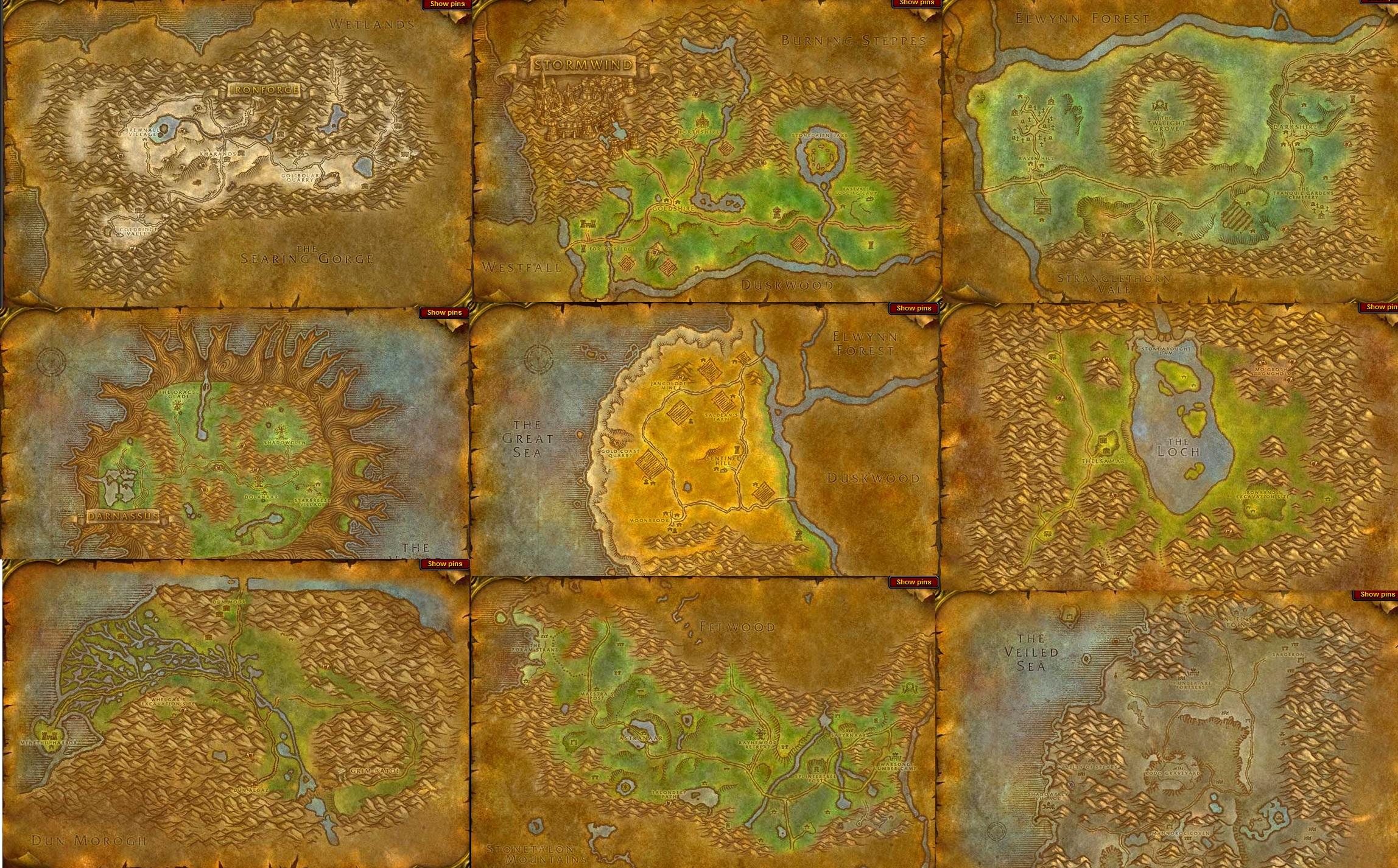
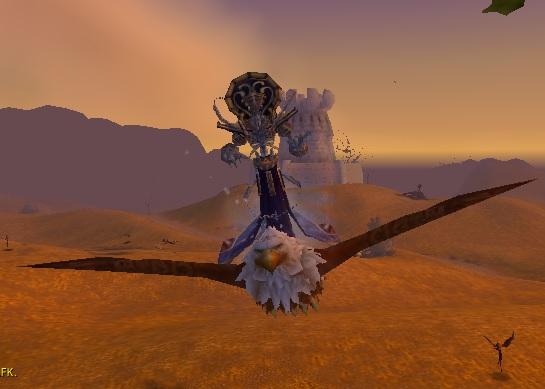

1-23 Night Elf Starting Zone (Working Ship, Druid Bear Form, Weapons etc)
in Quester - Vanilla
bit of both. If you look at the quest editor settings, it will quest then grind then quest then grind. makes quests easier.