




edd
Members
-
Joined
-
Last visited
Everything posted by edd
-
I appreciate your thoughts here guys if you could share some of them on how to avoid getting banned as i just got banned yesterday after reaching level 15 using quester module and "bitter sister" profile I'm also wondering if that's the case with everyone else or it's just me getting banned or what? I'm playing on icecrown thanks in advance
-
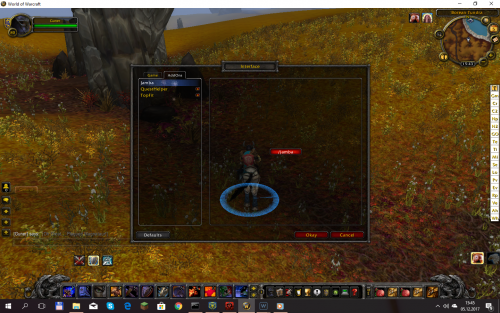 Fixed the bot being stuck when choosing a reward, brilliant addon thanks for sharing.
- 4 comments
- 1 review
-
-
how is it going as of now?
-
did 2.2.1 fix the problem?
-
any solution to this i got banned 3 accounts in 2 days on icecrown i just bought a year subscription with this bot ?
-
what's a session exactly? ip session or character session?